Productivity : Bars & Beats
26 - 571
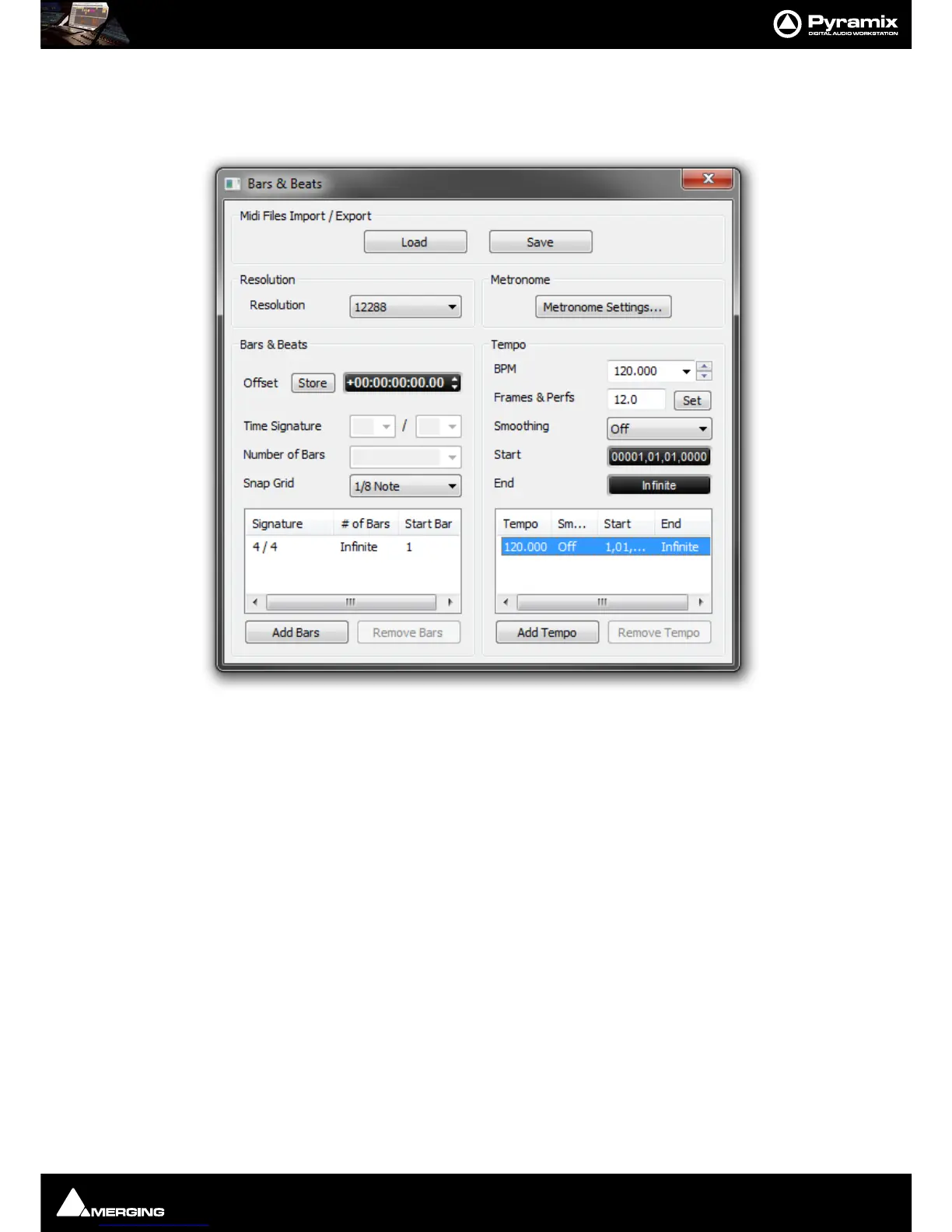
Bars & Beats Settings
The Bars and Beats Settings window can be accessed by clicking on the Bars and Beats label in the ruler and
selecting
Bars & Beats Settings or View > Scales / Toolbars > Bars & Beats Settings.
Here, you can set the grid
Resolution, Metronome Settings including the sound, the Time Signature and manu-
ally edit the
Tempo map to change between certain bars. Once made, these settings are saved with the project.
Midi Files Import / Export
Load
Save
Both buttons open a Browser Window to enable navigation to a file to load or a location to save to.
Currently, when type 2 Midi files are imported, only the Track 1 Tempo Map and Time Signature are
imported.
Resolution
Resolution Choose the required grid resolution from the drop-down list.



 To Next Page