Project Processes : Process Plug-ins
17 - 416
Pencil
For retouching waveforms. To use the Pencil tool first select the section of audio containing the waveform you
wish to modify. Now select
Pencil in the Rendering Process list in the Render dialog, make other settings as
required, then click on
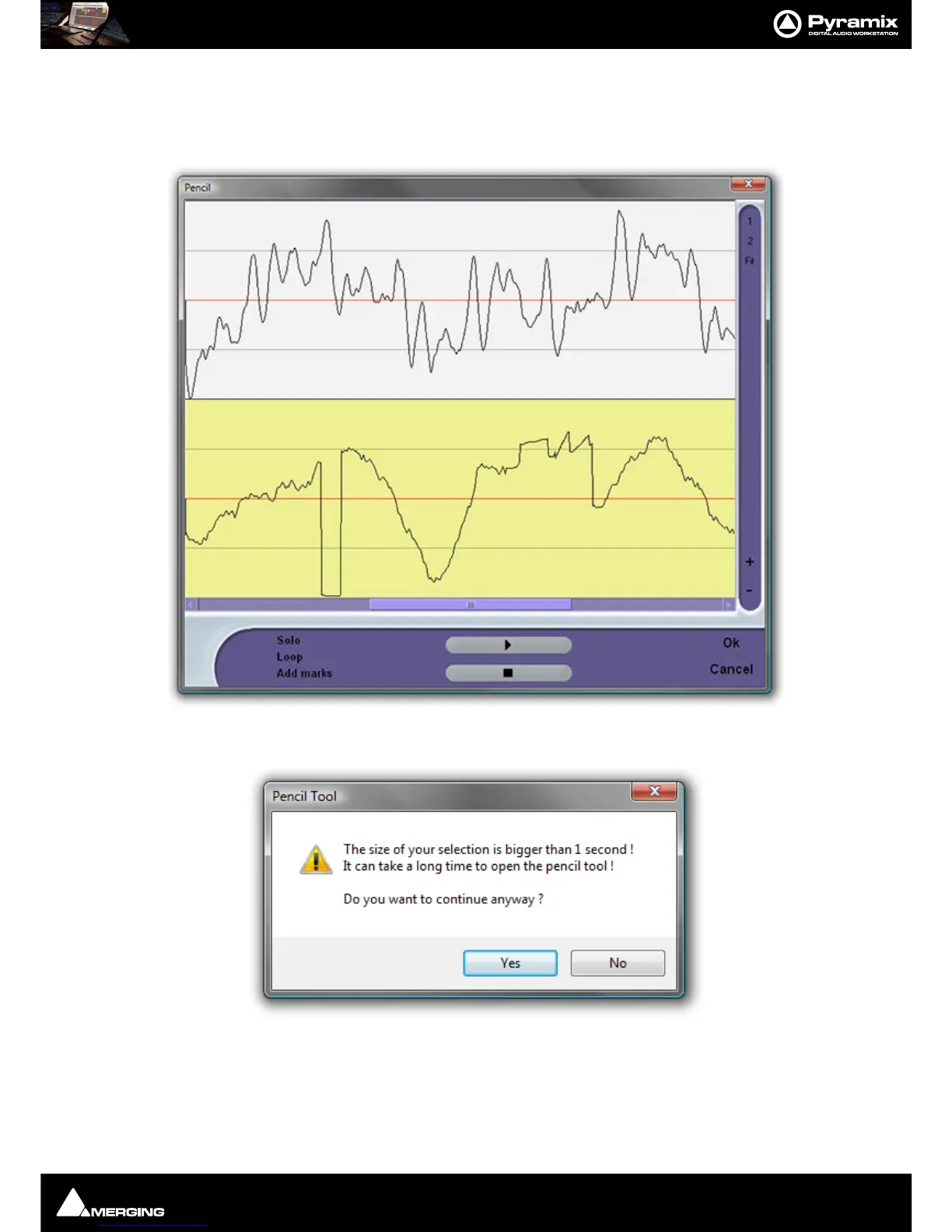
Render to open the Pencil window:
Note: If you select a section of audio longer than 1 second this Pencil Tool dialog will appear:
The yellow Track is the one currently selected for treatment.
The
1 and 2 buttons on the right determine whether one or both Tracks of a two Track selection are shown. Fit
shows all selected Tracks.
The
+ and - buttons zoom in and out in time.



 To Next Page