Settings : Application
28 - 682
Fixed Cursor Settings
The drop-down list offers nine possible positions for the Playhead cursor position on screen when scrolling Time-
line with fixed cursor is selected. (
View > Fixed Cursor while playing)
Playback Stall
When checked, interruptions to playback will pop-up a message box with details of when the stall occurred.
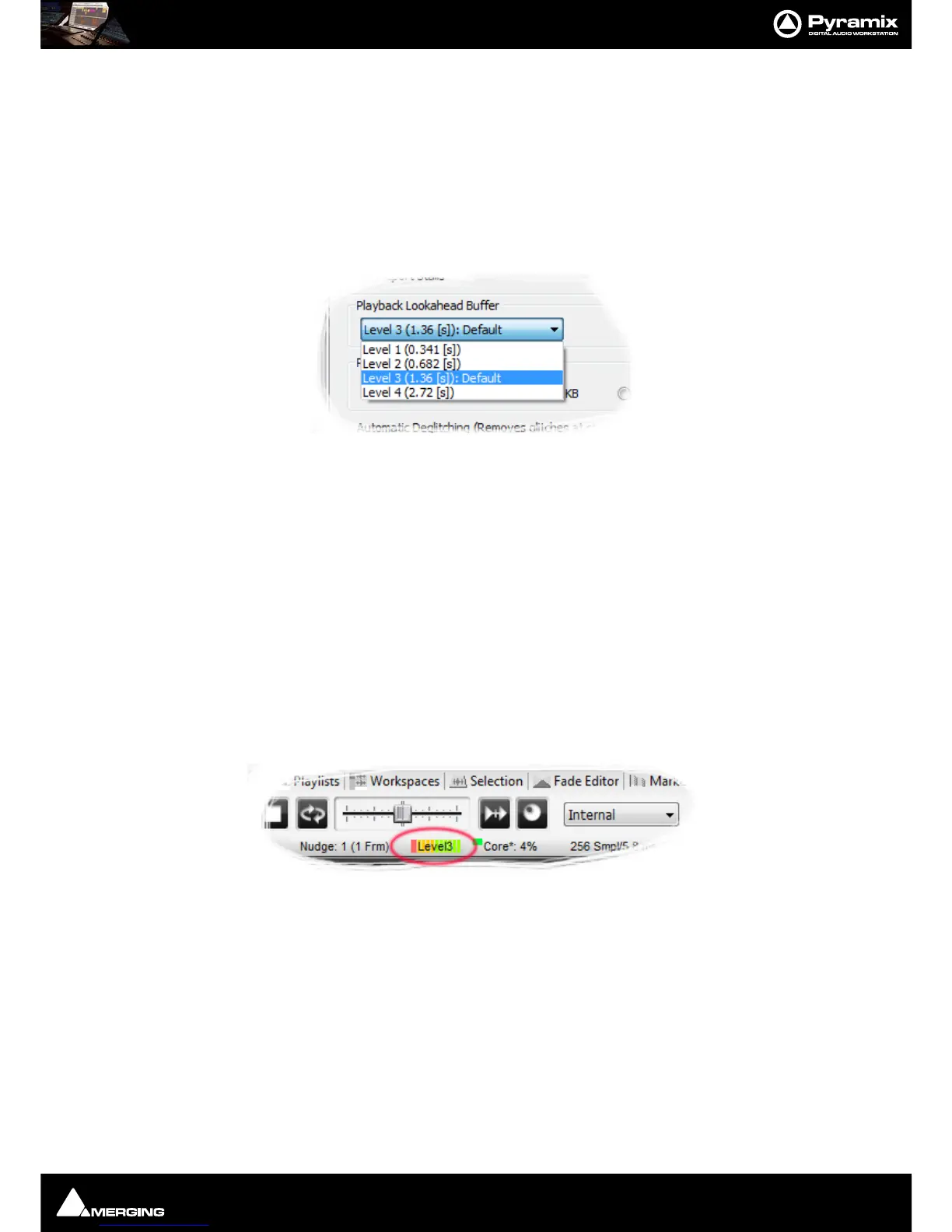
Playback Lookahead Buffer
Sets the length of audio that will be pre-loaded into buffers prior to playback. Four levels are available in the drop-
down list:
• Level 1 (0.341 [s])
• Level 2 (0.682 [s])
• Level 3 (1.36 [s]): Default
• Level 4 (2.72 [s]
The default value is Level
3). A larger value may enable you to playback certain large projects. For example it can
improve track count with one file per track BWF on some projects. This value should be increased gradually until
behavior is as you wish.
Note: The higher the Level the longer the PreLoad Buffer will be. The longer the Preload Buffer
the greater the Memory consumption.
Note: The higher the PreLoad level the longer the Playback Cursor will pause before playback
commences.
The current Buffer Level is shown in the Pyramix Info bar during normal operation:
Record Block Size
Offers a choice of four possible values. Should be left at the default 64kB in most circumstances.
Automatic Deglitching (Removes glitches at start / end of Clips)
at start/end of Clips
at Playback start/end
When the boxes are checked a short fade is applied to the start and end of every Clip and or when Playback is
started or stopped.
Playback start/end deglitch is 64 samples long when active.
Ramp Length [ms] sets the fade duration when at start/end of Clips is active.



 To Next Page