Customizing Pyramix : Customizing the User Interface
19 - 456
Customizing the User Interface
Pyramix Virtual Studio allows considerable customization of the user interface. Apart from the usual Windows
interface possibilities Pyramix has
Interface Editors, user defined Workspaces, customizable Keyboard Short-
cuts
and user defined Macros.
Desktop Layout, TimeLine Layout and Track Headers Layout are designed in Settings > All Settings > Appli-
cation
Toolbars and Menus
The Pyramix Toolbars and Menus are almost entirely customizable. Please see: Desktop Layout on page 688
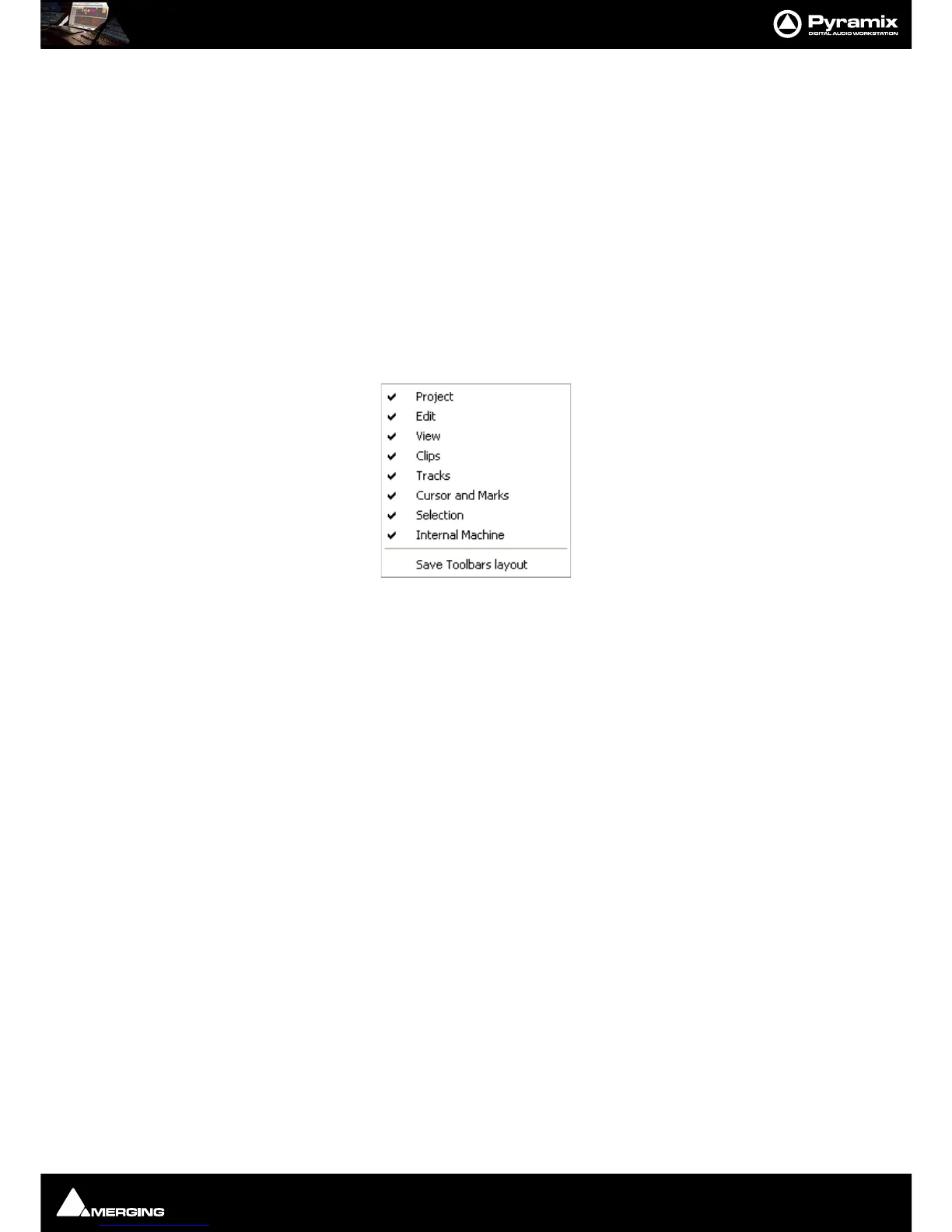
Complete Toolbars can be managed by right-clicking anywhere in the blank space in the Toolbar dock to pop up
this menu:
Click on the Toolbar names to toggle Toolbars shown (ticked) or hidden.
Save Toolbars Layout Clicking on this entry saves the current Toolbar arrangement.



 To Next Page