Appendices : Appendix IV Optional Features
30 - 735
Wordclock settings.
In DSD mode it is imperative Pyramix wordclock settings correspond with the requirements of the converters
employed. To date all the DSD compatible converters we have tested generate and expect wordclock at the stan-
dard nominal rate. I.e. 44.1kHz.
Failure to set Pyramix to expect only 44.1kHz in DSD operation will prevent proper locking to the external source
and therefore prevent correct decoding of the DSD bitstreams, resulting in very loud noise on its outputs. Check
the setting via:
Settings > All Settings > Formats & Sync
make sure that the "Wordclock is Input at 44.1k x 2" check-box is NOT checked when operating in DSD mode.
To verify Pyramix is correctly locked to incoming Word clock:
Left-click on the red 'LED' in the
Sync: WordClock box (bottom right of Pyramix screen in the status bar). This will
open the
I/O status window The green LEDs indicate active inputs and there will be a red LED in front of the cho-
sen sync source if this is locked.
Right-click on the same (
Sync: WordClock) red 'LED'. Select, Debug > Input Check. This window will enable you
to check that Pyramix is effectively locked at the correct frequency.
Project Types
DXD Mixing Project
The DXD Mixing Project can be used use for recording, editing, mixing, processing and mastering DSD/SACD in
DXD format (352.8 kHz - 32 bits)
Opening a DXD Mixing Project
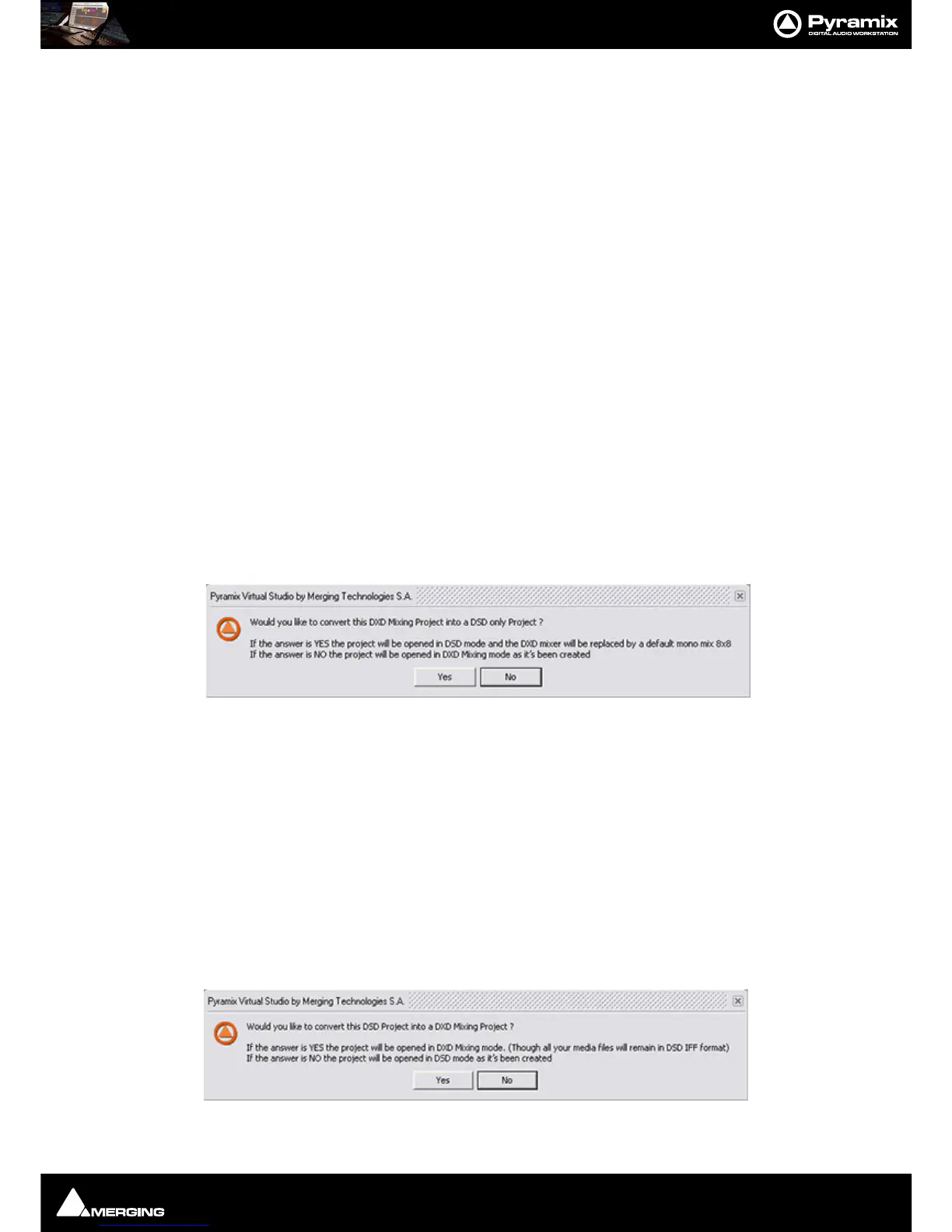
When an existing DXD Mixing Project is opened this dialog appears:
Would you like to convert this DXD Mixing Project into a DSD only Project?
If the answer is YES the project will be opened in DSD mode and the DXD mixer will be replaced by a default
mono mix 8x8.
If the answer is
NO the project will be opened in DXD Mixing mode with the DXD Mixer in the same configuration
as it was when the Project was Saved.
DSD Project
The DSD Project - can be used recording, editing and mastering DSD/SACD in DSD format (2.8 MHz - 1 bit) Project
for recording, editing and mastering DSD/SACD in DSD format (2.8 MHz - 1 bit
Opening a DSD Project
When an existing DSD Project is opened this dialog appears:)



 To Next Page