CD/SACD Mastering and Album Production : DiscWrite
25 - 559
3.
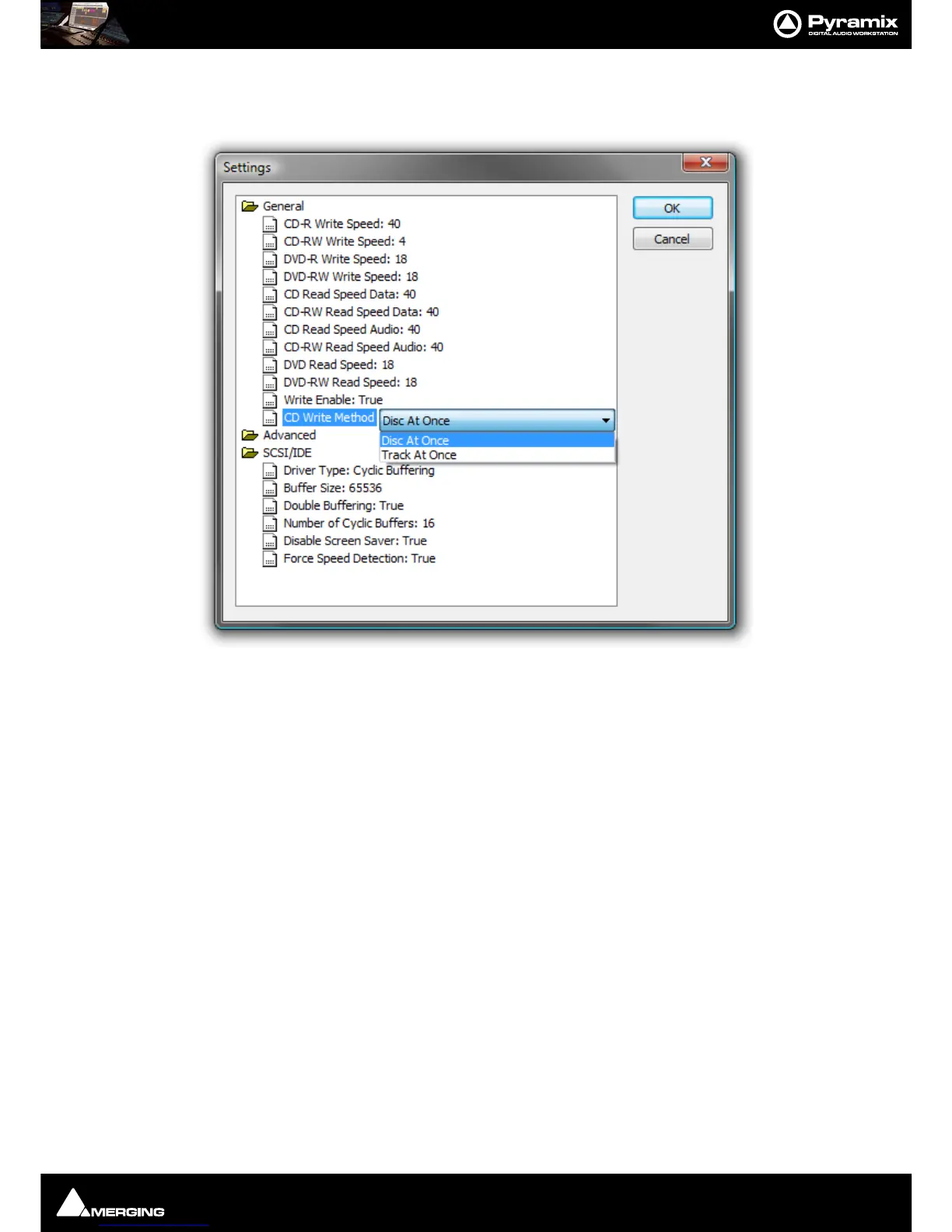
Also in the Target section, click on the Settings... button to open the CD-R Settings dialog box. Set these as
desired for the CD-R burning session. The default settings will usually be fine but it is worth checking that the
CD Write Method: entry is set to Disc At Once.
4. When all CD-R settings are adjusted as needed, click the Record button in the Target section to begin burn-
ing the CD-R.
DDP Masters
Note: As in the above example, Pyramix allows you to specify burning your DDP to a folder
(instead of an Exabyte tape) and from there on it may be transferred, copied, duplicated,
checked, archived or whatever else you want to do with it, such as sending it over a secure FTP
connection.
Red Book Compatible Masters
If the CD-R is to be used as a “Red Book” compatible master "Contiguous" MUST be selected.
CD Copy
Where suitable hardware is available, a CD may be directly copied by selecting a CD-ROM drive as the source and a
CD-R/RW drive as the destination.
TOCs
Print TOC... prints the current TOC in the currently selected report format.
Save TOC... opens a file save dialog to save the current TOC as a text (.txt) file.
Select Report... opens a file open dialog. Any previously designed TOC report format (*.lst) may be loaded.
Design Report...
Opens the Report Designer. Please see the on-line documentation.



 To Next Page