Menus : Settings
27 - 637
Settings
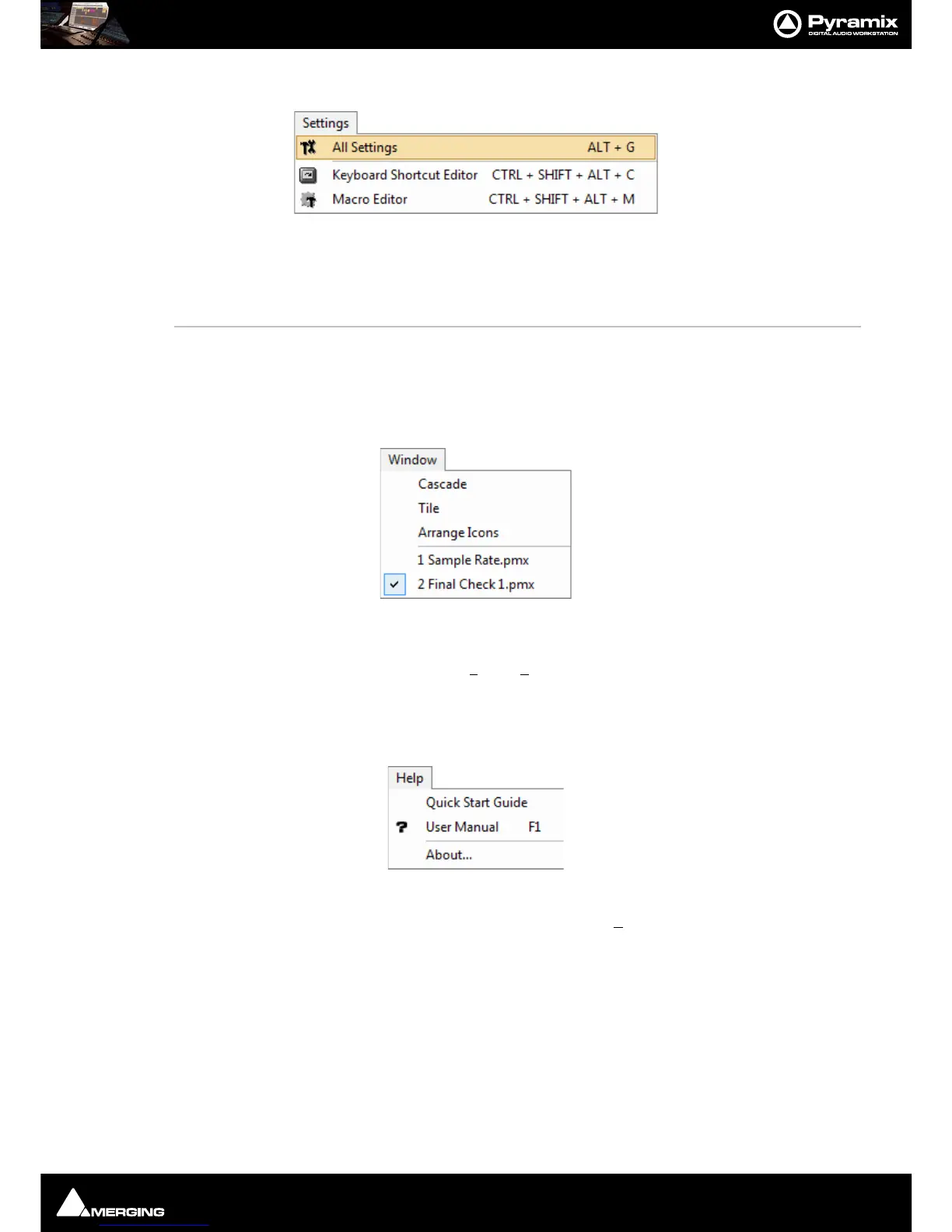
The Settings menu brings together access to the main All Settings window, the Keyboard Shortcut Editor and
the
Macro Editor.
All Settings Opens the Pyramix Settings Window
Keyboard Shortcut Editor Opens the Keyboard Shortcuts Window
Macro Editor Opens the Macros Window
Window
The Window menu maintains a list of open projects and enables switching between them. It also enables multiple
open project windows to be arranged on screen,
Tiled or Cascaded. When there are many Projects open and min-
imized
Arrange Icons will tidy up the view.
Help
The Help Menu gives quick on-line access to this manual and others. About pops up a Window with the Pyra-
mix logo and details about the registered user and software version.



 To Next Page