Monitor : Monitor ! page
11 - 271
Below these buttons is the:
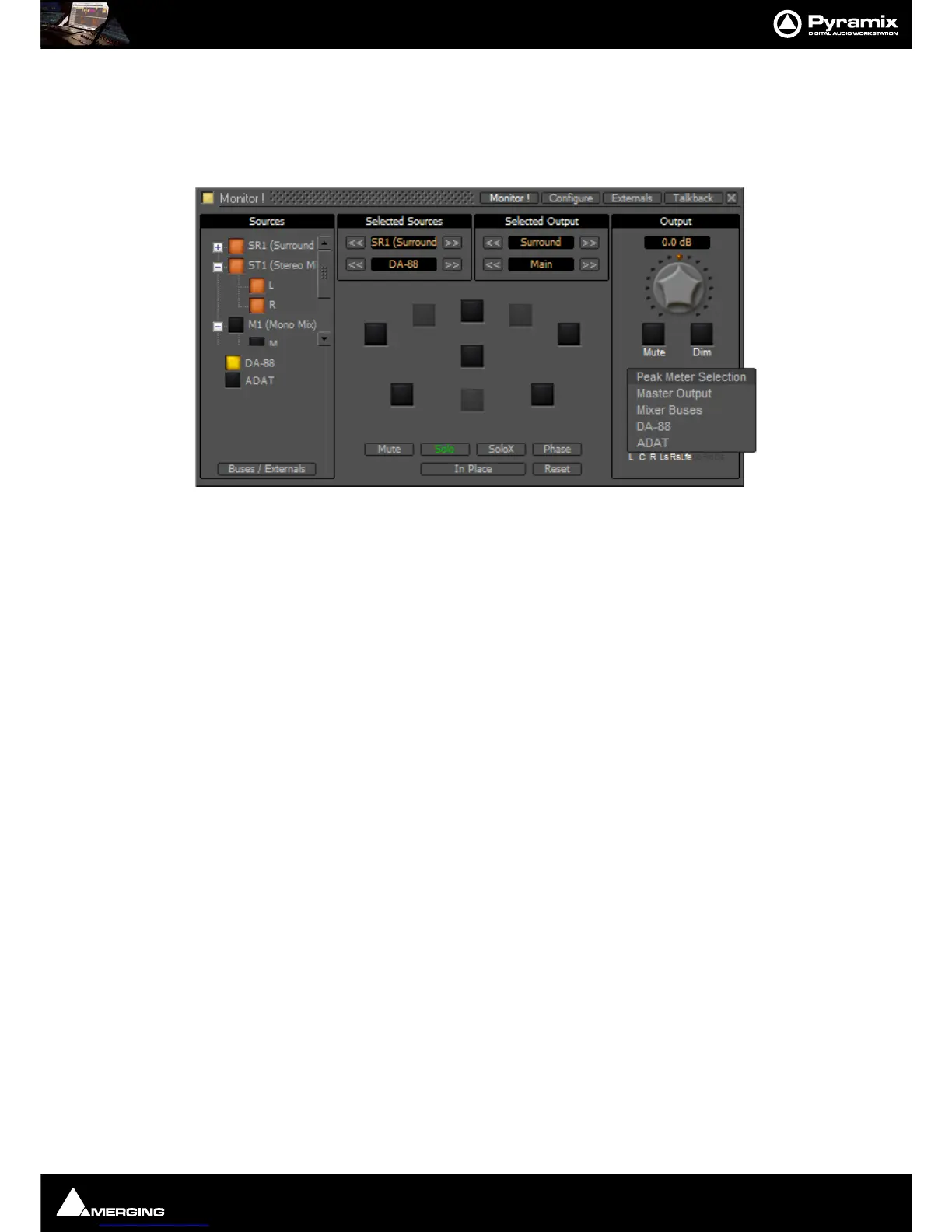
Peak Meter Selection: Indicator/Button. This indicates what the Peak Meter display below the button is looking
at. (The selection also affects External Metering if you are using it) Clicking on the button drops down a list of
sources that can be metered from a choice of
Master Output I.e.Monitor Output, Mixer Buses and any available
Externals.
Speaker Sets
Speaker Sets are set-up in the Configure page.
A speaker set consists of:
A
Patch: This connects signals to the physical outputs of the board(s). The number of connection will depend on
the number of speakers you want to connect. Since the number of available live outputs depends on the selected
sampling rate, the patch will differ for 1Fs, 2 Fs, 4Fs and 8 Fs sampling rates.



 To Next Page