Effects and Plug-Ins : VST Support
14 - 360
VST Plug-in Automation
VST plug-in automation works in much the same way as VS3 plug-in and Pyramix Mixer automation. However,
there are a few differences:
Automation Mode
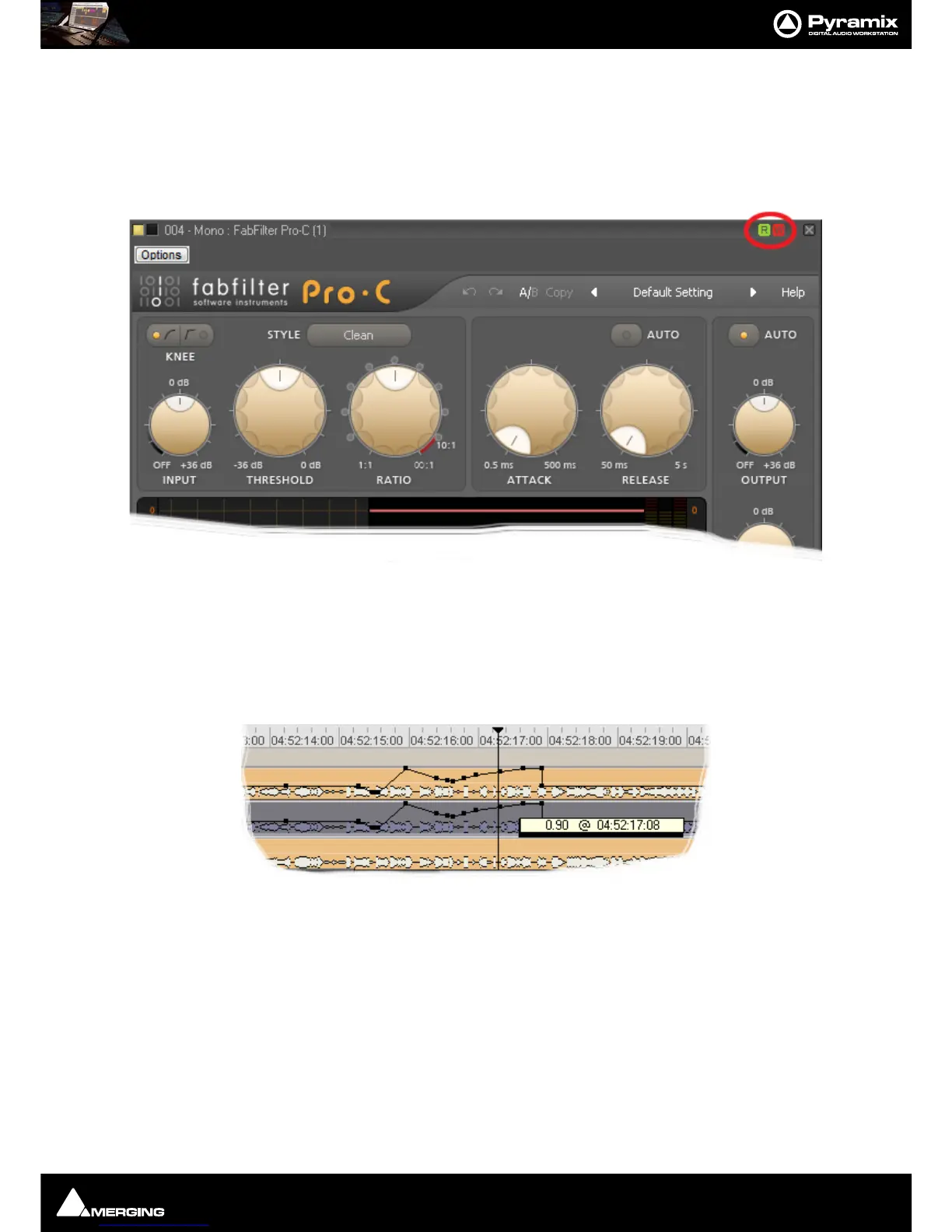
Read/Write, Auto-Write or Isolate status can only be set for an entire plug-in.
Automation mode is set using the
R and W buttons to be found at top right of a VST Effect window. (Unlike VS3
plug-ins individual controls cannot have independent Automation modes).
Automated Control Values
Control values are always expressed as zero to one. I.e. in the range 0.0 to 1.0 when editing automation points in
the Timeline. The exception is when the VST plug-in reports a control as a toggle switch.



 To Next Page