Machine Control : Transport Control Panel
22 - 508
Locate
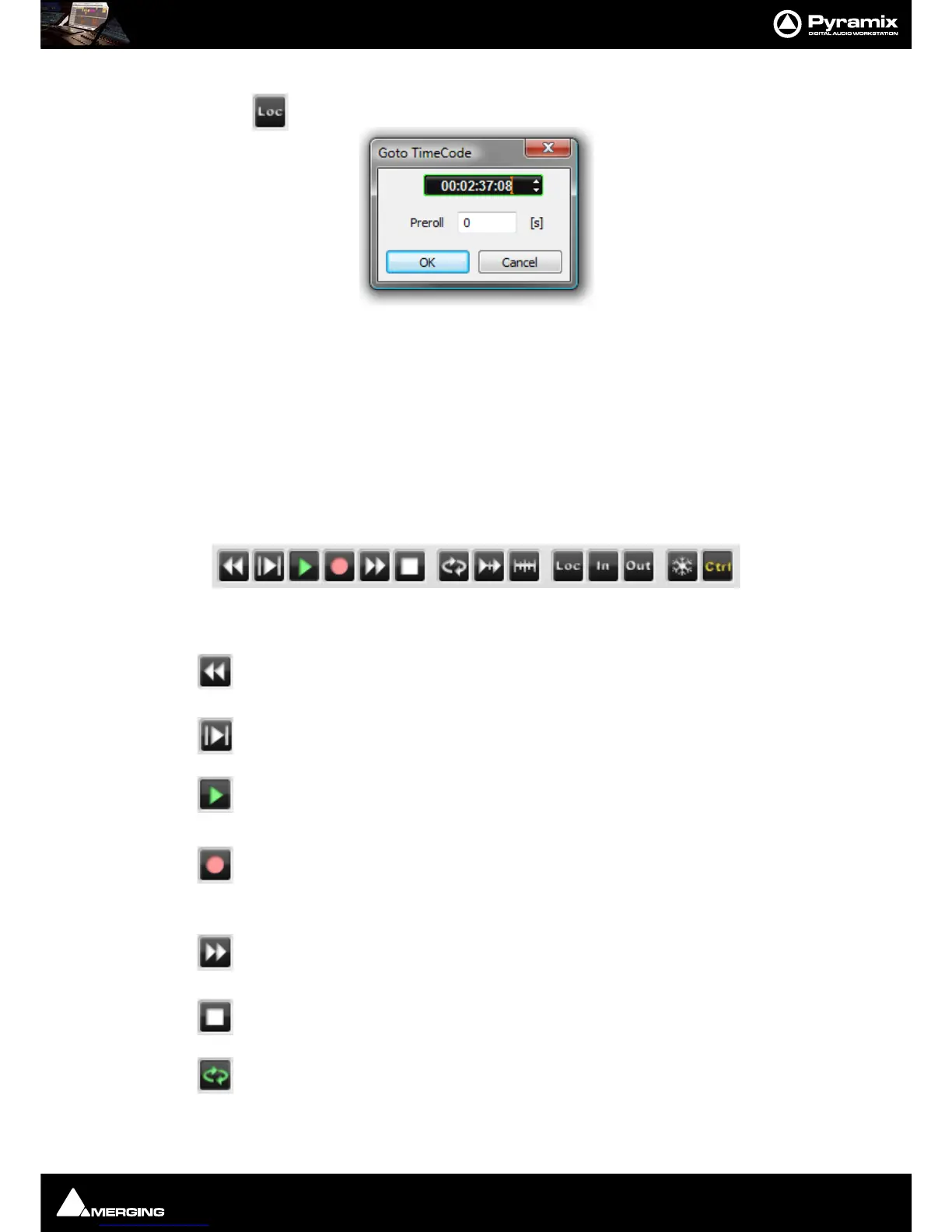
Pressing the Locate button pops up the Goto Timecode dialog:
The register shows the machine’s current TimeCode position value and is highlighted, ready for typed input. The
value can also be adjusted with the increment/decrement buttons. Clicking the
OK button sends the machine to
the TimeCode value in the register and closes the dialog.
A
Preroll value can also be set. This value is retained and will be present when the dialog is next opened from any
Machine control panel.
Note: Goto TimeCode has no effect if it is invoked from a machine in Chase Mode.
Internal Machine panel - Features
Transport Controls
The Internal Machine panel has the same transport controls as the Transport Control Bar with some extras:
The Rewind button moves the Play Head at an accelerated speed backward through the
Composition. A second press doubles the speed.
The Play Selection button plays the current highlighted selection area.
The Play button plays the Composition at normal speed forward from the current position of
the Play Head. A subsequent press Pauses playback and another Restarts.
The Record button puts Pyramix into Record mode, and creates a new recording to the disk
on the Tracks previously armed for recording. The Play Head moves forward at normal Play
speed during the recording.
The Fast Forward button moves the Play Head at an accelerated speed forward through the
Composition while it is being pressed. A second press doubles the speed.
The Stop button stops playback.
The Loop Play toggle button puts Pyramix into a loop play mode, which continuously plays
through from beginning to end of the current selection.



 To Next Page