Settings : Project
28 - 672
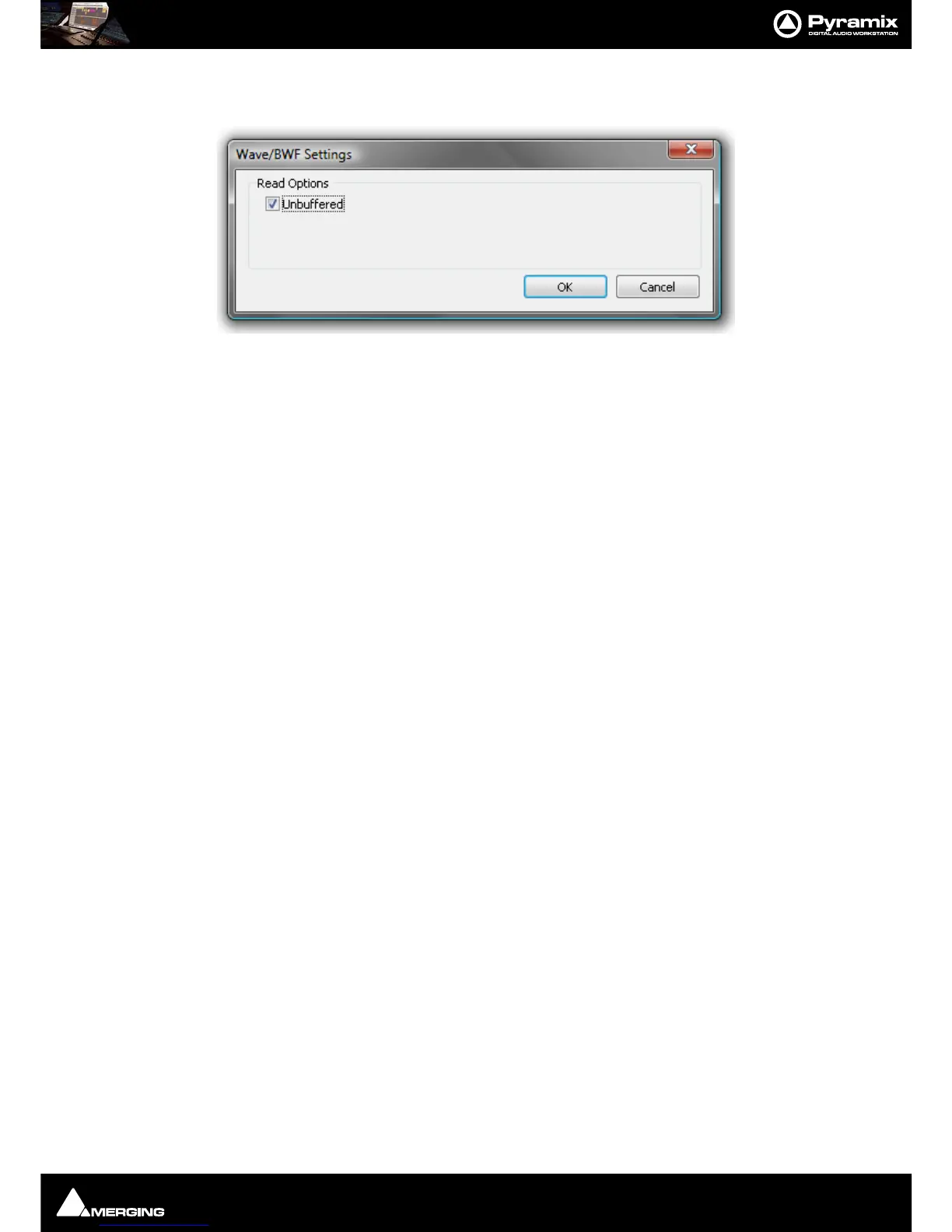
If Wave is chosen as the Format then the Settings button becomes active. When clicked the Wave/BWF Settings
dialog appears:
The only option is
Unbuffered, ticked by default. When files are read the Windows cache is not used. This
improves performance in most cases. Un-check the box to turn buffering on. The System Cache disk is then used
to buffer.
Resolution
Displays the number of bits per sample for recordings from the choice available in the drop-down list. (16bps,
24bps or 32bps)
Read Options
Unbuffered read
Improves general Playback performance but may impact on waveform display and update.
Default = ON
This option enables/disables the Windows Disk Cache.
Request Size
The default value is 64kB. This can be increased to a maximum of 320kB if problems are experienced during play-
back.
Waveform
Displays the current Waveform generation mode from the choice available in the drop-down list. (None, Generate
AFTER recording or Generate WHILE Recording for all supported formats) (Default is WHILE)
Source Name
This field allows you to give a name to indicate the source of the material being recorded into Pyramix. For exam-
ple, you might enter "Reel #1" to indicate the first source reel, etc. If the MediaType field (see below) is set to
"None", the Source Name field will be grayed out and not available.
Media Type
Displays the type of media the source material came from, chosen from the drop-down list. Clicking on the EDIT
button allows existing names to be edited or new ones created. The media type chosen here and the source name
given in the previous field are saved with the media file created by the new recording. This information can then
be viewed by selecting a Clip and displaying its Properties page.
Dubbing Mode
Please see also: Dubbing Mode on page 464
This mode is provided principally for film re-recording. It allows Tracks to be Armed or Disarmed for recording
while recording is taking place.
Enable Dubbing
When checked, Dubbing Mode is engaged.
Confirm Track Arming



 To Next Page