Appendices : Appendix III VS3 Control Panel
30 - 733
Audio Bridge
The Audio Bridge is the mechanism used by Pyramix to accommodate ASIO and Rewire applications into the
Pyramix mixer.
Audio Bridge
The radio buttons offer the choice of
Disable Audio Bridge disabled.
ASIO Device Mode ASIO mode enabled.
Secondary Audio Device Host Mode Secondary Audio Device enabled.
Rewire Mixer Mode Rewire Mixer mode enabled.
Number of Channels
The drop-down list offers the choice of how many channels will be dedicated to ASIO or Rewire.
Please see also: Rewire on page 264, Secondary Audio Device Host Mode on page 261 and ASIO Device
Mode on page 260
.
Saving Settings
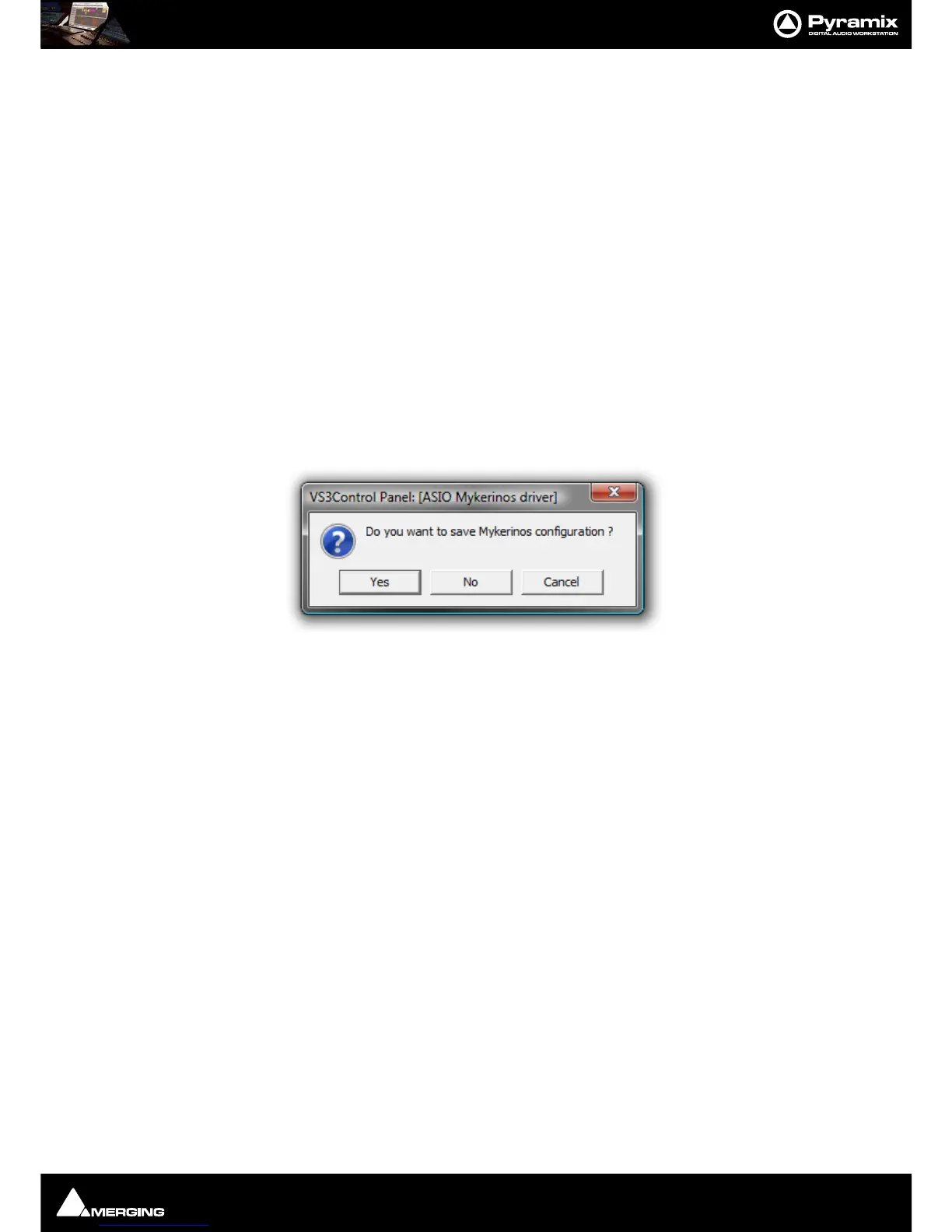
If you change any settings for a given application then clicking on Apply opens the Save Configuration dialog :
Click on
Ye s to save.
Routing
Since V5 the routing functionality has been removed from the VS3 Control panel and is now more conveniently
accessed via
Settings > All Settings > Hardware > Routing in the main Pyramix application.



 To Next Page