Effects and Plug-Ins : Mastering Peak/VU Meters
14 - 326
When this button is lit, a mark at your desired “nominal” level (set in the Scale Tab), will be displayed as a gray bar.
When the input signal exceeds the mark level, the bar will become light green.
Timing Tab Settings
These parameters are accessed by clicking onto the Timing Tab at the right side of the settings pane (see also pic-
ture above).
Peak integration
This parameter adjusts the integration time of the peak meter for rising levels measured in milliseconds.
VU integration
This is the integration time of the VU meter for rising levels measured in milliseconds.
Peak Release
This is the speed at which the peak meter falls, when the level is decreasing, expressed in dB’s per second.
VU Release
This is the speed at which the VU meter falls, when the level is decreasing, expressed in dB’s per second.
Dyn Release
This is the fall time of the dynamics display. It is expressed in dB’s per second.
Max Level Hold Time
The highest segment reached will remain lit for a specified time after the level decreases, making it easy to see
what the maximum level was. This parameter adjusts the length of time the segment remains illuminated.
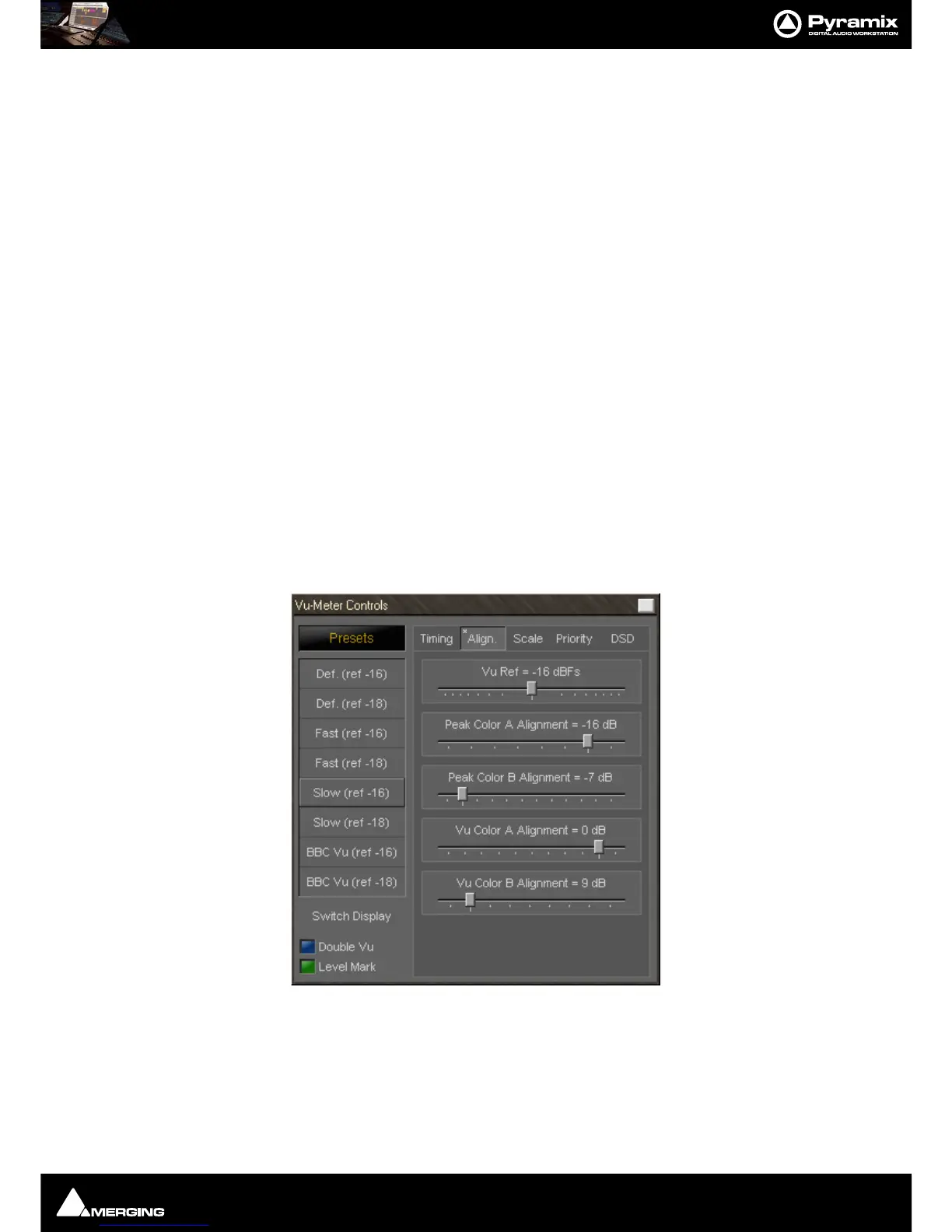
Alignment Tab Settings
The alignment parameters affect the scale of the peak and VU meter. They are accessed by clicking the Align Tab.



 To Next Page