Tracks and Track Groups : Track Types
5 - 92
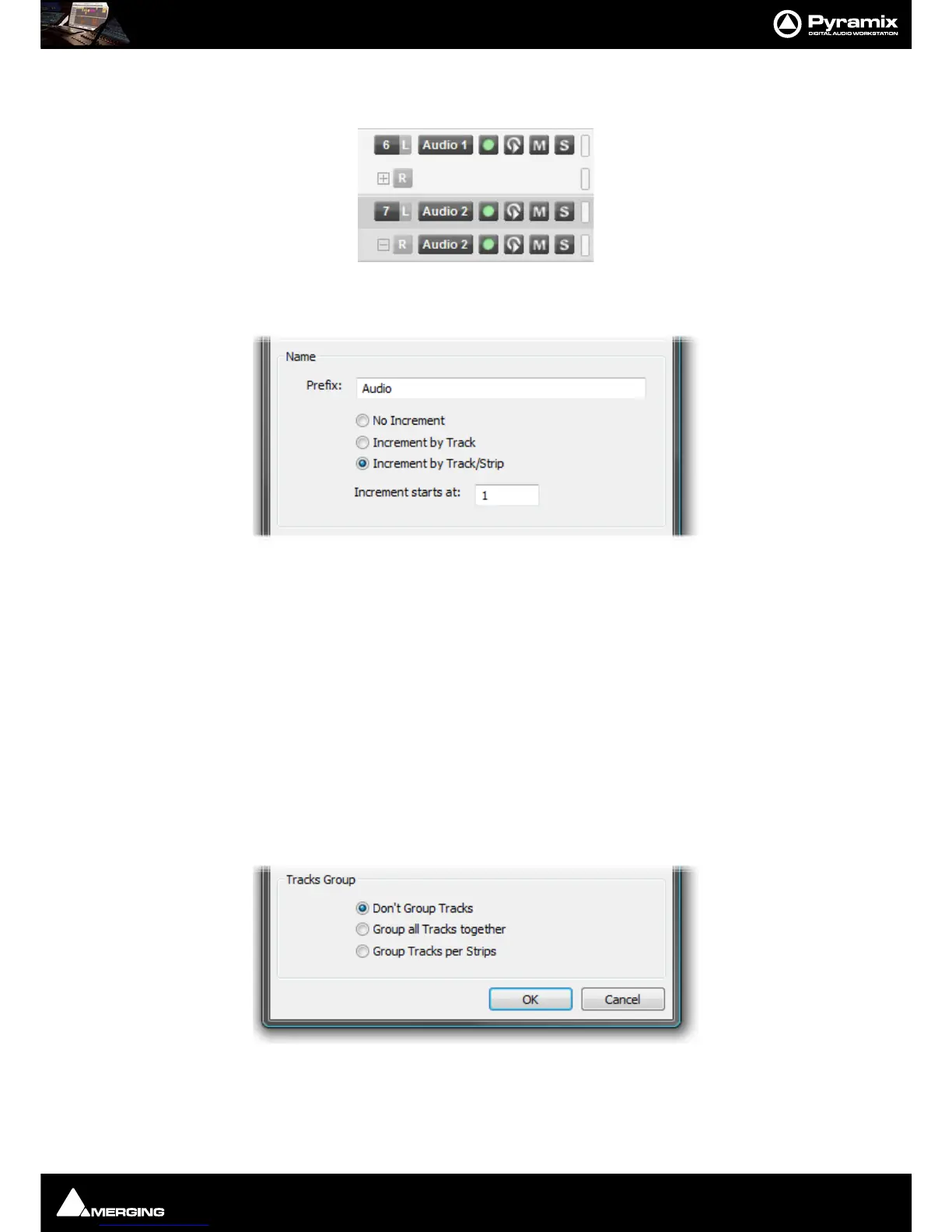
next to the R button. Clicking on the + button reveals the rest of the buttons in the header. The + button then
turns into a - button. Clicking the
- button hides the buttons again:
Naming and Numbering
However many Tracks and Strips you decide to create, they can be automatically named and incrementally num-
bered.
If the
No Increment option is chosen all Tracks created will have the same name. I.e. whatever is entered in the
Prefix: text entry box and no number.
If the
Increment by Track option is chosen, each Track will be named using the text entered in the Prefix: text
entry box and numbered incrementally. E.g. If you enter say,
Atom and add two 5.1 GP strips in L-C-R-Ls-Rs-Lfe for-
mat, six Tracks are added. If the
Increment starts at: number is set to, say 33 then all the Track names will all be
Atom 33 as will the Strip name.
If the
Increment by Track/Strip option is chosen in the above example then the Tracks will be named Atom 33,
Atom 34 to Atom 38 and the Strip will be named Atom.
Tracks Grouping
There are three options:
Don’t Group Tracks leaves the new Tracks ungrouped.
Group all Tracks together groups all the new Tracks in a single group.



 To Next Page