Mixer : Mixer Components
10 - 223
Multiple Mix Buses (Stems)
Mono / Stereo
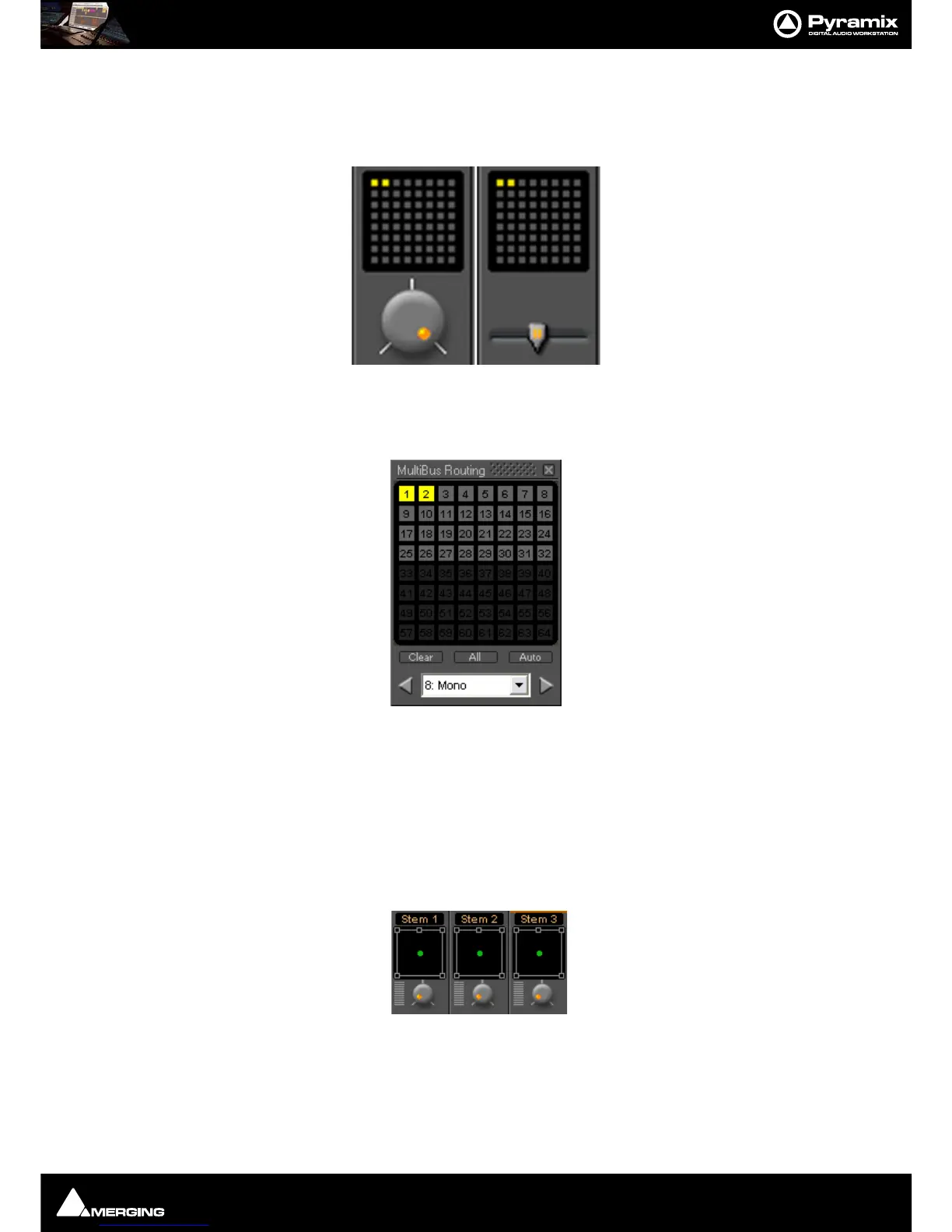
When a mono or stereo multiple mix bus is added to the mixer a routing matrix box appears in the input strips
with a send level control (mono) or pan control (stereo).
The 8 by 8 matrix gives access to up to 64 output buses. Routing is shown by lit crosspoints.
Double-clicking the matrix in the strip opens the routing matrix window.
Valid choices are shown in gray. Once the window is open, other input channels can be route by either selecting
them from the drop-down list or using the
< and > arrows to step across the mixer surface.
Surround
Up to 16 surround buses each with from six to nine channels may be added as a single Multiple Surround Mix
output strip. The principle use of these is for stem mixing where, for example, dialog, background effects, spot
effects, Foley and music are recorded as separate recordings but monitored as a complete mix. Each surround bus
is identified by number. In this illustration, a
Multiple Surround Mix strip has been added to the mixer with three
surround buses.
Clicking on the label above the Surround Panner pops up a list of the available stems. Simultaneously selecting
more than one on a strip is not possible.



 To Next Page