Mixer : Mix !
10 - 202
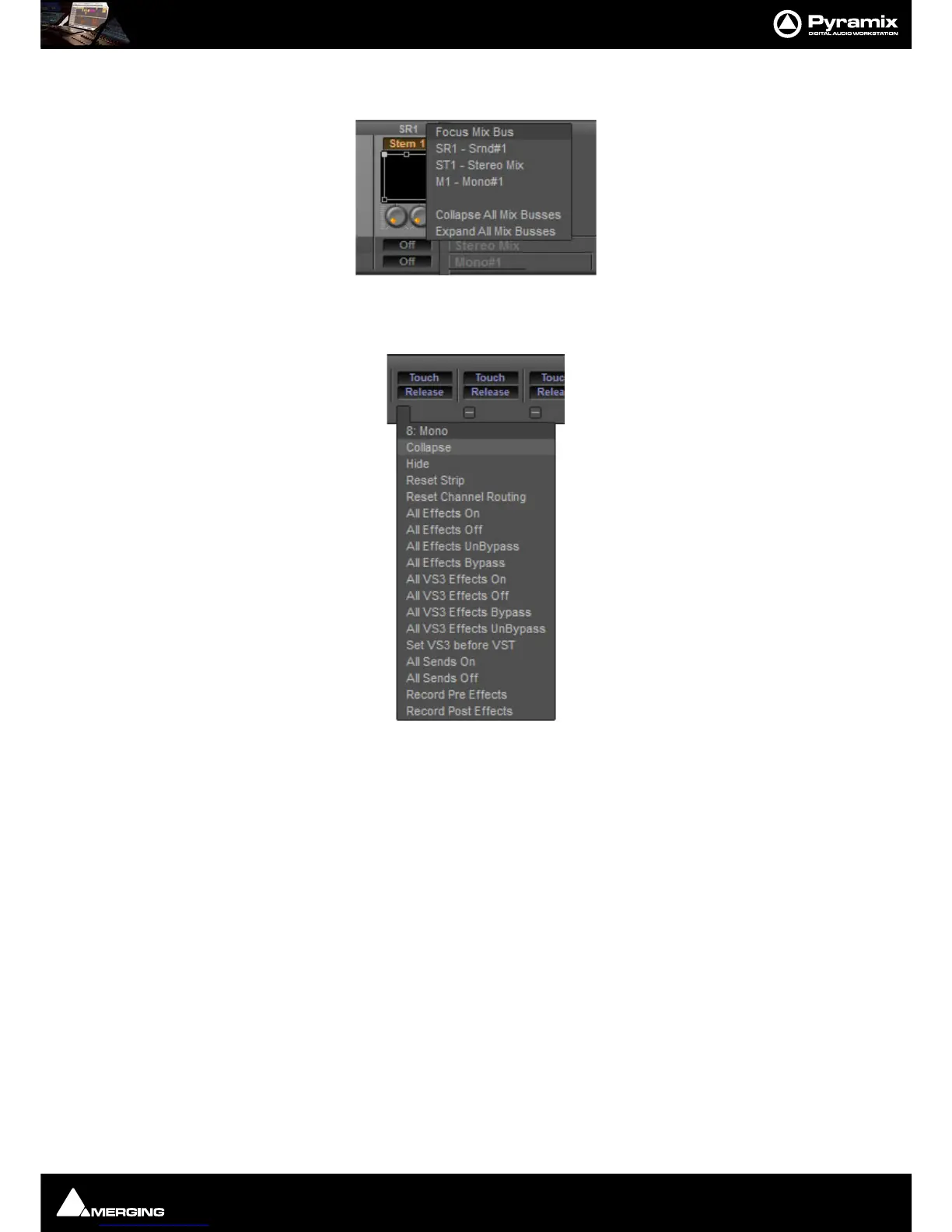
Focus +
Clicking on this pops up a menu which enables individual Buses to be collapsed or
expanded.
Clicking on a single bus in the list collapses the others.
Strip Pop-up Menus
The precise contents of the Strip pop-up menu will vary according to the Strip type. The following is a selection of
important functions:
Collapse Collapses the Strip to a narrower Strip. If the Strip is collapsed the - changes to +.
Clicking on
+ restores the Strip to full width.
Hide Removes the Strip from the Console UI. To restore hidden Strips hover over the
Mixer
+button and select Show All in the Input Strips or Masters section as
appropriate.
Reset Strip Resets all Strip controls to their defaults.
The other entries are self explanatory.



 To Next Page