Mixer : Overview
10 - 200
Overview
The Pyramix Mixer has evolved into an extremely powerful tool kit. The extensive range of components and the
routing and automation possibilities can be a potential source of confusion. However, the basic principles are sim-
ple and logical. Signals enter mixer strips at the bottom, go through various controls and processing to the top of
the strip where they are routed to a bus or buses. The buses run horizontally and the sum of the bus signals enters
the bus master strip at the top and moves down through a master fader and other controls to the output(s).
Native VS3, VST and External Insert plug-in effects can be inserted in Input Strips, Aux Send Bus masters, Sub-
Groups and Mix Buses.
Note: For low latency foldback when recording an artist the Direct Monitoring Strip type should
be used.
The mixer can also take the output from an ASIO enabled application and merge it into the MassCore engine and
I/O and send audio to the ASIO enabled application.
To facilitate copy and paste between projects and importation of AAF/OMF/EDL etc. projects the Mixer has a
shared mode where the same mixer is used for more than one open Project.
If you are new to Pyramix, please use one of the simpler mixer templates to become familiar with the basic fea-
tures. E.g.
Mix 08 X 02 (Stereo)
Aux v Sub-group
In Pyramix Aux buses are intended solely for foldback purposes. They are not intended to be used as a means of
applying effects, internal or external, to a collection of sources, with the bus output re-routed back to an input
strip. Effects can however be inserted into
Aux buses in order to enhance the artists experience.
Sub-group buses are intended to be used as conventional Sub-groups and, of course, can have internal VS3 and
VST effects inserted and or external inserts.
Using
Sub-group buses for mix effects ensures that the full automatic (and manual) delay compensation features
will function correctly.
Mixer Pages
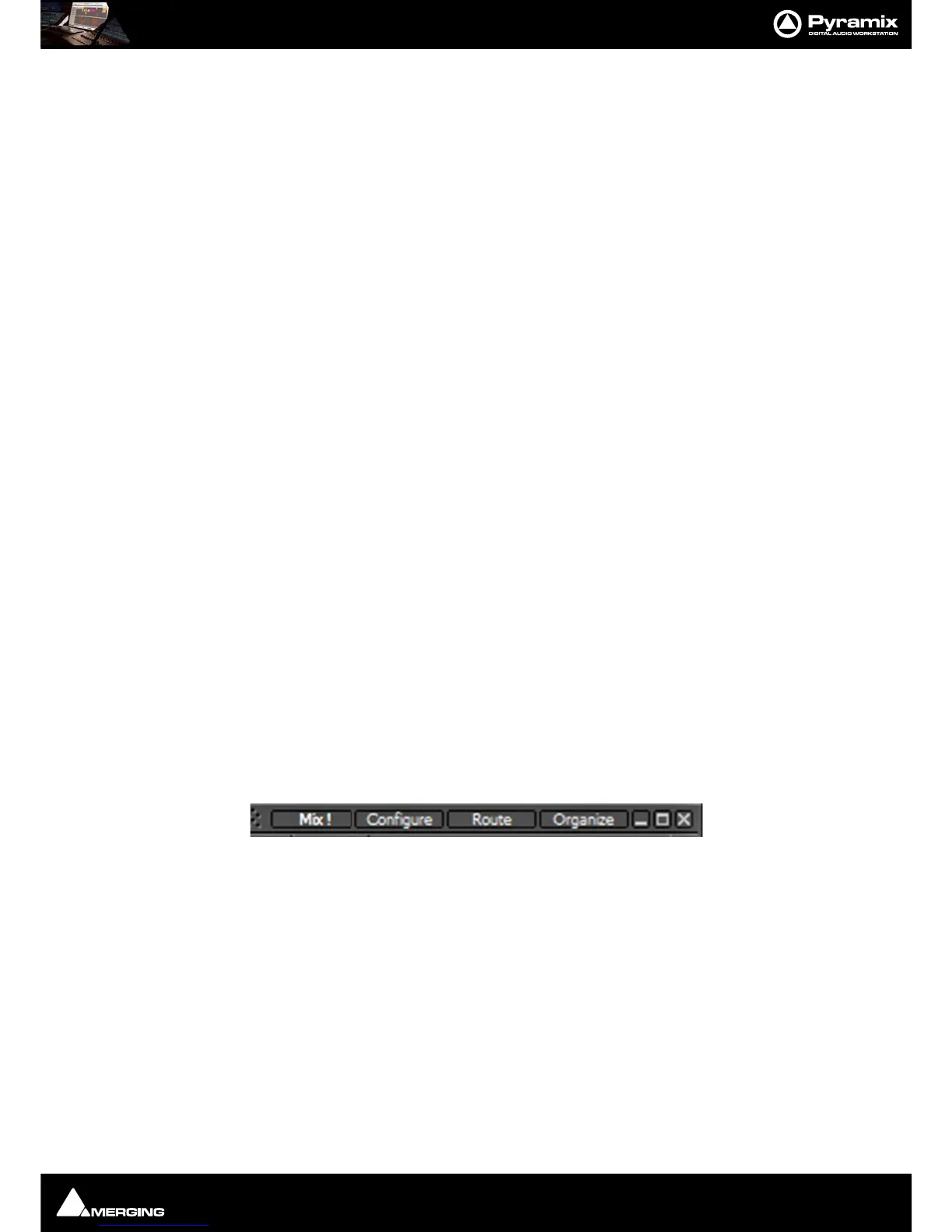
The Mixer user interface is arranged in four pages grouping functions in a logical manner. Most time will be spent
working in the main
Mix ! page. The other pages, Configure, Route and Organize, toggle with the Mix ! screen
and are accessed from buttons at top right of the screen...



 To Next Page