Monitor : External Inputs
11 - 277
External Inputs
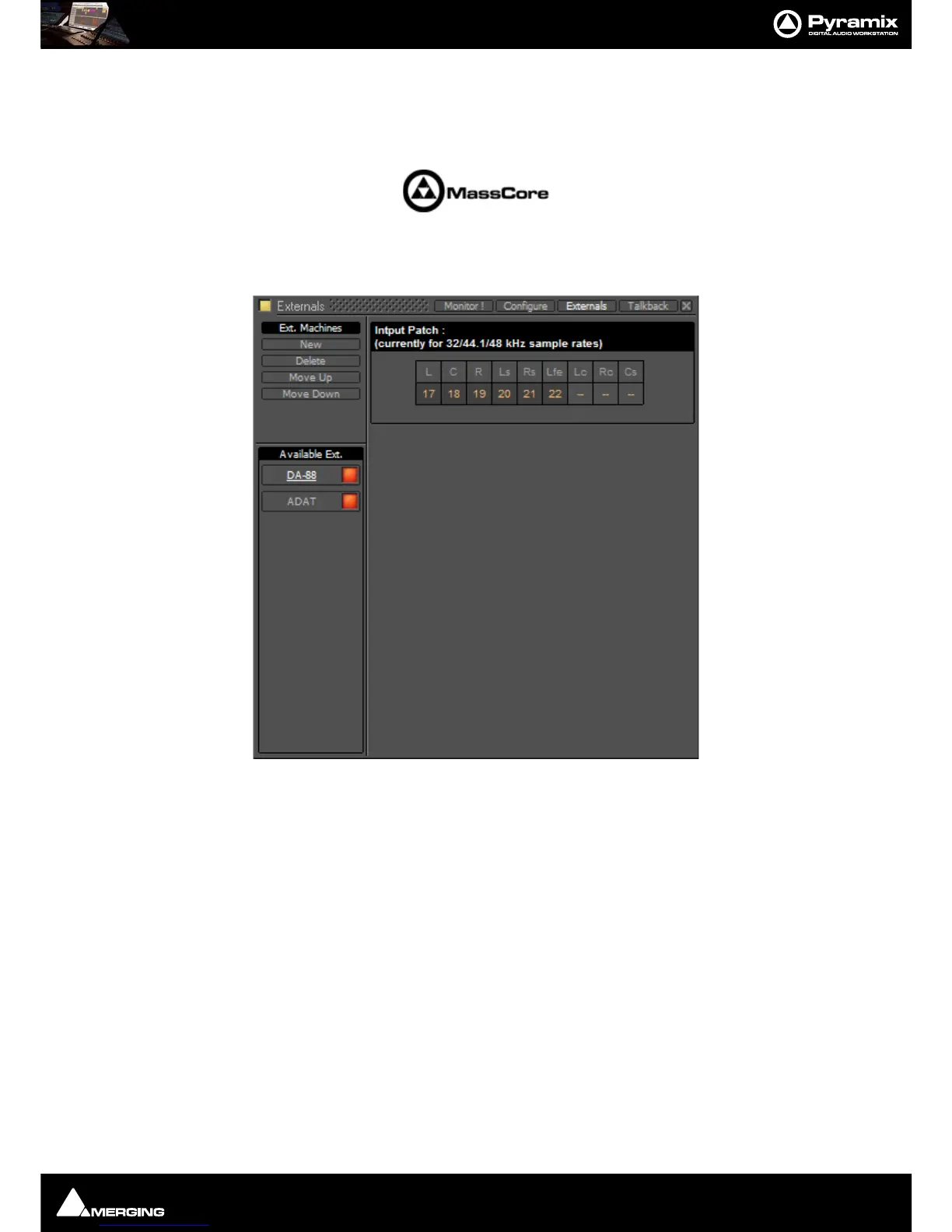
External devices may be added in the Monitor panel. This is useful for connecting monitoring returns from the Stu-
dio’s fixed external audio devices such as recorders.
Adding an External Machine
Up to 8 new externals can be added.
Note: External machines will only be visible and available as monitor sources in the Monitor !
page when the Buses /Externals button is set appropriately. Please see: Buses / Externals
button on page 270
Each external has a dedicated input Patch. Patches are set up by clicking in the boxes below the speaker letters
and choosing inputs from those available.
Talkback
Talkback facilities are provided in the Monitor section for studios without a separate talkback system.
These facilities are intended to be used with
GPI/O external connections for physical talkback switches.
Please see: GPI / GPO Support on page 525 for information about setting up GPI/Os.



 To Next Page