Effects and Plug-Ins : Mastering Peak/VU Meters
14 - 328
Height
This modifies the height (in pixels) of the VU meter plug-in window as it is displayed on the screen.
Priority Settings Tab
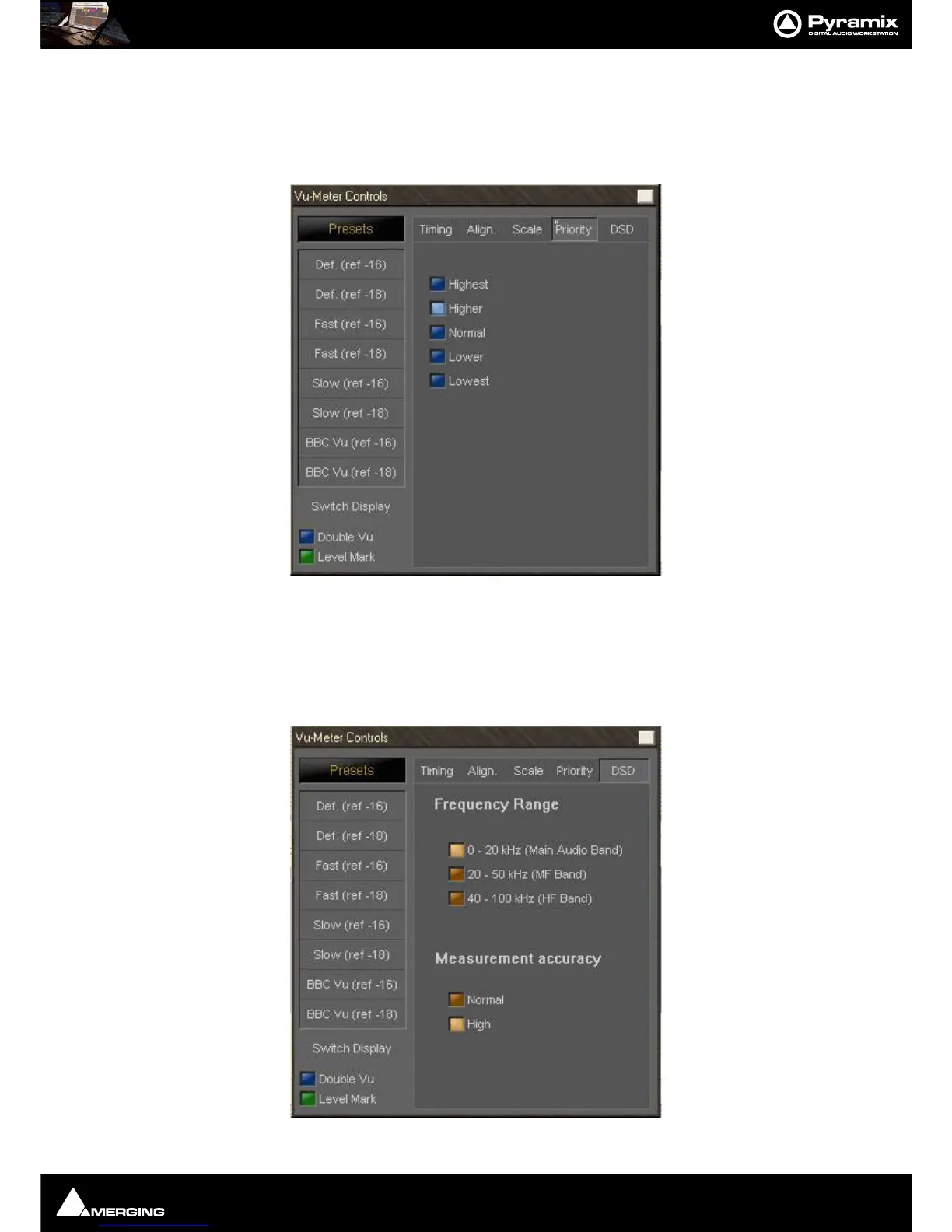
The priority settings are accessed by clicking the Priority Tab.
The buttons select how much CPU time of the host PC can be consumed by the plug-in, and therefore influences
the redraw speed and accuracy of the VU-meter. The higher the priority, the more CPU time is assigned to the
plug-in and the better the meter performs.
DSD Settings Tab
For DSD sessions special meter settings are accessed via the DSD Tab.



 To Next Page