Meter Bridge : Meter Bridge
12 - 293
Automation Fader Mode and Group Indicators
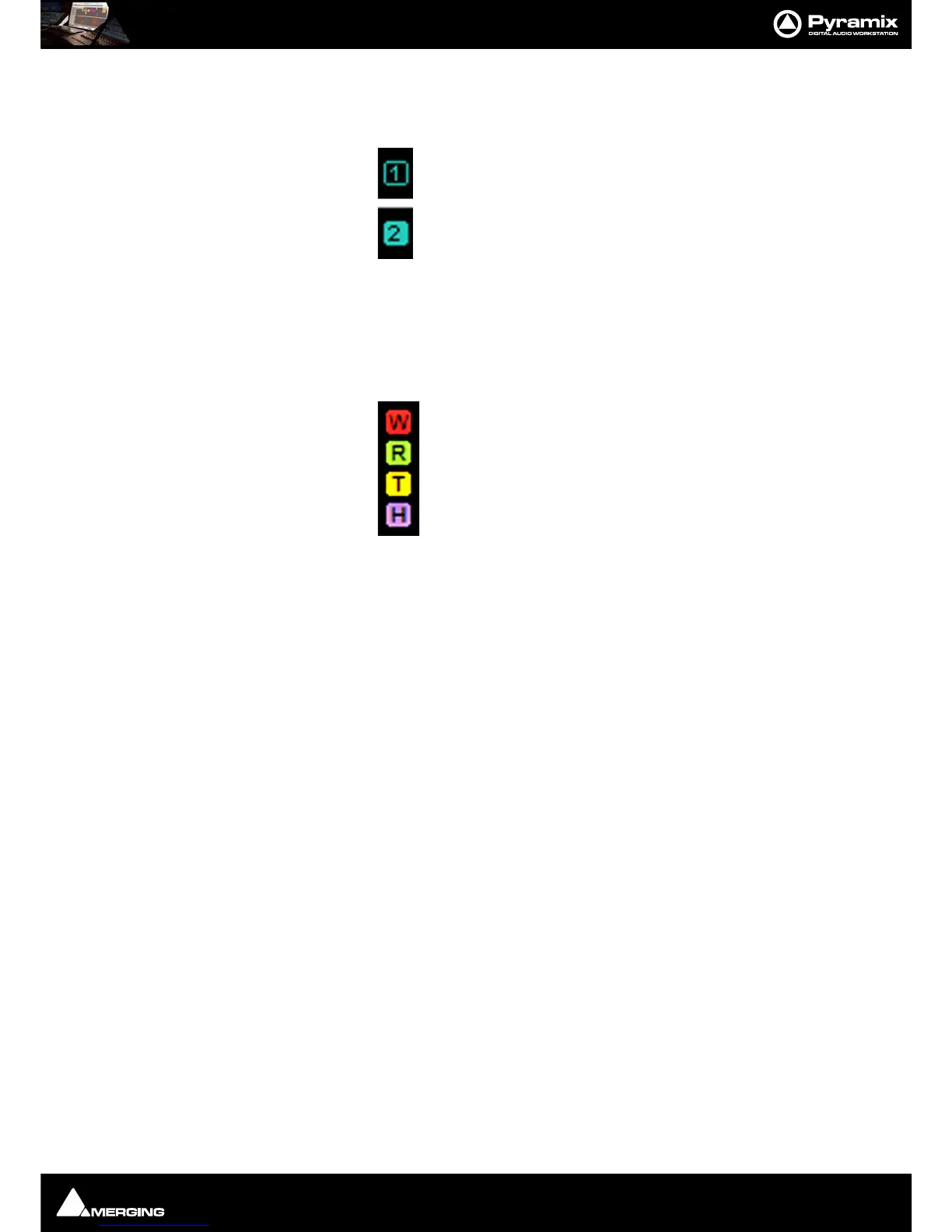
Ramses Group
This indicator shows that the associated strip is a member of a Ramses MSC control Group. When in inverse video
(filled in) it also indicates that the associated strip is a member of the currently selected strip’s Group.
Note: These Ramses MSC Control Groups are currently completely independent of the Pyramix
grouping arrangements.
Automation Fader Mode
In the default, Auto-Write, mode only the Write and Read indicators are lit together.
As soon as a fader is touched with the transport in play the
Read indicator extinguishes leaving only the red Write
indicator lit.
If an Automation
Trim mode is selected the yellow Trim indicator will also be lit.
Similarly, if a
Hold mode is selected the purple Hold indicator will be lit.
Thus, in the
Meter Bridge screenshot above, the automation is in Auto-Write plus Trim & Hold modes.



 To Next Page