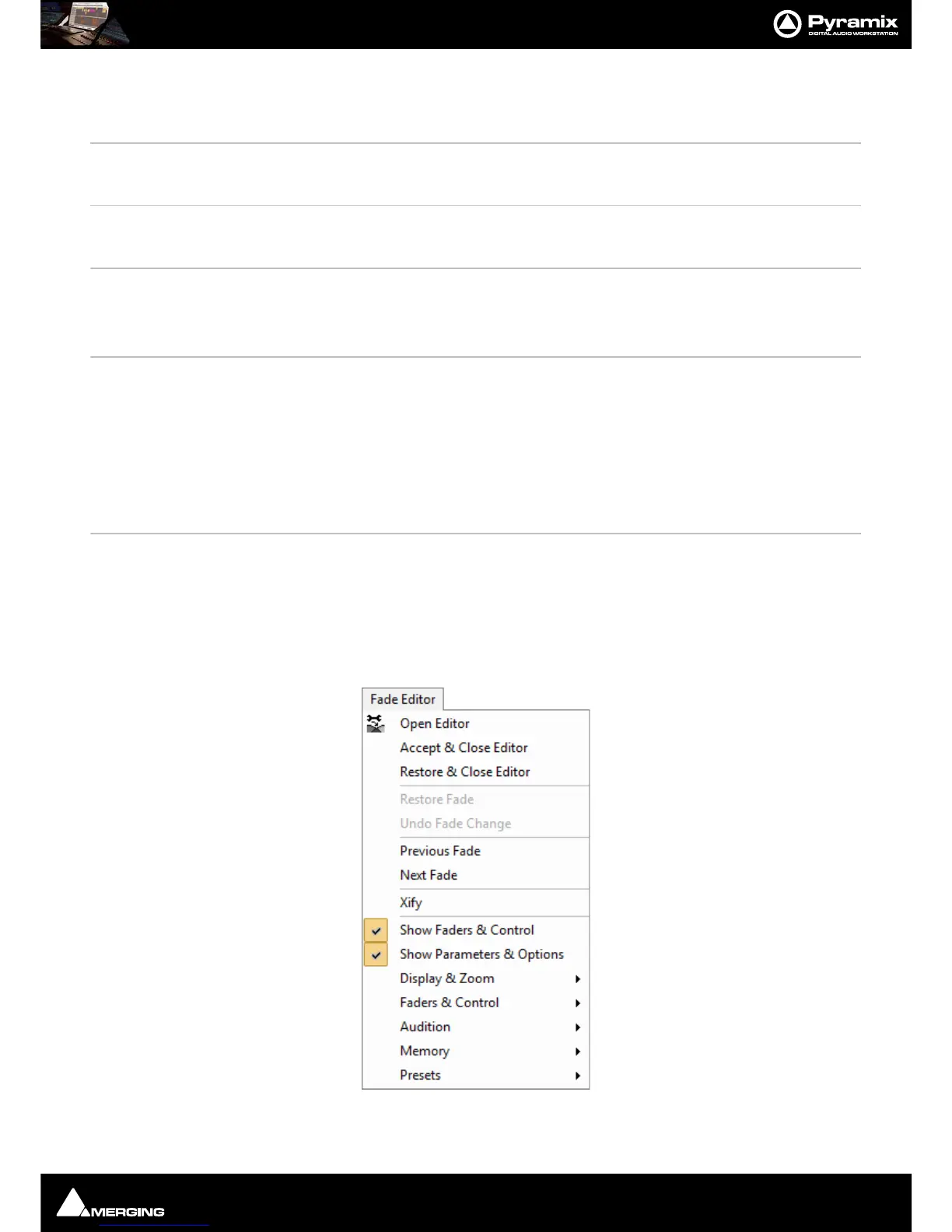
Menus : Fade Editor
27 - 623
Set Cursor to Selection Start with Preroll #3
Positions the Play Cursor to the start point of the current selection, adding the
defined Preroll #3 value
Set Cursor to Selection End Positions the Play Cursor to the end point of the current selection
Set Selection Start to Cursor Positions the start point of the current selection to the Play Cursor position
Set Selection End to Cursor Positions the end point of the current selection to the Play Cursor position
Select between Gates Sets the Selection between the selected Track Group Gates
Gates to Selection Moves the Gates to the extremities of the current selection
Auto Select Clip(s) under Cursor Automatically Selects the Clip(s) currently in contact with the Playhead Cursor
Select Clip(s) under Cursor Selects the Clip(s) currently in contact with the Playhead Cursor
Add/Remove Clip(s) under Cursor to Selection
Show Selection Console Signal Flow Displays the signal flow on the console of the Clips currently selected on the Timeline
Toggle Selection To Console Mapping Toggles Map Selection to Console. (Enables this to be bound to as ingle keyboard
shortcut.)
command/keyboard shortcut
Map Selection to Console
Shrinks the console UI to display only strips carrying the signal flow of current Timelinese-
selection. (Clips or Region)
.
Reset Console Mapping
Resets the Console UI to normal after Map Selection to Console.
Undo Selection Cancels the last selection command
Redo Selection Cancels (redoes) the last Undo Selection command
Undo / Redo Selection Toggles between the last Undo / Redo Selection command
Fade Editor
Open Editor Opens the Fade Editor window



 To Next Page