Media Management & Libraries : Search
4 - 53
Search Results
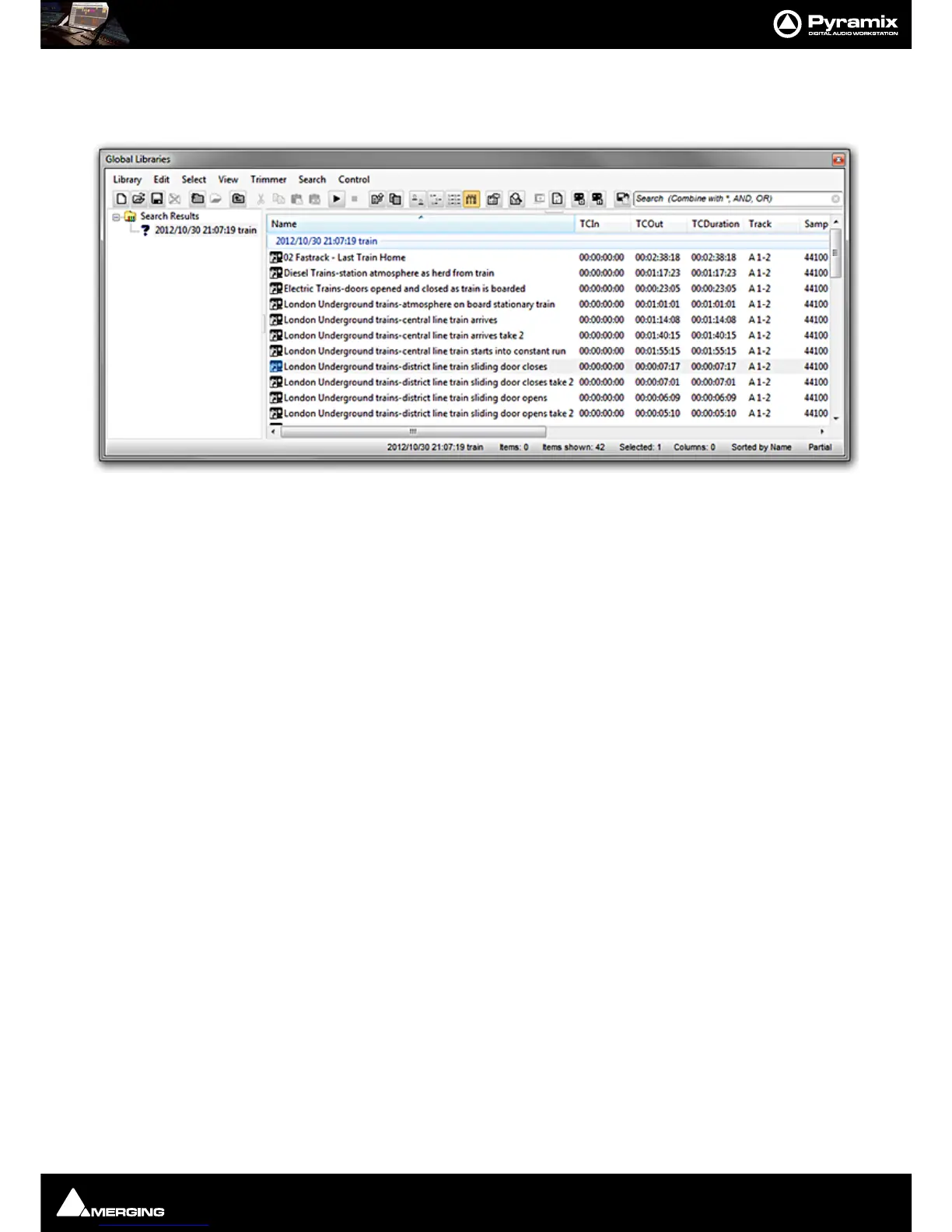
Search Results are added to the Global Library in a folder labelled with the date and time of the search and the
search term(s). The focus is set to the latest search result.
Any operation which can be performed on a library entry can be performed on a search result. E.g. Drag and
Drop. Any item or items in a results folder can be dragged and dropped to another Library or to the Timeline.
Deleting Search Results
If the Search Results library is open the individual results are displayed in the right-hand pane and can be deleted.
To delete the entire search click on the Search Results in the left-hand pane. All current search results libraries will
appear in the right-hand pane and may be deleted.



 To Next Page