Media Management & Libraries : Media Management Tab Window
4 - 69
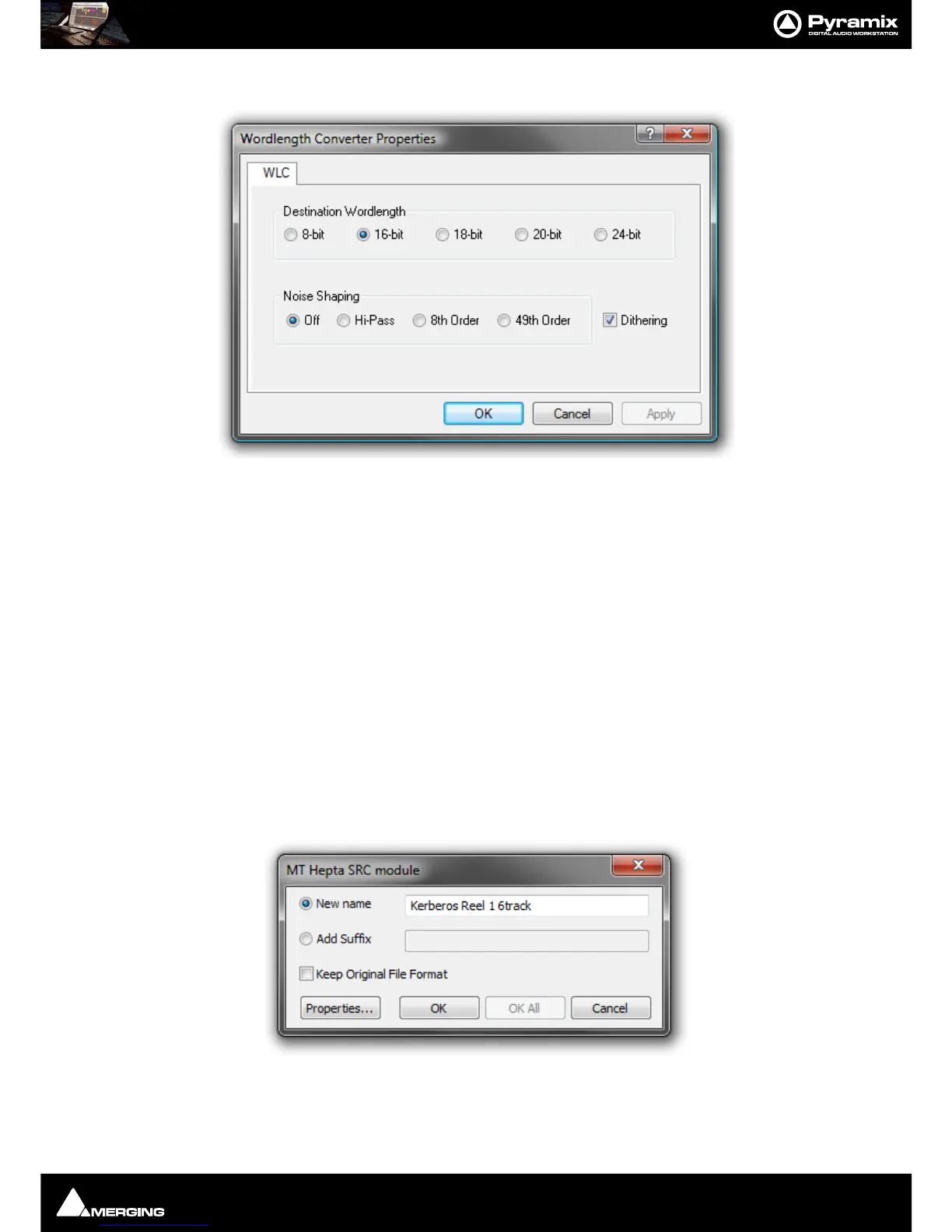
Wordlength Converter Properties
Destination Wordlength
Select the desired wordlength using the radio buttons.
Noise Shaping
Select the required quality of Noise Shaping.
Hi-Pass is single order shaping with
8th Order and
49th Order offering improved quality.
A higher quality setting will produce better results, but the processing time will also increase.
Dithering When checked, If dithering is required, dithering will be applied.
Samplerate Conversion
Where the sampling rate of a Media File is different to the current Project, Pyramix offers a simple means of con-
verting the Media File’s sample rate at very high quality. Using the Merging Technologies HeptaCon Sample Rate
Converter.:
Radio buttons offer the choice of two text entry fields, New name for the file or Add Suffix to the existing file-
name. A check box selects Keep Original File Format otherwise the file will be converted to PMF format as well
as sample rate converted.



 To Next Page