Strip and Bus Tools : Delay Compensation / Pre-Anticipation
16 - 402
Pre-Anticipation (Lookahead delay) control
This parameter changes the integration time for RMS detection and thus changes the effect of the DRC circuit.
The delay setting here also determines the delay that will be applied to signals passing through the plug-in NOT
not be selected for processing when Delay Compensation is switched ON
Note: Please note that this parameter delays the all signals running through the Bus Tools plug-
in, so phase or other timing errors may occur when the plug-in is used in places other than the
mix bus.
EQ and Output Sections
These are identical to the Strip Tools versions.
It is worth noting that, since the Limiter is in this case a brickwall design, the Automatic Gain Make-up function
compensates for the same amount as the value set by the
Threshold Control of the Limiter. The resulting signal
will be close to, but never exceed 0dBfs. If
Gain Make-up is Off the Output Level Control will act as a ‘ceiling’ con-
trol, setting the absolute level of the resulting output signal.
Delay Compensation / Pre-Anticipation
Example
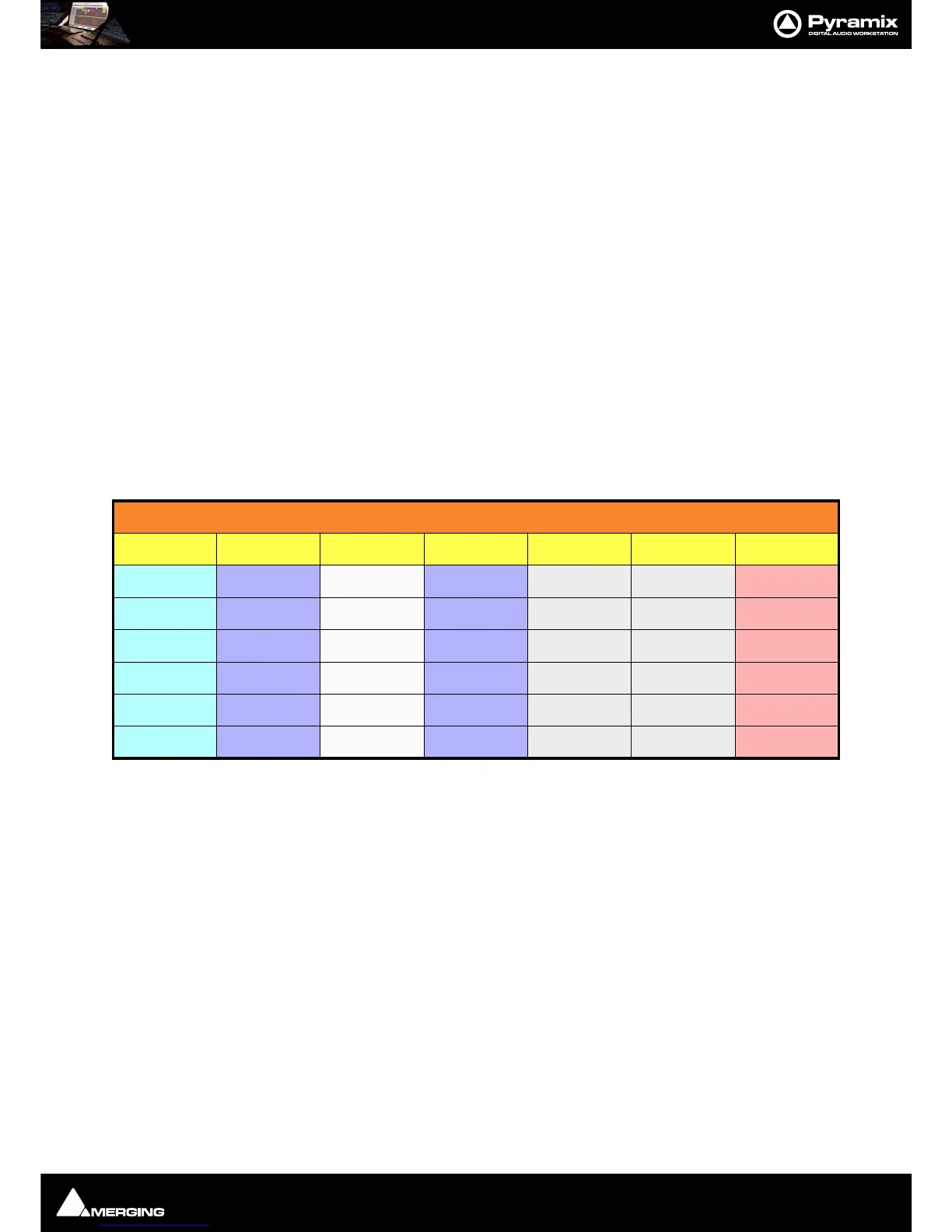
In this table Bus Tools Instance 1 is IN circuit for the Left and Right channels of the mix and Bus Tools Instance 2 is
IN circuit for the Left Surround and Right Surround channels. For the Center and Sub-Woofer Channels both Bus
Tools are OUT of circuit. BUT Pre-Anticipation and Delay Compensation is switched ON for the channels selected
for processing. To ensure proper time alignment all channels are automatically delayed by the same total amount.
(the 8.71 and 5.8 figures are arbitrary)
If all channels are selected for processing (in circuit) with linked Pre-Anticipation then there is no need to activate
Delay Compensation.
5.1 Surround Mix Bus using two Bus Tools
Channel BUS 1 BUS 2 BUS 3 BUS 4 BUS 5 BUS 6
Routing L C R SL SR SW
Instance 1 IN OUT IN OUT OUT OUT
Delay 8,71 (PA) 8.71 (DC) 8,71 (PA) 8.71 (DC) 8.71 (DC) 8.71 (DC)
Instance 2 OUT OUT OUT IN IN OUT
Delay 5.8 (DC) 5.8 (DC) 5.8 (DC) 5.8 (PA) 5.8 (PA) 5.8 (DC)
Total Delay 14.51 ms 14.51 ms 14.51 ms 14.51 ms 14.51 ms 14.51 ms



 To Next Page