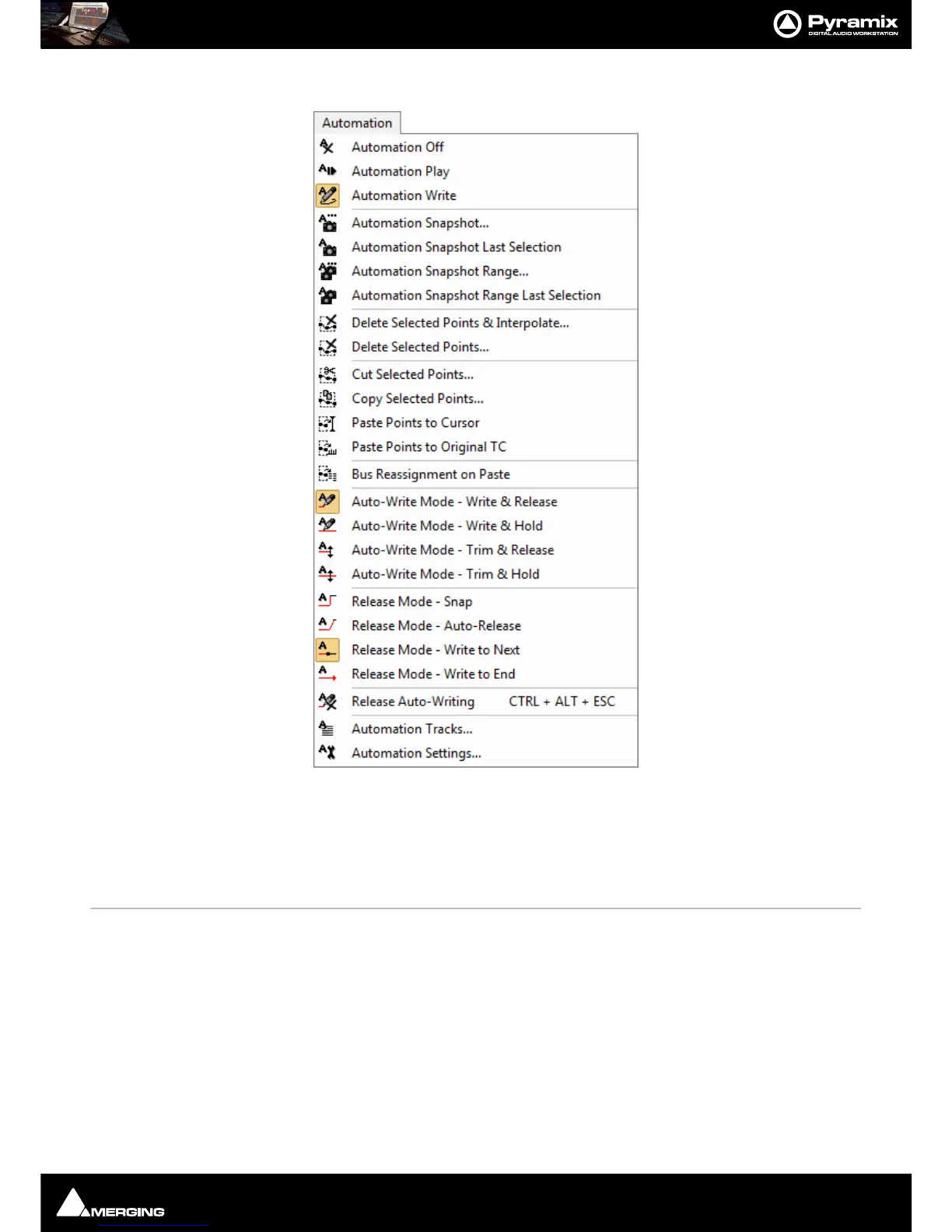
Menus : Automation
27 - 628
Automation
Automation Off Automation system is disabled.
Automation Play Automation system is set to playback any previously recorded automation data.
Automation Write Automation system is set to playback any previously recorded automation data and
record new automation data for all enabled controls
Automation Snapshot Creates an automation key frame at the current cursor position, for all currently armed
automation controls.
Automation Snapshot Last Selection Applies the last Snapshot without the need to open the Filter automation Tracks to
Snapshot
window. Ctrl + Click on the single Camera button does the same thing. I.e. the
last selection is applied directly thus improving the workflow.
Note: The the last entry is lost after a Mixer rebuild so, if a rebuild occurs between Snap-
shots the
Filter automation Tracks to Snapshot Window will open.
Automation Snapshot Range Places automation key frames at the currently defined In / Out cursor positions, for all cur-
rently armed automation controls..



 To Next Page