Mixer : Mixer Components
10 - 226
Channel Direct Outputs
All input strips can have Direct Outputs. The Direct Out connection is disabled by default. It can be enabled in
the
Configuration Page by selecting the strip and clicking on the DO: Off box or disabled if the box shows DO:
On
. Alternatively Direct Out can be set in the Route Page by clicking on the Strip Header.
The
Direct Out can be routed by Channel to any output of the HDTDM or XDTDM bus. The Direct Out can be sent
Pre or Post Fader. Click on the
DO: Post box in the Mixer I/O section to toggle. The Direct Out is currently always
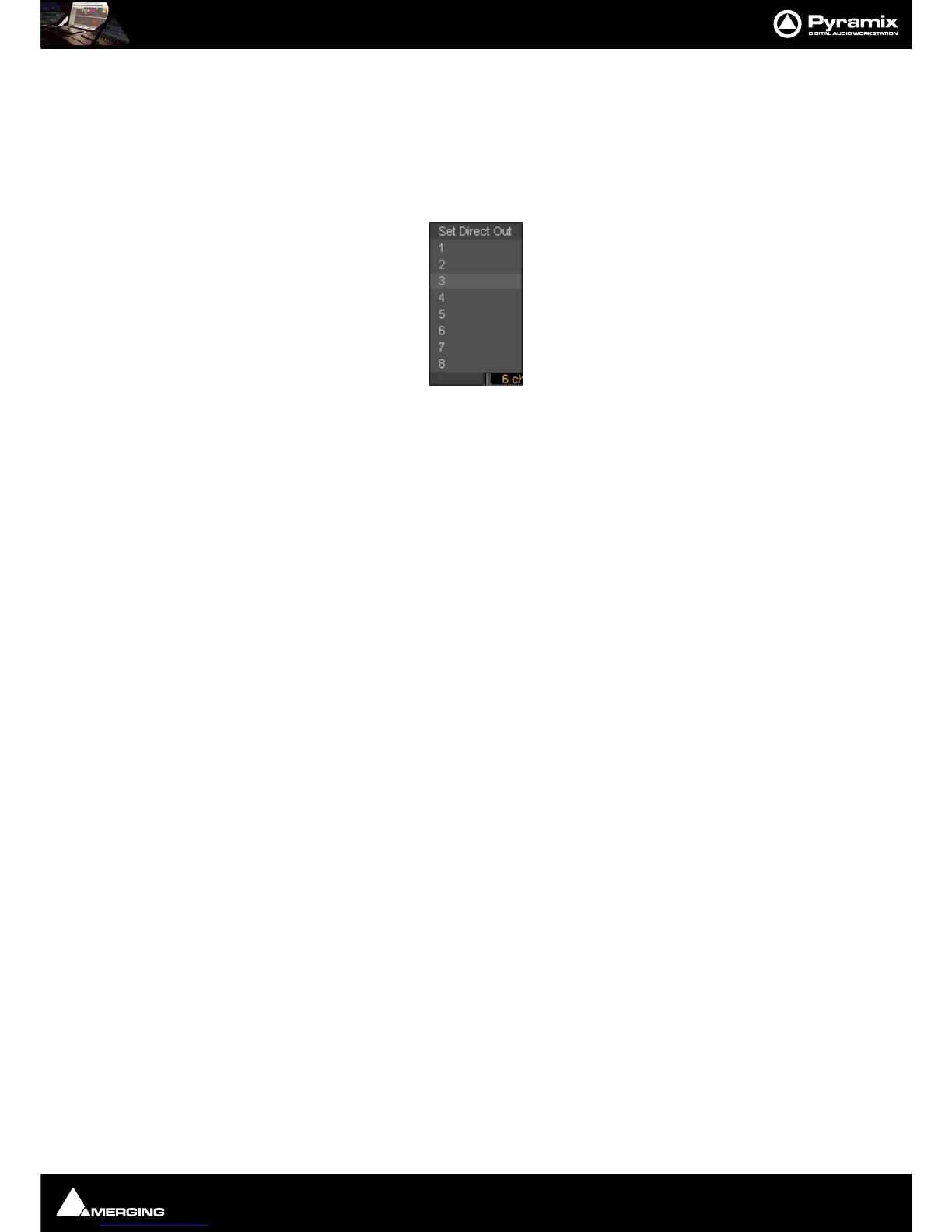
Post Effects. For multi-channel strips clicking in the box above the DO: box pops-up a Set Direct Out list:
Highlight the required channel. This will be fed to the logical output assigned in the
Mixer Route page or by click-
ing on the
DO XLR icon in the Mix page.
Note: Direct Outs are not shown in the I/O section of the mixer unless they are activated in the
Configure page.
Strip & Bus Channel Types
All Strips and Buses Channels have a custom type that can be manually set in the Configuration Page to:
•Left (L)
•Center (C)
• Right (R)
• Surround Left (Ls)
• Surround Right (Rs)
• LFE (Lfe)
• Left Center (Lc)
• Right Center (Rc)
• Surround Center (Cs)
•No particular type
Mono Strips are tagged by default to no particular type
Stereo Strips are tagged by default to L-R
MS
strips are tagged by default to C-W
GPS
Strip (General Purpose Strip):
GPS Strips can have from 1 to 8 channels
They can be used as Aux returns or for any kind of direct Input usage e.g. premixes or multi-channel record-
ings.(LCR, LCRS, etc…) By default a 2 channel GPS Strip is initialized to L-R and a 6 channel GPS Strip is initialized to
LCRLsRsLfe 5.1. This can be changed/customized in the Configuration Page.
GPS Strips feeding any buses (Aux or Mix) are routed by default by Channel Type (like any other strip) but this rout-
ing can be manually changed by clicking on the Channel Routing grid (like any other strip).
Aux Send Buses:
General Purpose Aux Send buses provide a way to create ‘auxiliary’ mixes which are used to provide headphone
or cue mixes for musicians etc.



 To Next Page