Customizing Pyramix : User Macros
19 - 459
User Macros
Macros are sequences of commands which can be invoked by a single keypress or combination. Macros can be a
very powerful aid to productivity.
To d efine a new
Macro:
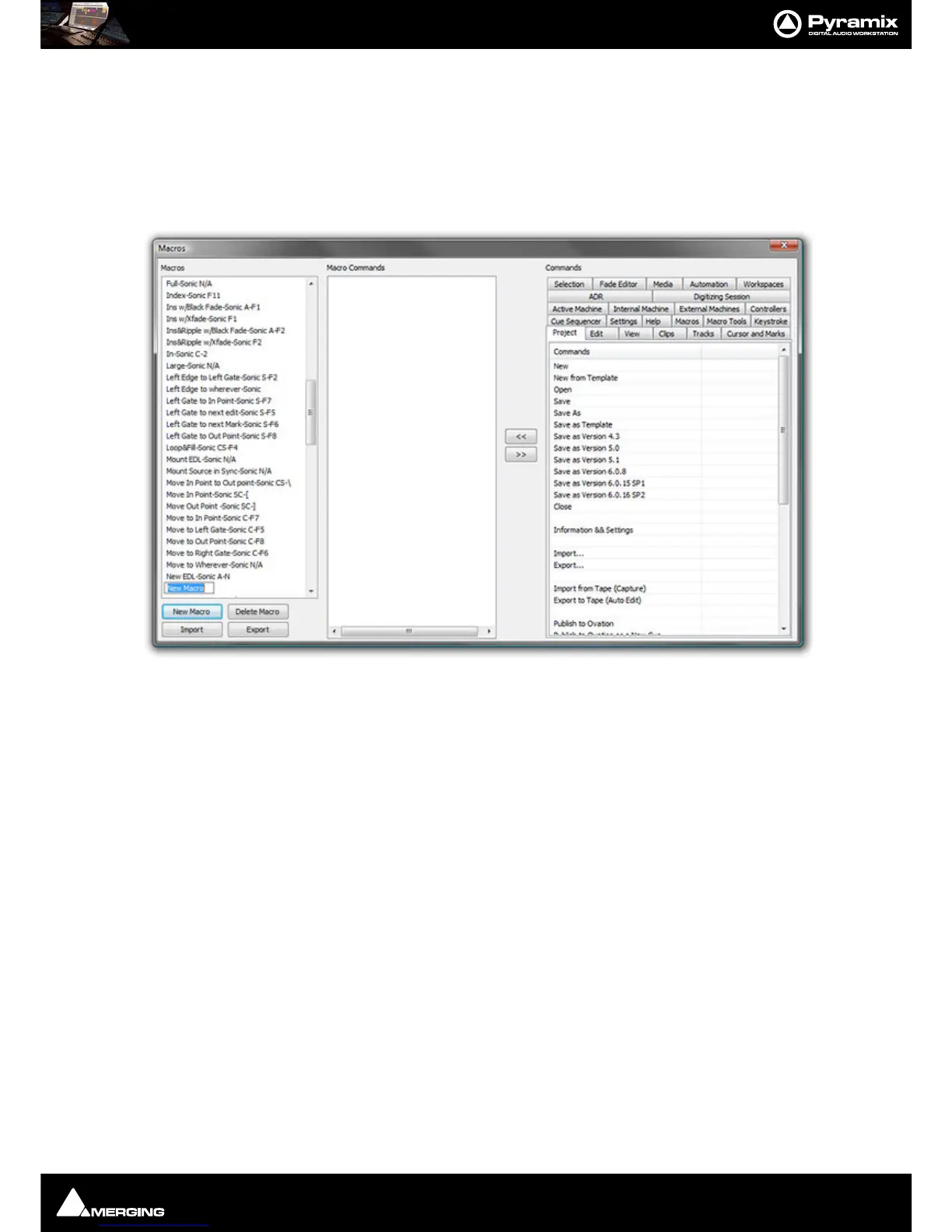
1. Choose Settings > Macro Editor or View > Customize > Macro Editor. This opens the Macros window:
1. Click the New Macro button, then name the Macro.
2. Various menu Command functions are grouped together into Tabs. Select the Tab with whichever group of
Command Functions you wish to add to the Macro.
3. Click on the appropriate Command so that it is highlighted.
4. Press the << button to add this command to the Macro.
5. Repeat steps 3 to 5 to assign further Commands to the Macro until it is complete.
A
Keyboard Shortcut can now call the new Macro. Follow the instructions in the previous section for assigning
Keyboard Shortcuts. In this case, choose the Macro Tab within the Keyboard Shortcut window. Your new
Macro will appear as an option inside this window.
Note: macros can also contain keystrokes including: Enter, Shift, Tab, the Arrows (up, down,
left, right), Space Bar and ESC



 To Next Page