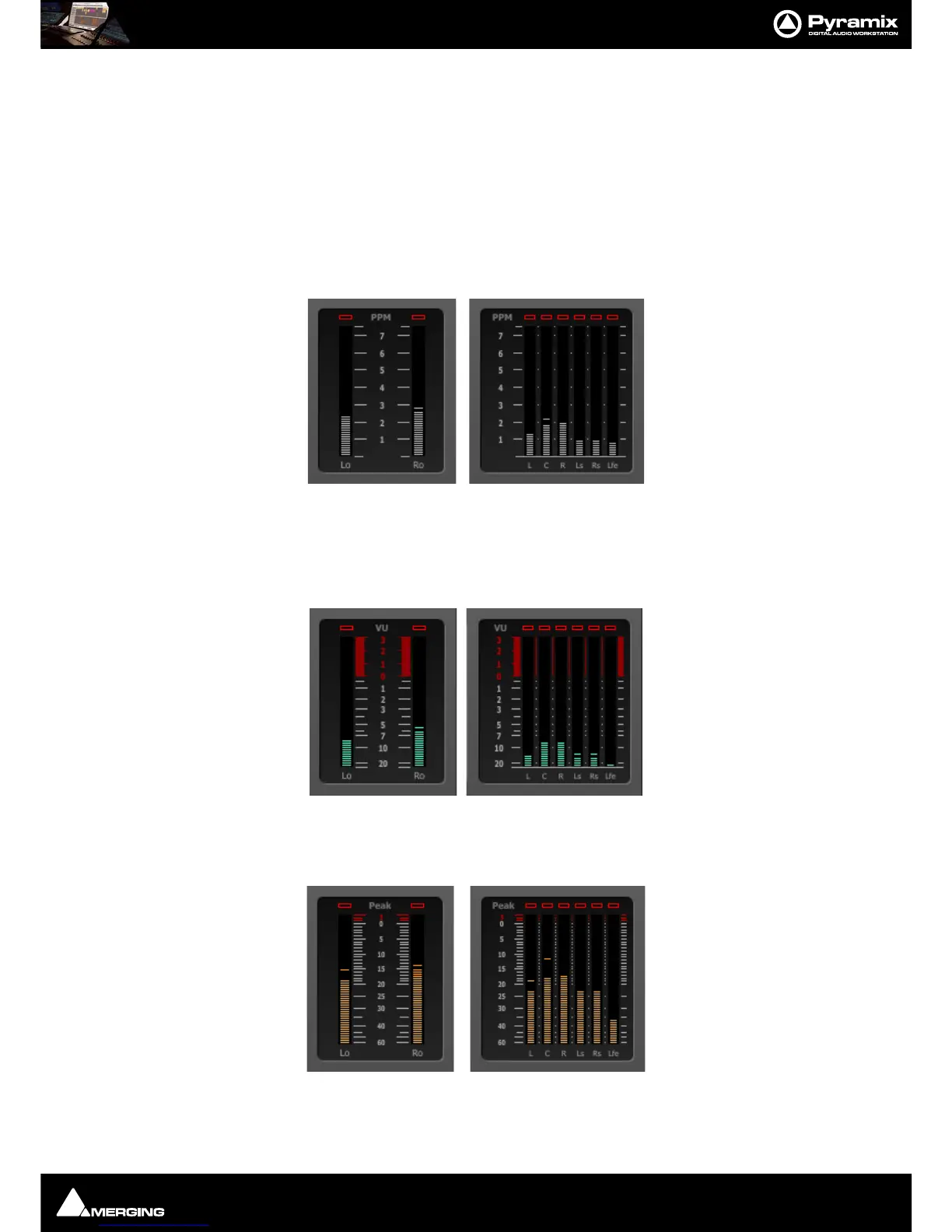
Final Check Metering : Final Check Window
13 - 299
Additionally, the LR phase is displayed (although L and R are not neighboring channels) centered midway
between L and R, that is on C… Consequently, it is possible for the red regions to overlap if LR and LC/RC phase
correlations are all negative.
To gain familiarity, we suggest you experiment using the Phase Correlation meters and the Surround Monitor
together, in a Project that just uses sine wave at the same frequency, e.g. 1kHz, and see what happens when the
various elements are phase reversed.
Note: In simple terms, any red segment means there is a phase issue which should be investi-
gated since it may have an adverse effect on your mix.
Peak Programme Meter (PPM) :
This digital replication of the old analogue PPM includes separate overload indicators and a Slow option enabled
in the
Setup page. Clicking on the Slow button activates the mode and the button turns red. A selection of differ-
ent, presets for scale and dynamics (DIN, Nordic, BBC or EBU) are available in the
Setup page.
VU Meter :
A classical Volume Unit (VU) indicator which also comes with a separate overload indicator.
True Peak Meter :
This is also known as an "inter-sample peak meter". In accordance with EBU R128, it allows you to spot areas sus-
ceptible to producing analog overflows, after D/A conversion, with high accuracy even beyond +0dBFS.



 To Next Page