Tracks and Track Groups : Track Display Height
5 - 94
Track Display Height
Individual Presets
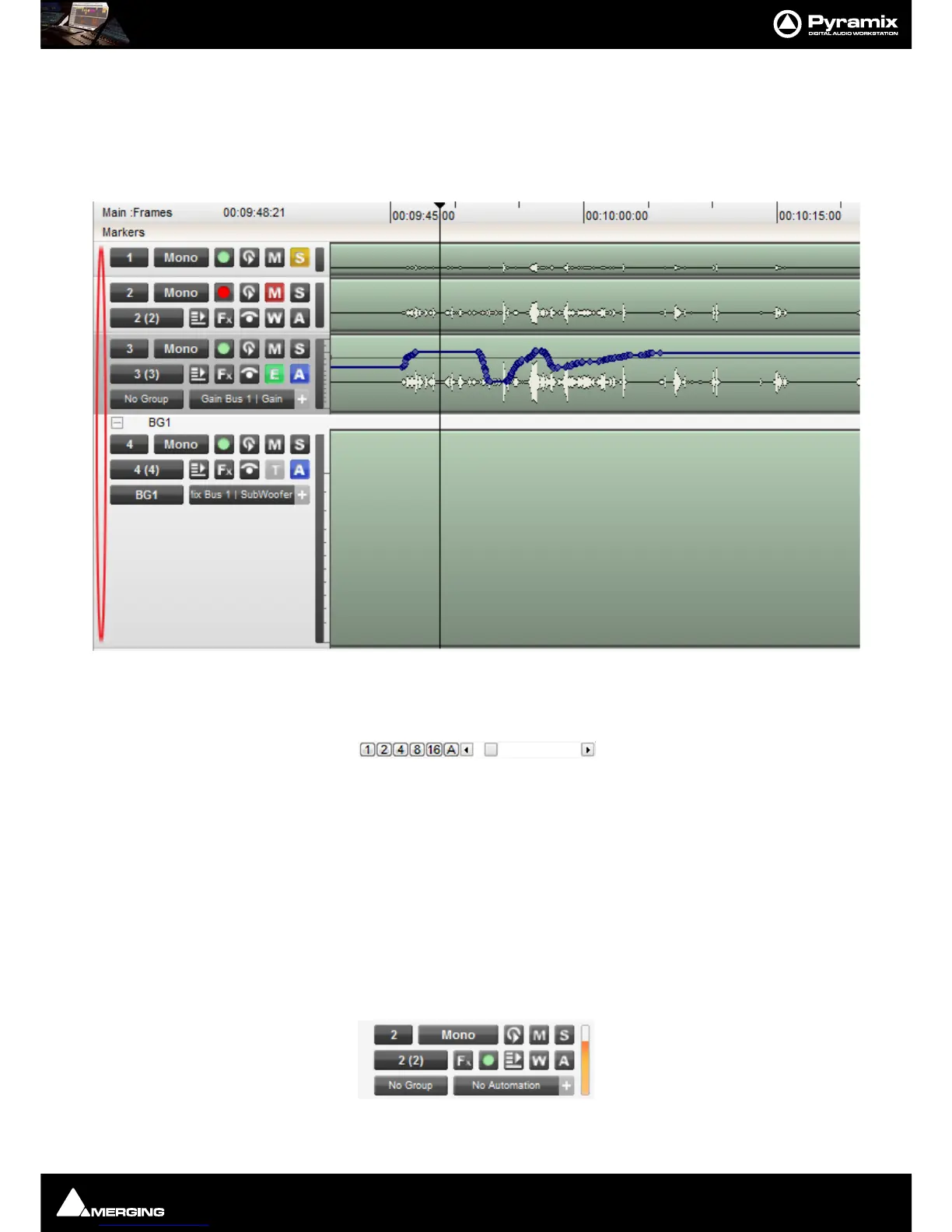
Double-Clicking in the blank area of the Track header to the left of the Strip number (highlighted in red below)
cycles through four preset Track heights.
Mini, Medium, Large and Extra large :
Global Track Display Height
1, 2, 4, 8, 16, and A buttons at the bottom left of the Project Editing Panel automatically scale the vertical Track
size so that 1, 2, 4, 8, 16 or All (as many as possible given the vertical space)
Tracks fit in the vertical space allocated
to the
Project Editing Panel.
The horizontal Scrollbar adjacent to these buttons enables continuous adjustment of the Track height.
Shift + Mouse Scroll Wheel also adjusts Track height.
Track Header Panel
The Track Header Panel contains a number of buttons and information fields.



 To Next Page