Settings : Application
28 - 688
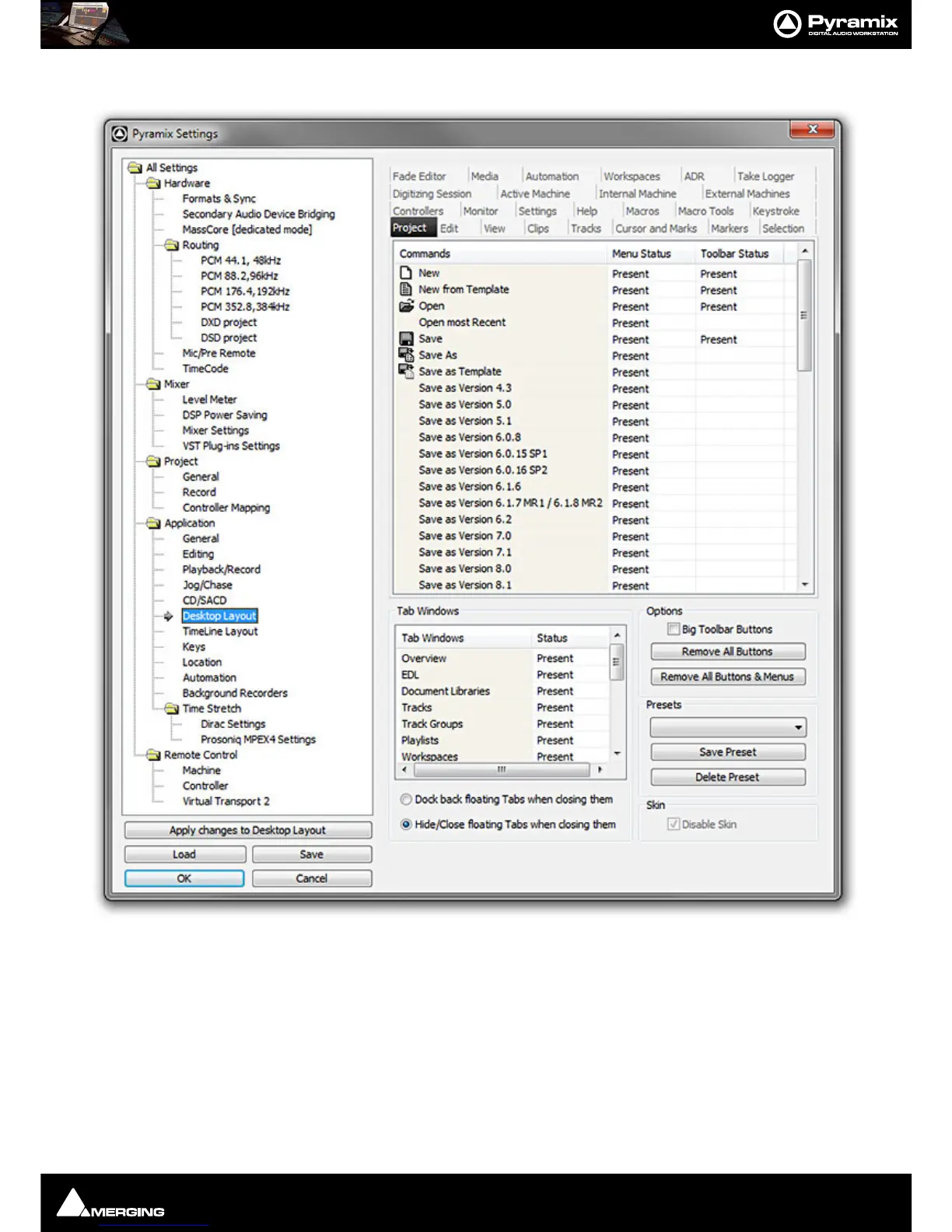
Desktop Layout
This is where you can customize the content of Menus and Toolbars. Clicking in the Menu Status and Toolbar
Status
cells toggles each entry Present or blank (absent). This can be used to tailor the user interface for specific
tasks or operators.
Tab Windows
Clicking in the Status cells toggles each Tab Window entry Present or blank (absent).
Dock back floating Tabs when closing them as it says. Toggles with:
Hide/Close floating Tabs when closing them



 To Next Page