Machine Control : Transport Control Panel
22 - 507
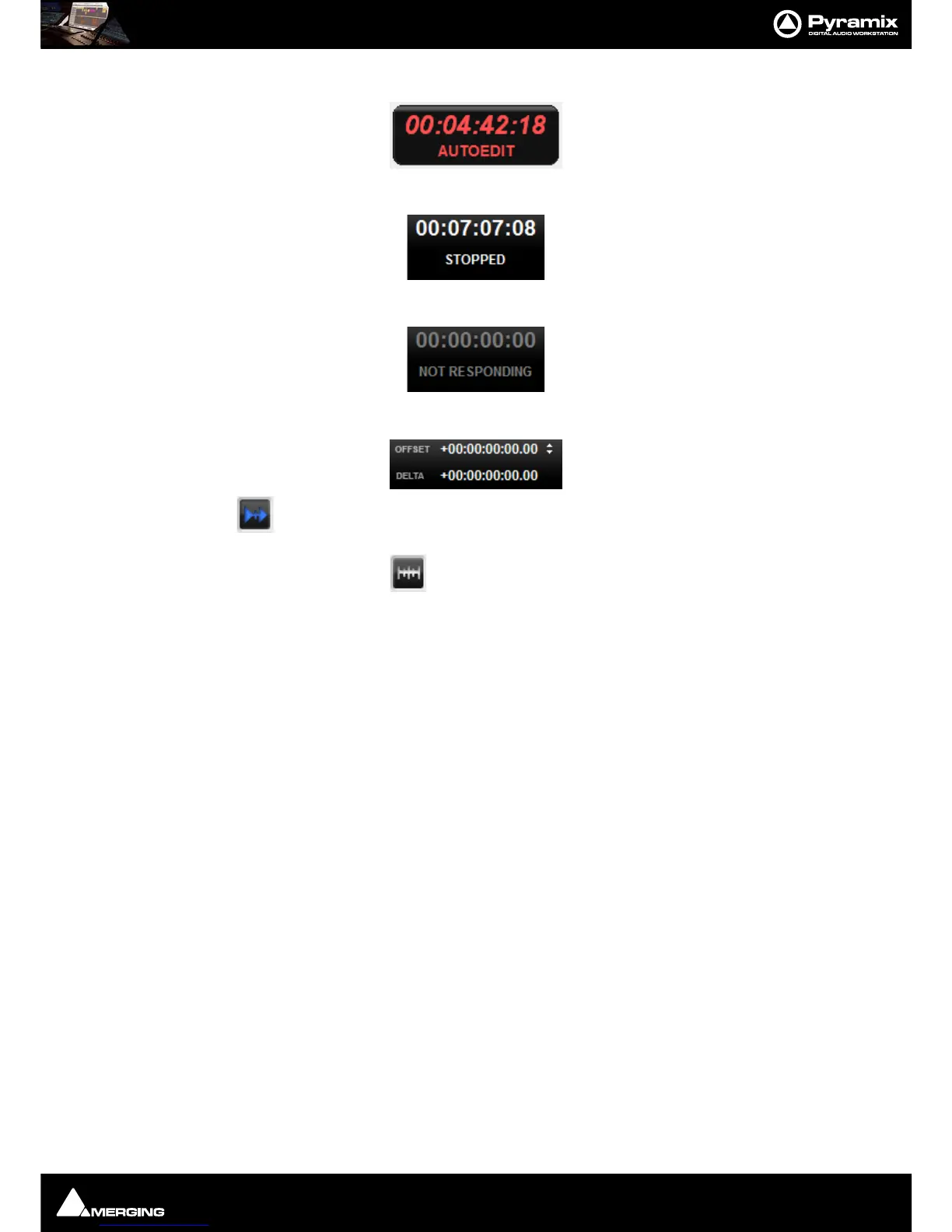
A machine carrying out an Auto-Edit shows this in red:
A
Stopped machine shows this in white:
If a machine is disconnected or there is a problem this is shown in gray:
Chase, Offset register, Capture Offset and Delta
When the button is lit the machine is in Chase Mode (see below)
The Offset Register shows the current Offset value.
An Offset can be captured with the
Offset Capture button. The button lights when an Offset is set.
Offset values can also be typed directly into the register and trimmed with the increment/decrement buttons.
Note: A positive Offset Value makes the machine with the Offset later and a negative Offset
value makes it earlier. E.g. If you are sourcing picture from an external VCR and the picture is
arriving 3 seconds before the sound, enter a 3 second positive offset in the video machine’s
External Transport control panel.
Delta shows the current difference (error) value between where the machine should be and where it actually is.



 To Next Page