Mixer : Mixer Components
10 - 231
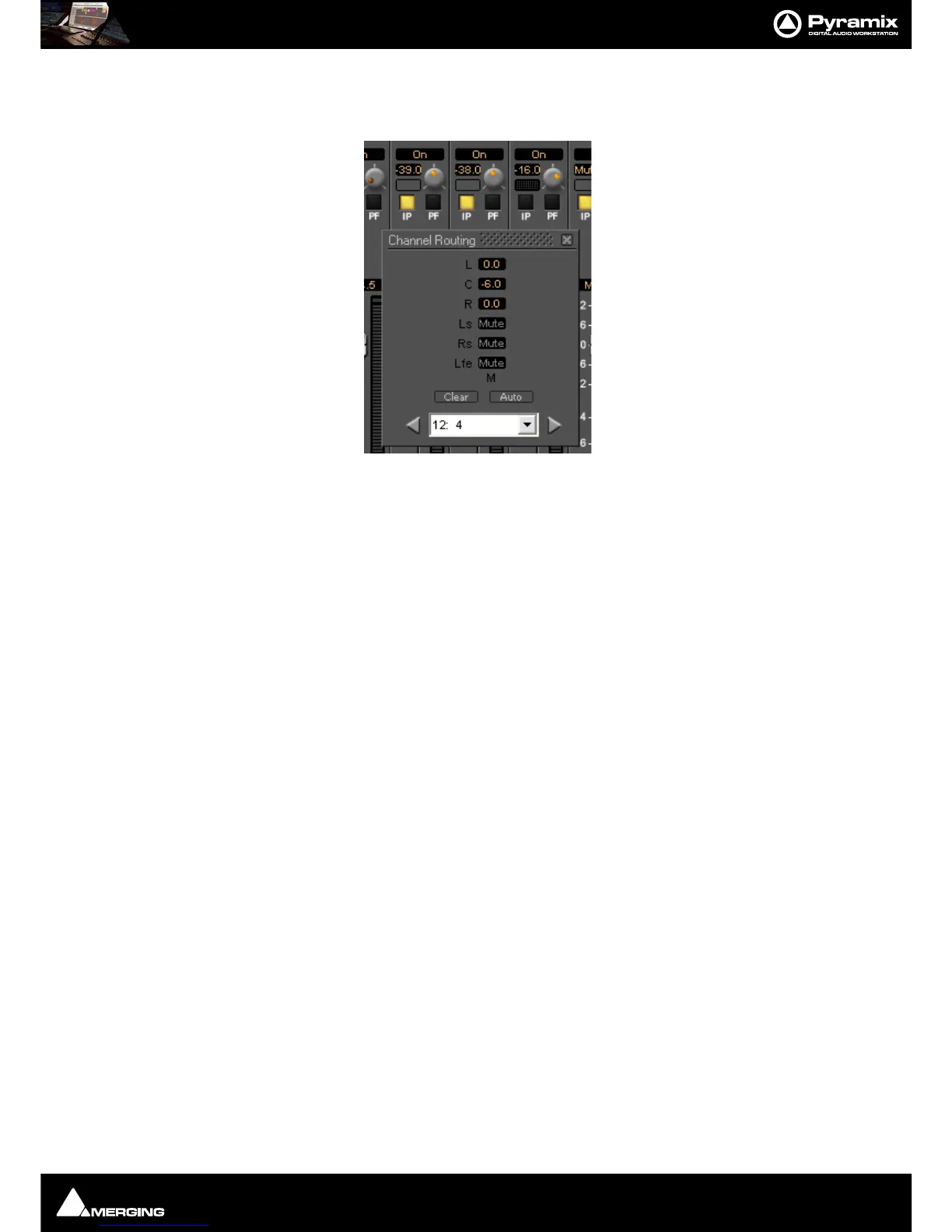
selected and the yellow IP button in the input strip is lit then the static routing grid is grayed out
and unavailable as in this illustration.
The three strips shown are 10, 11, and 12. Since the IP button is selected (Yellow) on strips 10 and 11 the static
routing grid is grayed out and thus unavailable. On strip
12 the IP button is deselected (dark) and the Static Chan-
nel Routing
grid can be opened by clicking on the grid button next to the knob.
Note: The IP button defaults to On when the aux send is first turned on. If the send is subse-
quently turned Off (muted) then the current setting of the IP button is remembered when it is
unmuted.



 To Next Page