Automation : Editing and Automation
15 - 380
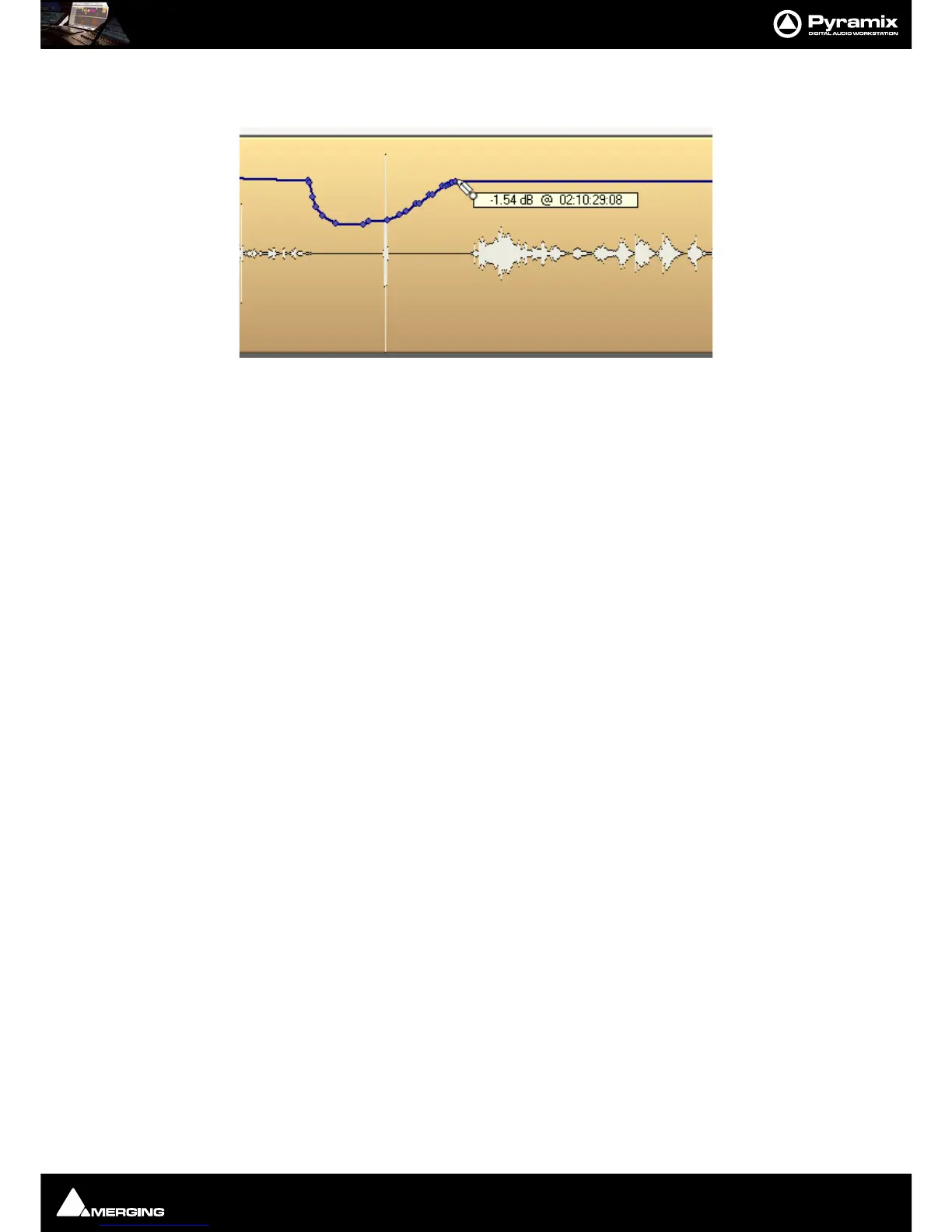
If you hold the Alt key while dragging on the automation curve, the mouse pointer will turn into a pencil. The
curve can then be drawn freehand.
Automation Menu Editing options
Delete Selected Points Deletes all automation points contained in the selected Region
Cut Selected Points Cuts all automation points contained in the selected Region
Copy Selected Points Copies all automation points contained in the selected Region
Paste Points to Cursor Pastes all copied or cut automation points at the cursor on the selected Track
Paste Points to Original TC Pastes all copied or cut automation points at the Original TimeCode on the selected Track
Note: Each of these options opens the Filter Automation Tracks to Snapshot dialog:



 To Next Page