Mixer : Configure Page
10 - 214
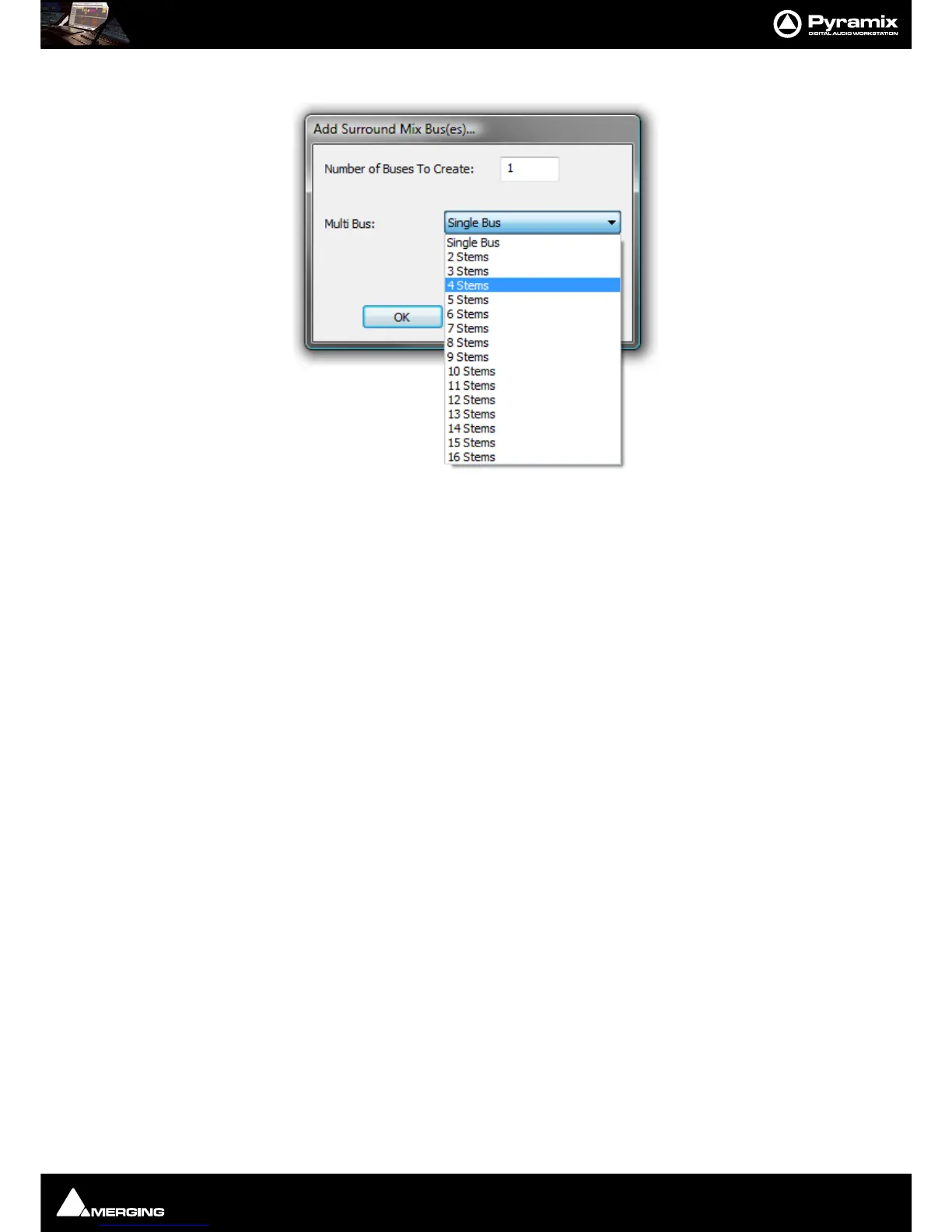
Add Bus - Mono Mix, Stereo Mix, Surround Mix,
Aux Send and SubGroup is similar:
Duplicate Strip(s) adds a copy of the selected strip(s) to the right of the selected strip(s) including settings (pan,
gain etc.) and effects.
Select Offers selection choices to speed up configuration.
All Strips
All Buses
All Mono Strips
All Stereo Strips
All GPS Strips
All Group Strips
Productivity Shortcuts
Ctrl + A selects All Strips, DELete, deletes all selected strips.
Selected Strips can be dragged to a new location in the mixer. The screen scrolls horizontally when you hit the
edges of the Strip panel.
Double-clicking a Strip toggles it’s collapsed/uncollapsed states.
Strip names can be edited by clicking in the name box and typing.
Tab moves to the name box of the next strip to
the right,
SHIFT + Tab moves to the name box of the next Strip on the left.



 To Next Page