Mixer : Configuring a Blank or Existing Mixer
10 - 249
Effect:
Thus
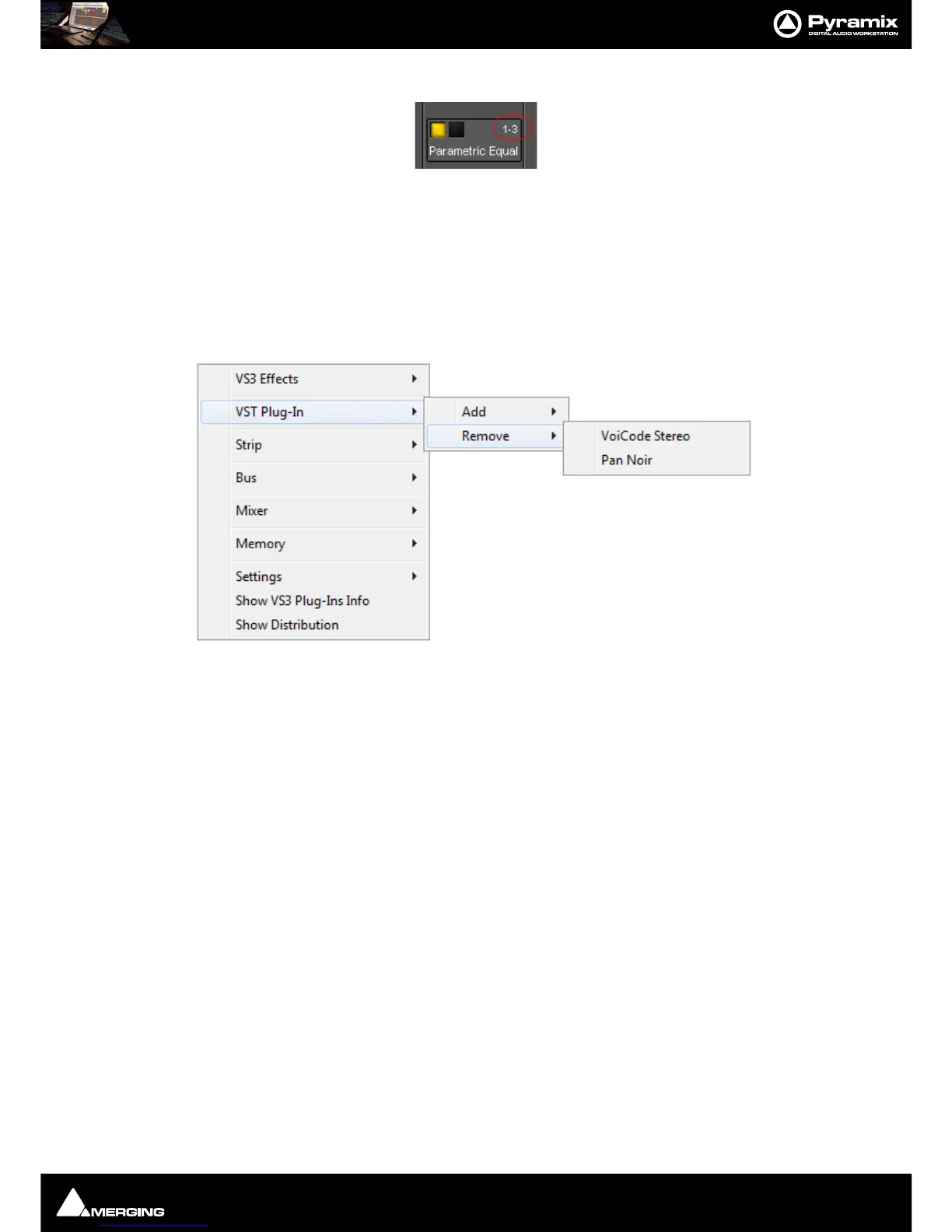
1-3 means Iteration 1 on Stem 3
Remove “Effect Name”
Removes the Effect you right-clicked on.
Copy Copies the effect for pasting into another Strip (Copy the Effect then right-click in
the target Strip and select
Paste)
Copy “Effect Name” to all strips Copies the Effect you right-clicked on to all Input Strips, but not to any Buses,
regardless of whether the original effect is instantiated in an Input Strip or Bus
Automation
Enables the Automation mode to be set for the entire Effect.
VST
As the image above shows, the options are simpler for VST Plug-Ins
Add
Accesses the Plug-Ins list to add a further Plug-In to the Strip
Remove Accesses a list of all Plug-Ins currently instantiated in the strip. You can select any
of them for removal.
Remove “Effect Name” Removes the Plug-In you right-clicked on.



 To Next Page