Mixer : Peak Logger
10 - 259
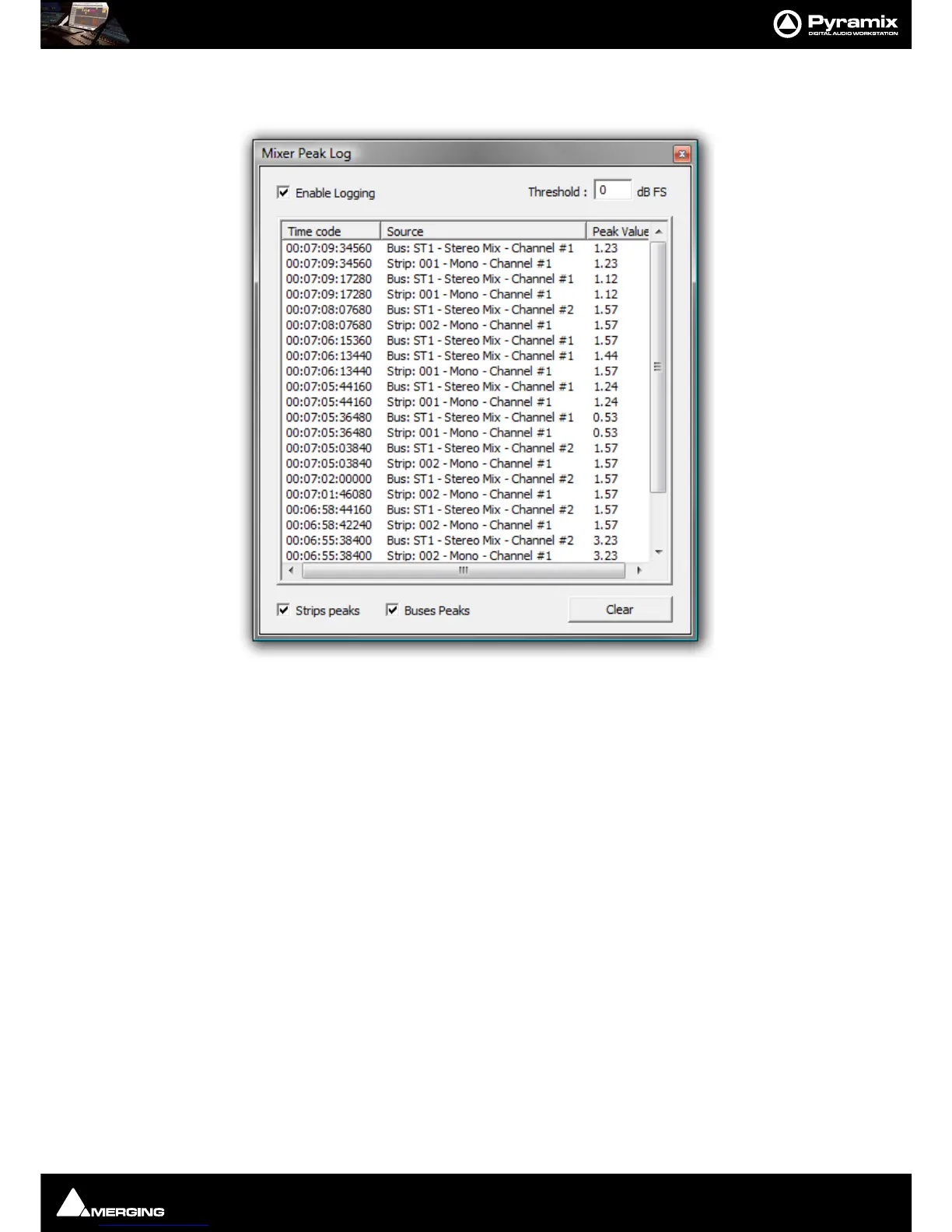
Mixer Peak Log Window
Click on Show Peak Log to open the Mixer Peak Log Window:
Enable Logging
Tick the box to enable Peak Logging
Threshold
Type a value here to determine the level above which peaks will be logged. Hit Enter on the keyboard to validate
the change.
Strips Peaks
Tick the box to record Strips Peaks
Buses Peaks
Tick the box to record Bus Peaks
Note: Both Strip and Bus Peaks can be recorded simultaneously.
Clear
Clicking on the Clear button erases all the recorded values since the last time it was pressed. (Or since Logging
was enabled.)



 To Next Page