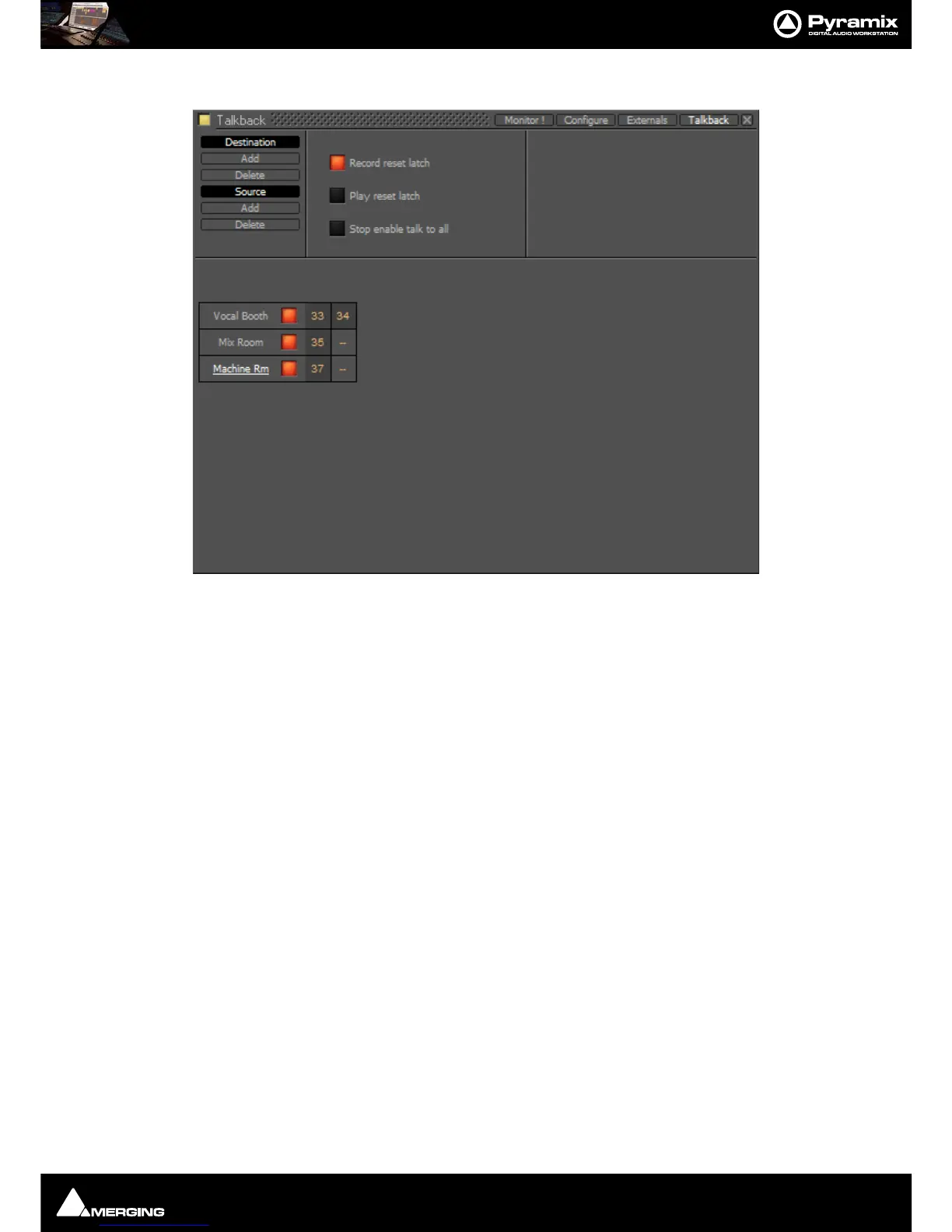
Monitor : Talkback
11 - 281
You should now have something like this on screen:
Note: Only the Vocal Booth has been set up as a stereo destination. If you want separate speaker
and headphone feeds to the studio just add another destination and label it appropriately. E.g
Vocal Booth HP for maximum control.
7. Now set up the sources by clicking on Source Add
8.
A column appears with New Talker highlighted in a box. Type a suitable name for the source. In this case
Mixer.



 To Next Page