Meter Bridge : Meter Bridge
12 - 290
Single Row
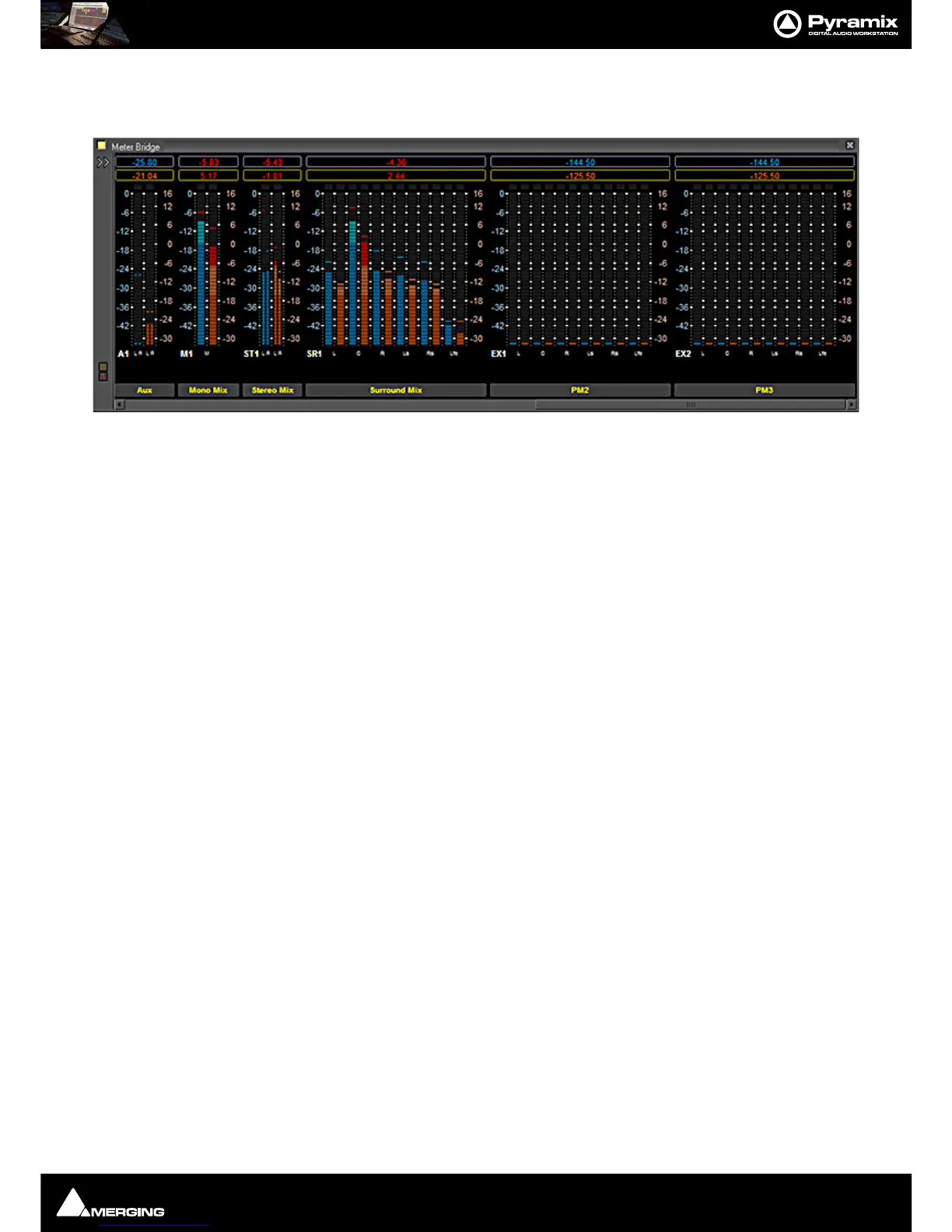
Single row is useful if you only wish to display buses and or Externals (returns).
Strips
The red button shows/hides the Input Strip Meters (default is Show)
Note: Show/Hide for Input Strips is only available in ‘single row’ display mode. Useful in applica-
tions where the Bus and External Machines are of more interest than the Inputs.
Pre-Fader
When lit, the Input Meters source is taken pre-fader. (default is post-fader)
Automation
When lit, four Fader Automation Mode indicators are shown in each Input Strip. (default is hidden)
Auto-select Active Strip
When lit, the active strip is highlighted in yellow
Buses
The red button shows/hides the Bus Strip Meters (default is Show)
Pre-Fader
When lit, the Buses Meters source is taken pre-fader. (default is post-fader)
Externals
The red button shows/hides the External Machines Meters.
Note: Externals, External machine Returns, are set up in the Monitor : Externals page.
Please see: External Inputs on page 277
Meters Zoom
The slider adjusts the meter scaling. Range is from 0dB to -144.5dB maximum to 0dB to -10dB minimum. Double-
clicking on the slider ‘knob’ resets to default scaling.



 To Next Page