Final Check Metering : Final Check Window
13 - 304
Click on the Setup tab at top right of the Final Check window, adjacent to the X (close) box to open the Setup
page.
Click on the
Metering tab to return to the main Final Check Metering page.
The
Setup tab has a User presets management area at the top. The rest of the window is divided into sections for
each meter type, in two columns, and a
Preview section to show how the Metering tab layout will appear.
Phase Meter Spatialization
PPM Loudness
True Peak
VU Meter Preview
User Presets
User presets can be saved, loaded and deleted. A drop down list and three buttons, Save, Load and Delete man-
age the presets. Deleted presets go to the Recycle bin. If a preset is deleted inadvertently it can be restored. How-
ever, restored or copied presets from another location will not be visible in Final Check until Pyramix is restarted.
New Preset... The drop-down list shows all existing presets with New Preset... at the bottom of the list. Click on
an existing Preset to select it followed by the
Load button to update the parameters.
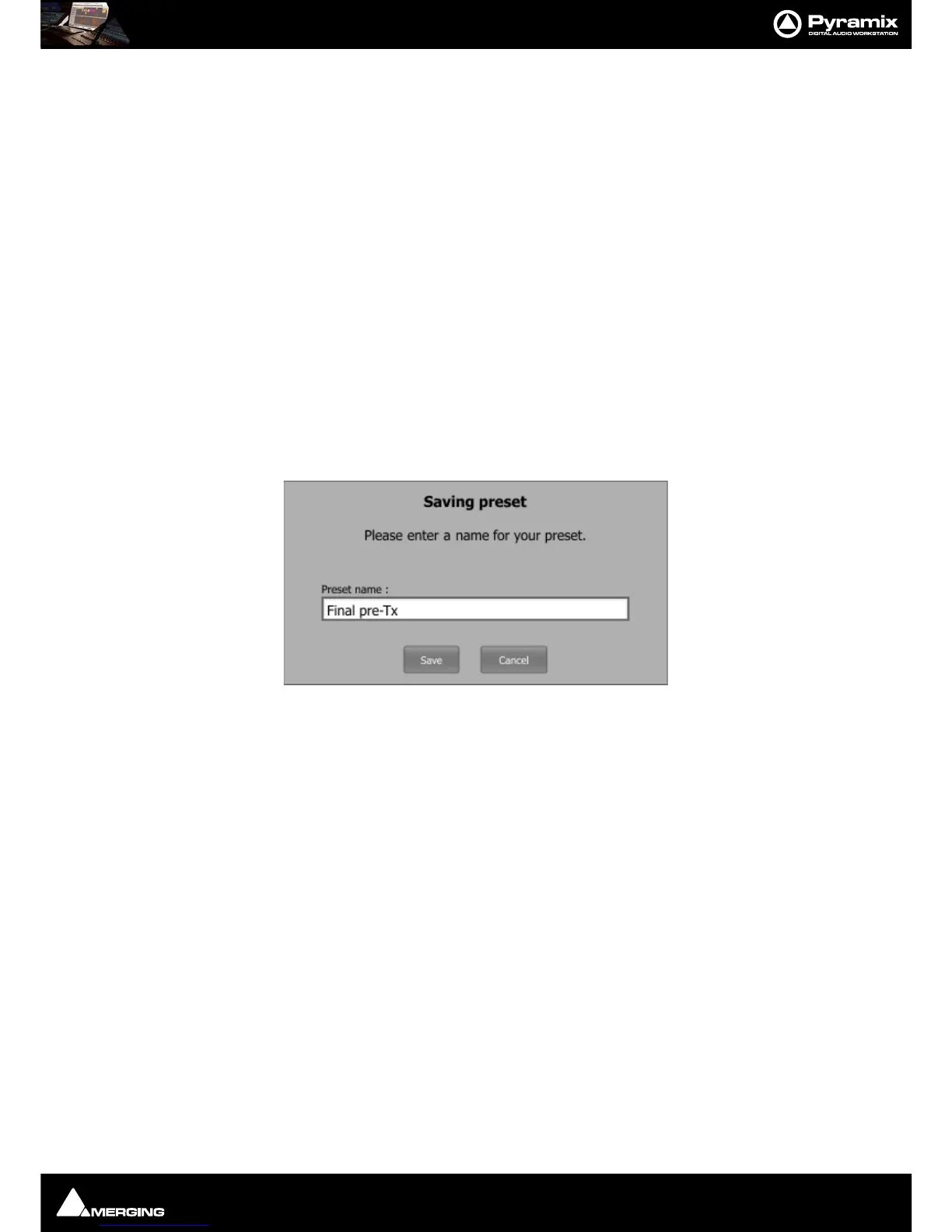
To create a new preset click on
New Preset... adjust parameters until you are happy with the results then click on
Save to open the Saving Preset dialog :
Common Controls
The Enable buttons in each section allow you to show or hide a given meter. Meter settings are accessible only
when the meter is enabled.
Note that Spatialization refers to the Oscilloscope and Surround Monitor.
For Bargraph-meters (
PPM, TruePeak, VU and Loudness), the Show history graph button enables the display of
a history graph beside the bargraph. It also enables the time range that the history graph should cover to be set
using the
Displayed time slider." Also, when a meter is showing more than one channel, the history graph will log
only the maximum of all channels. Therefore, be careful with loudness.
For Bargraph-meters (
PPM, TruePeak, VU and Loudness) Peak hold time sets the time during which overload
LEDs and peaks (small horizontal lines above the filled column) remain displayed.
Left boundary (0.0s) will reset the peaks and OL LEDs immediately.
Right boundary (on click) will never reset the peaks and OL leds automatically. You can reset them by clicking on
the meters. Tip : hitting
P on the keyboard will reset all peaks and OL LEDs in Final Check.)
Bargraph-meters (
PPM, VU, TruePeak and Loudness) have a preset drop-down menu that allows you to select
from a variety of presets, or the option
Customize… Most settings cannot be changed unless Customize… is
selected.)
If you use
Shift when operating the LIar Start, Pause, Reset and Restart buttons ALL the history graphs will fol-
low suit.



 To Next Page