Effects and Plug-Ins : Phase-Oscillo
14 - 331
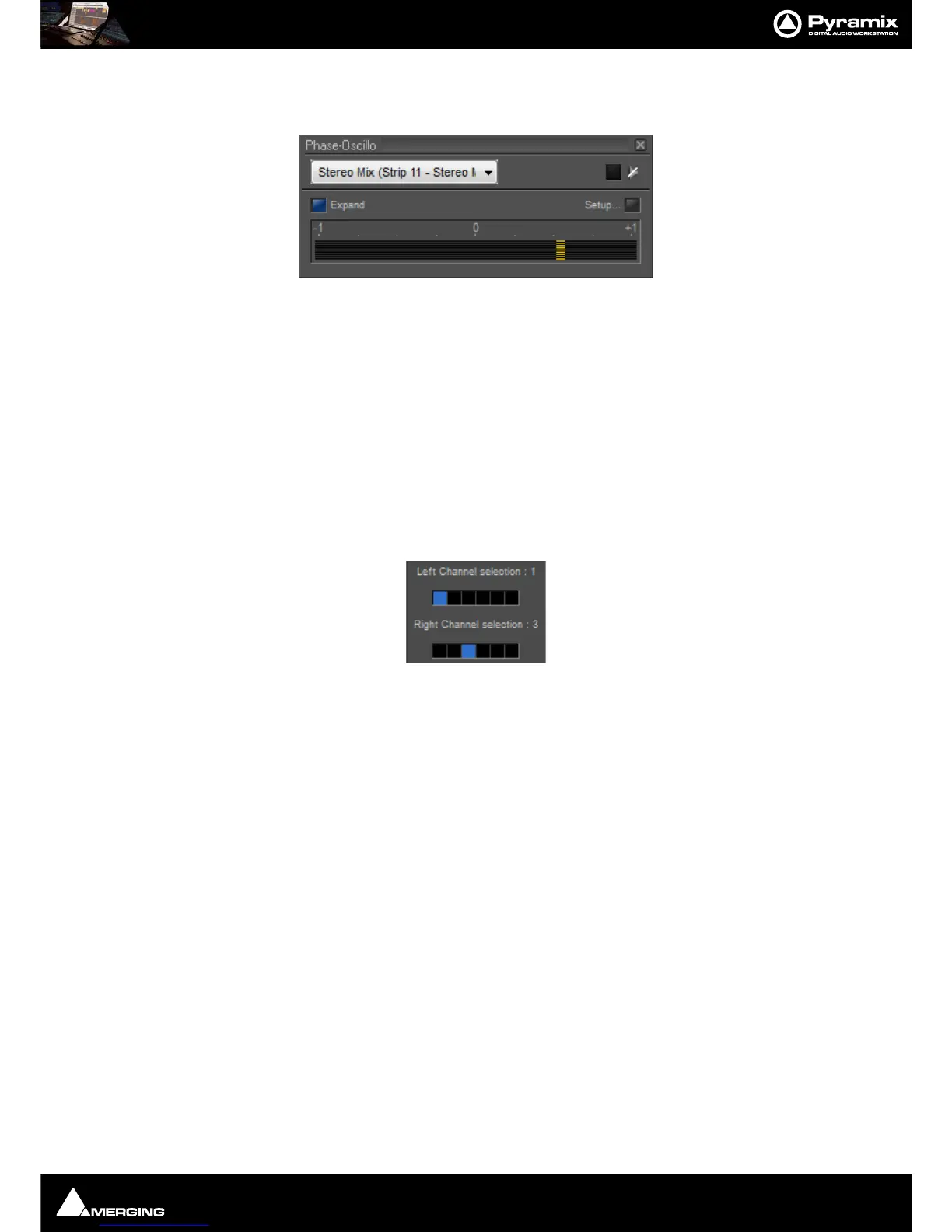
Expand
Toggles the oscilloscope display on and off. When off, only the phase meter is displayed.
Interpolation
When this switch is on, the samples of the signals displayed on the oscilloscope are interconnected, resulting in
increased readability in many circumstances.
Setup...
This button opens the set-up pane with further options
Working Priority
Choose one of these switches to select the amount of CPU time of the host PC which will be consumed by the
plug-in. This influences the redraw speed and accuracy of the oscilloscope. The higher the priority, the more CPU
time is assigned to the plug-in
Left and Right Channel selection
If the plug-in is inserted on a bus with more than two channels (e.g. a surround bus or a multiple stereo bus), these
two selectors allow you to select the appropriate channels for the left and right input of the plug-in. On a surround
bus, you might for example select the left front and right front channels to be displayed.



 To Next Page