Effects and Plug-Ins : Modulometer
14 - 335
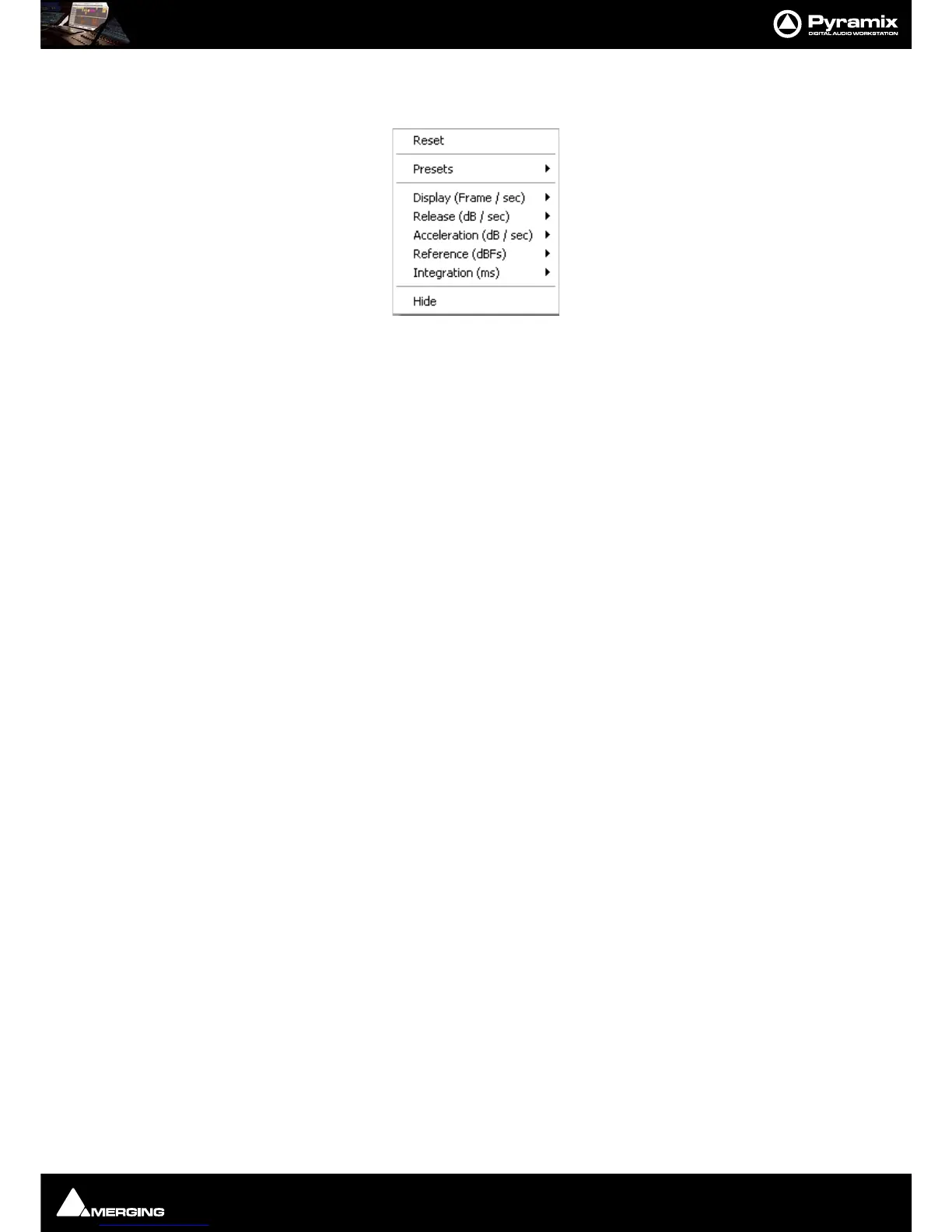
Right-clicking anywhere on the window pops up a context menu. This has several options which control the
behavior of the
Modulometer.
Reset
Restores the default settings
Presets
Offers the standard Preset options
Display (Frame / Sec)
Sets the display refresh rate
Release (dB / Sec)
Sets the Release time
Acceleration (dB / Sec)
Sets Acceleration rate
Reference (dBFS)
Sets the Reference level in DeciBels Full Scale
Integration (ms)
Sets the Integration time in milliseconds
Hide
Hides the Modulometer



 To Next Page