Effects and Plug-Ins : VST Support
14 - 358
Processing Delay Display
At any time, you can view a VST plug-in’s processing delay in the VST plug-in name tooltip on the mixer (if non-
zero, the processing delay will be appended in smp (samples) after the plug-in name):
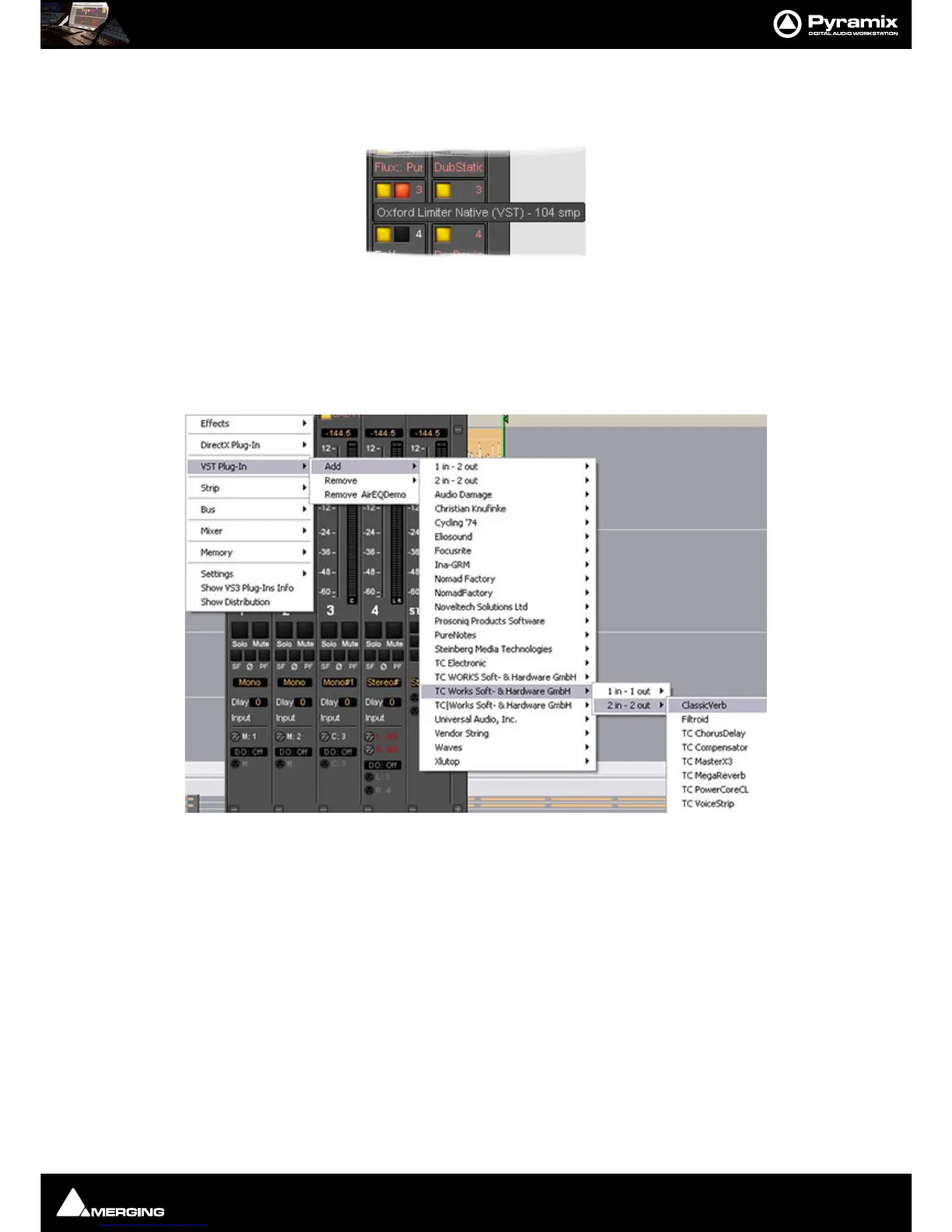
VST Plug-ins Display Order
The list of VST Plug-ins that appears when adding a new instance of a plug-in can be ordered in two ways.
If
Company Name and I/O Configuration is chosen the list will be ordered by Company Name and the plug-in’s
grouped according to their I/O configuration. I.e.
1 in - 1 out, 1 in - 2 out, 2 in - 2 out and so on as shown here:



 To Next Page