Strip and Bus Tools : Strip and Bus Tools
16 - 394
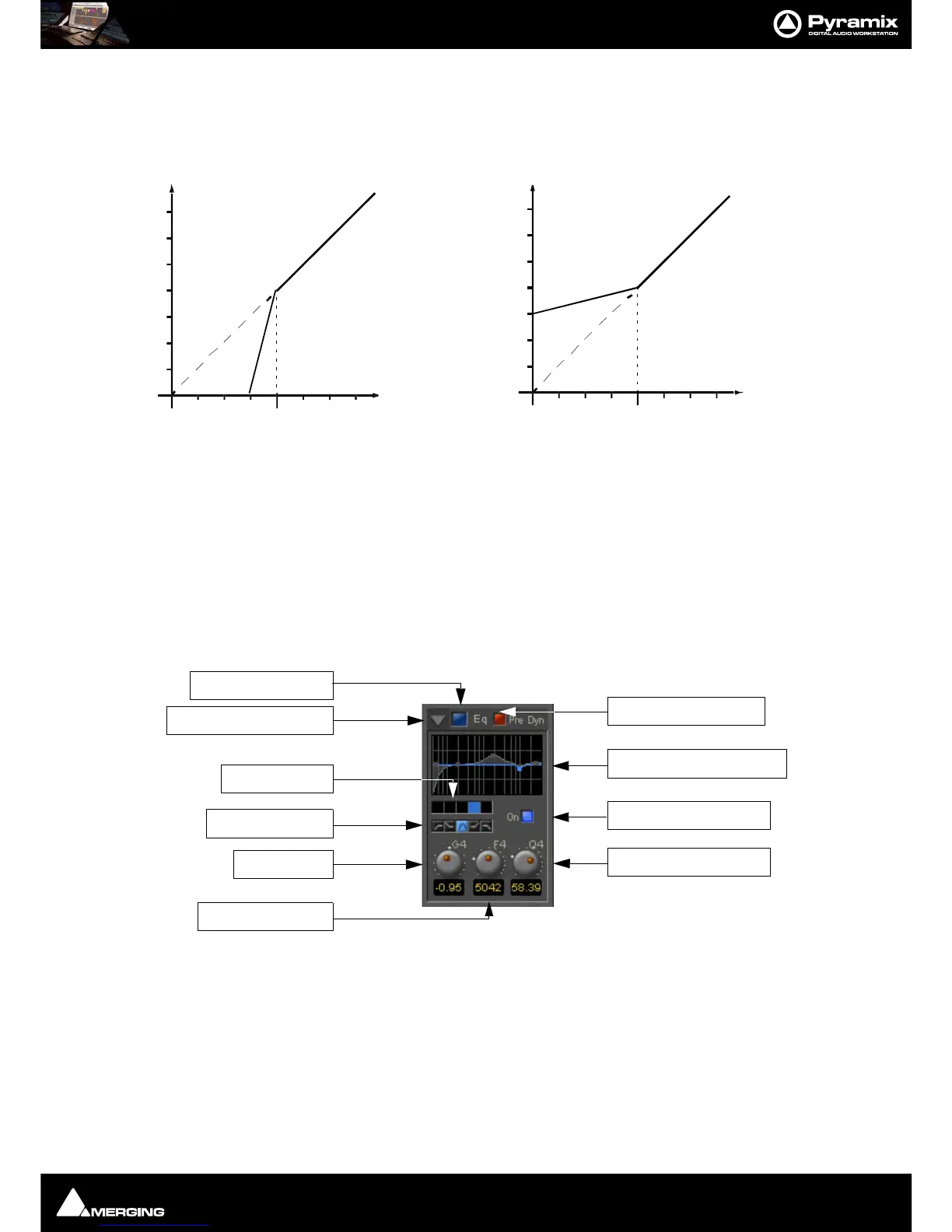
Inverse switch
Switches the between normal and inverse expander modes.
Attack/Release/Hold controls
The Expander Section uses the settings of the Attack/Release/Hold controls in the Dynamics Section to control
it’s timing.
Equalizer section
A fully parametric five band equalizer. Each band covers the entire frequency range from 20 Hz to 20 kHz (or
higher, depending on the sampling rate of the project) and can be switched between peaking, high or low shelv-
ing and low-pass or high-pass characteristics. Each of the five bands can be switched off. De-activated bands do
not consume DSP power.
Show/ Hide EQ Section
EQ section on/off
Pre Dynamics Switch
This switch offers the option to the switch the EQ before the dynamics section. By default the EQ is after the
dynamics section.



 To Next Page