Projects : Overview
3 - 41
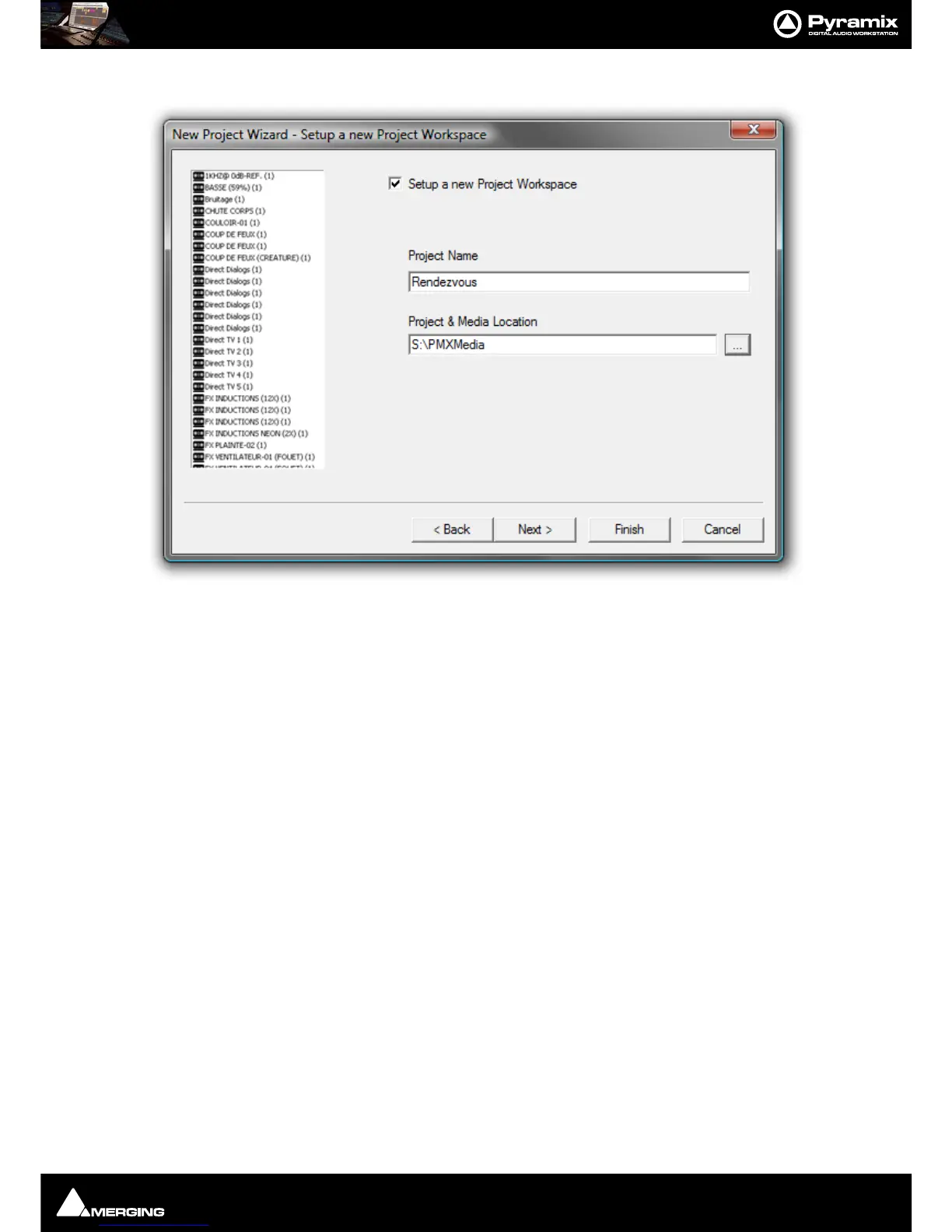
7. Click Next. The New Project WIzard - Setup a New Project Workspace dialog will open.
8. Click in the Setup a new Project Workspace box to tick it.
9. Type a name for the Project and either type a suitable path to the Project and Media Location or use the ...
button to open a Browse for Folder window. This works like a Windows Explorer window and enables you to
navigate to a suitable folder.



 To Next Page