Conforming and Reconforming : Reconform
21 - 479
Step 2
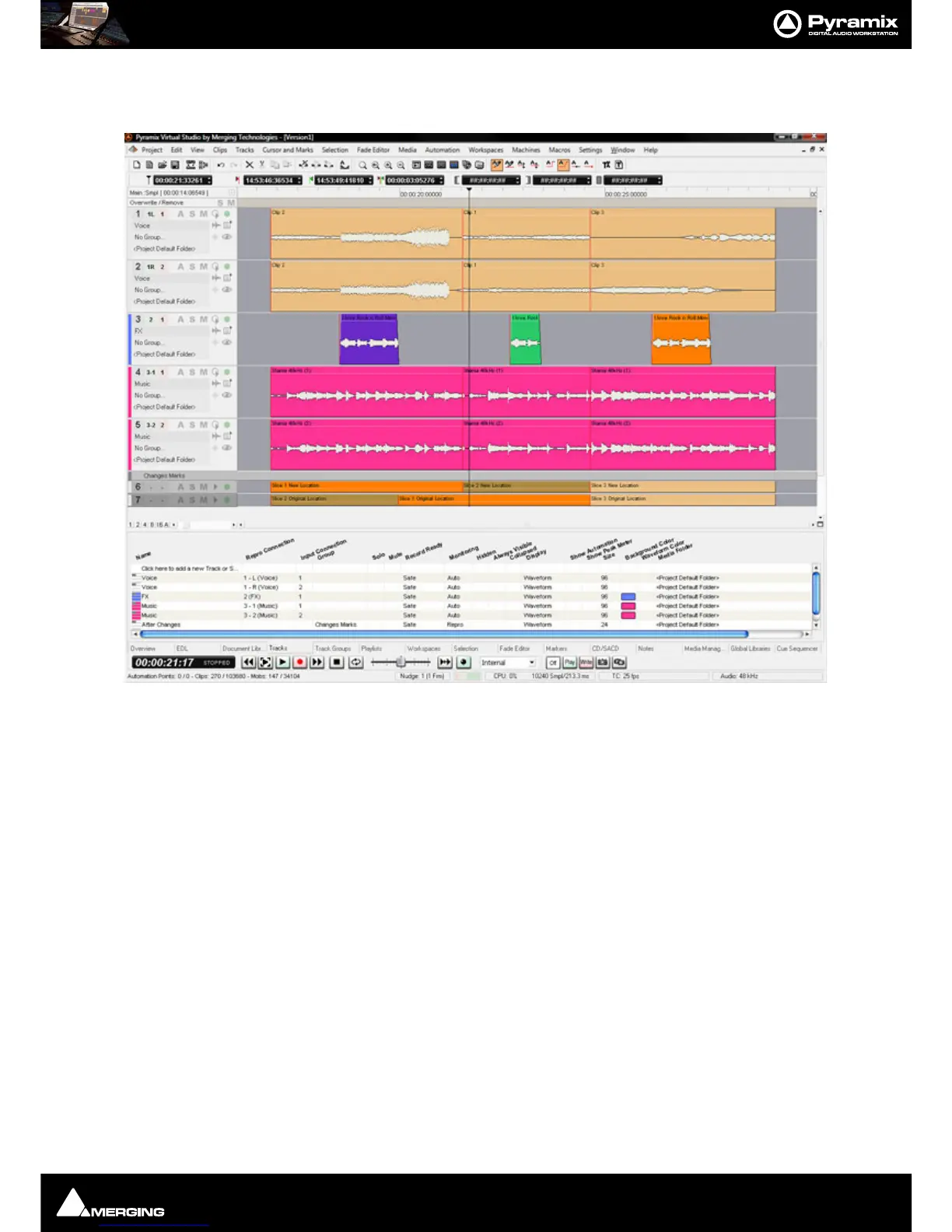
Pyramix automatically conforms Version1 to Version2 on all Tracks:
As can be seen in the above screenshot two new ‘fake’ Tracks have been created and added at the bottom of the
Timeline to display the
Change Tracking. These show in colour which sections of the Version1 Timeline have
been moved, sliced, diced and or squeezed etc. to become
Version2
Step 3
Selecting Edit > Undo (Ctrl+Z) once will remove the Change Tracking Tracks.
Note: Once the Change Tracking Tracks have been removed they are NOT retrievable.



 To Next Page