Conforming and Reconforming : Reconform
21 - 481
Step 2
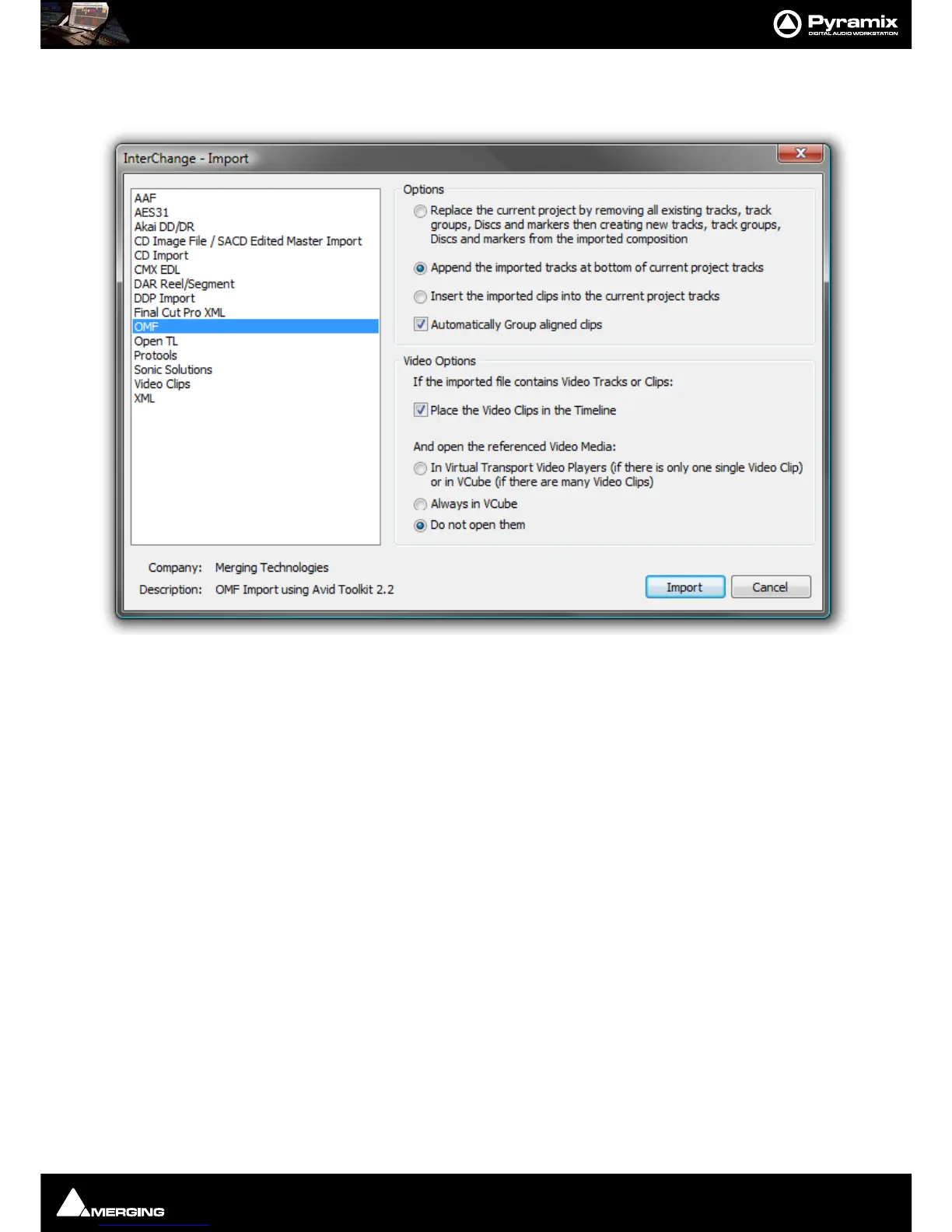
Select Project > Import and choose the appropriate format. (in this case OMF)
Select the following options:
• Append the imported Tracks at bottom of current project Tracks
• Place the Video Clips in the Timeline
• Do not open them
Click on the
Import button to open the Open File Browser Window:



 To Next Page