Conforming and Reconforming : Reconform
21 - 493
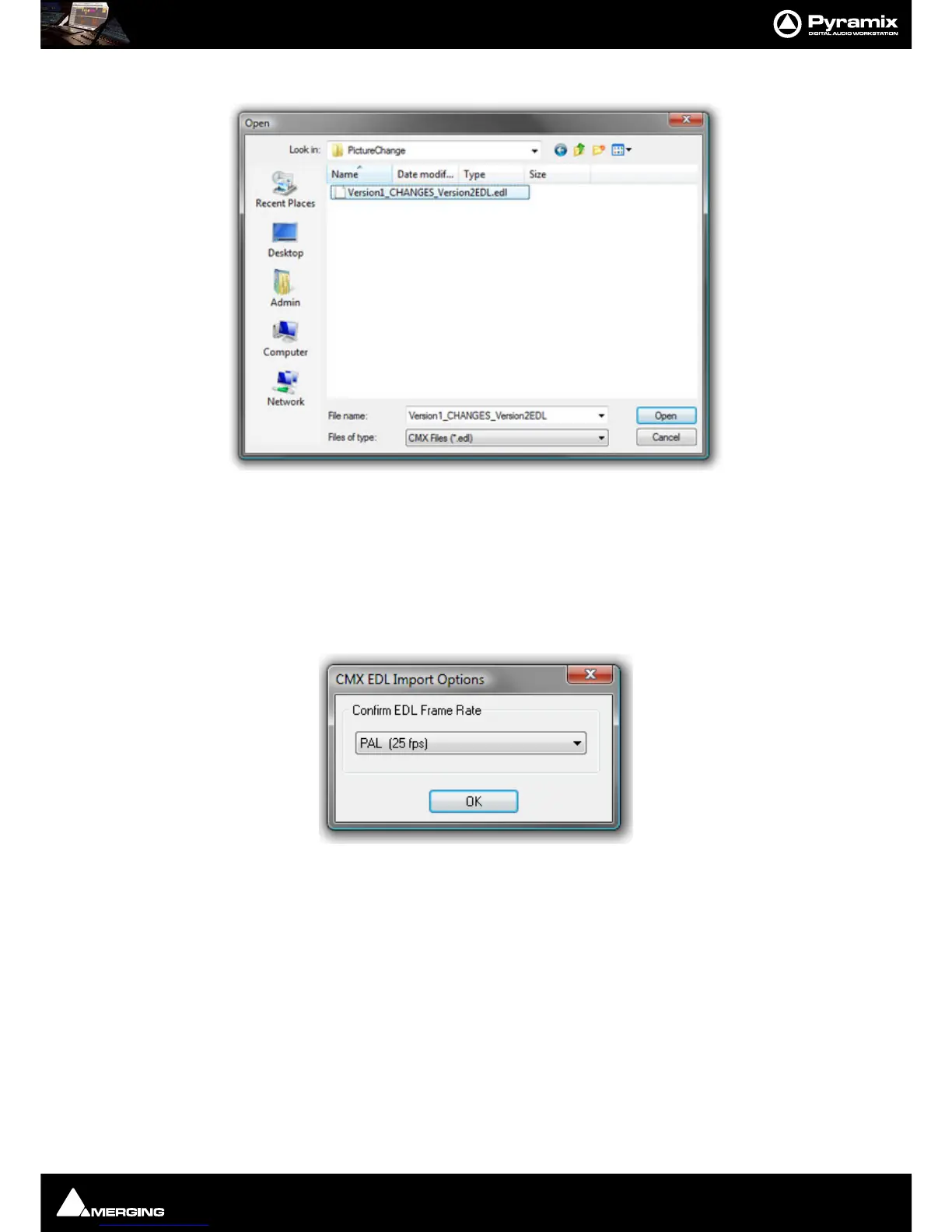
A file Open Browser Window opens:
Now, if necessary, navigate to the folder containing the
Change EDL.
Note: This automatically generated file will be named in the form:
Original Composition name_CHANGES_New Composition name.EDL.
In this case the required file is
Version1_CHANGES_Version2.EDL. Select this and Click on Open.
The
CMX EDL Import Options, Confirm EDL Frame Rate dialog opens:
Check that the EDL Frame Rate matches the Pyramix Project Frame Rate. If the Frame Rate is incorrect, choose the
correct one from the drop-down list. Click on
OK to confirm



 To Next Page