Conforming and Reconforming : Reconform
21 - 496
Step 6
Selecting Edit > Undo (Ctrl+Z) once will remove the Change Tracking Tracks.
Note: Once the Change Tracking Tracks have been removed they are NOT retrievable.
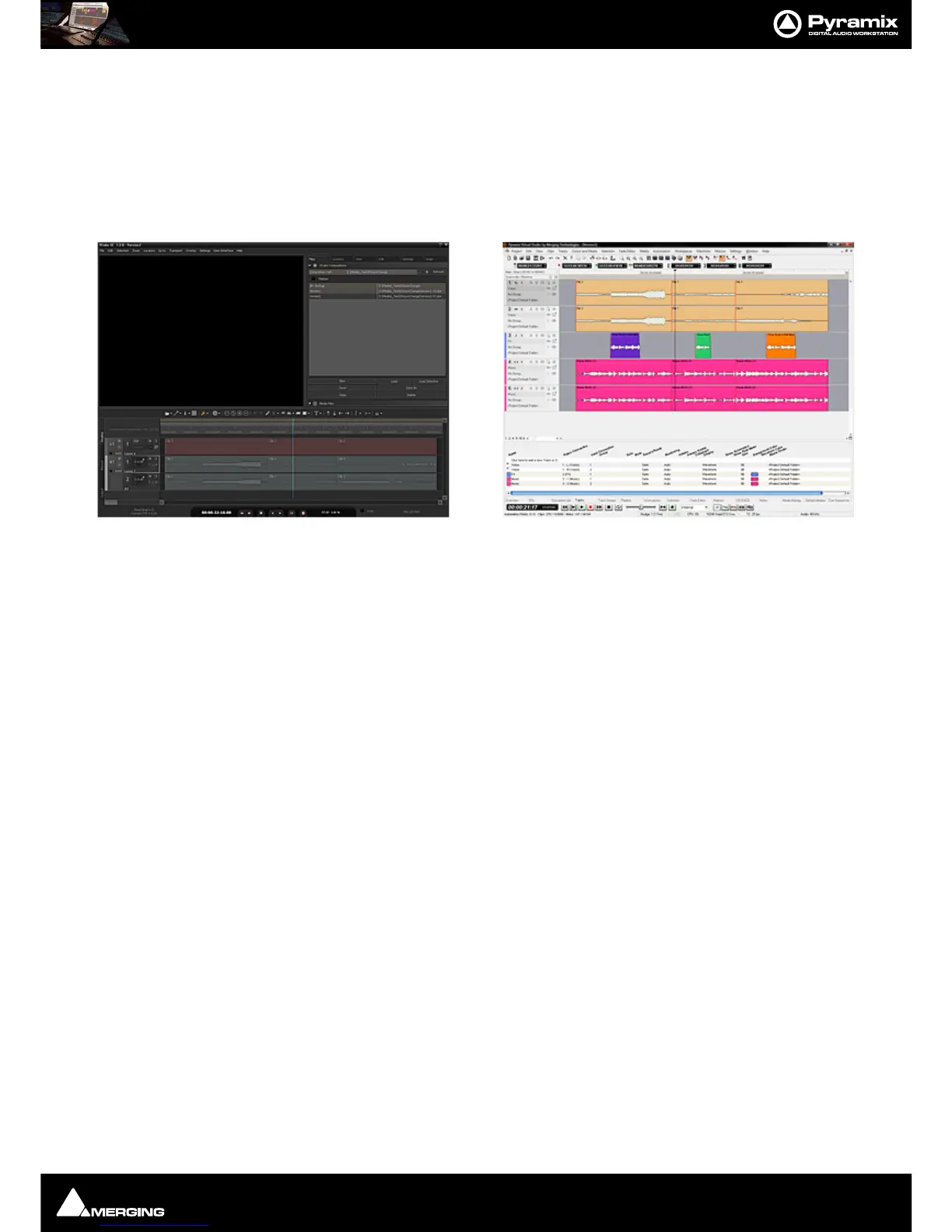
Now you will have both Pyramix and VCube Version2 displayed in the respective applications:
VCube displays the ‘real’
Version2 from the editing department and Pyramix displays Version2 Reconformed
automatically from
Version1.
Note: The above example used two VCube Projects for the Video. The procedure is identical
when importing two AAF, OMF or Final Cut Pro Video Editing Projects.



 To Next Page