CD/SACD Mastering and Album Production : DiscWrite
25 - 555
When the chosen Source is Pyramix CD Image, the left-hand button below the Source drop-down list will be
Open Image... Clicking on Open Image... leads to a file browser window where you can navigate to the desired
image file. The right-hand button will be
Edit...
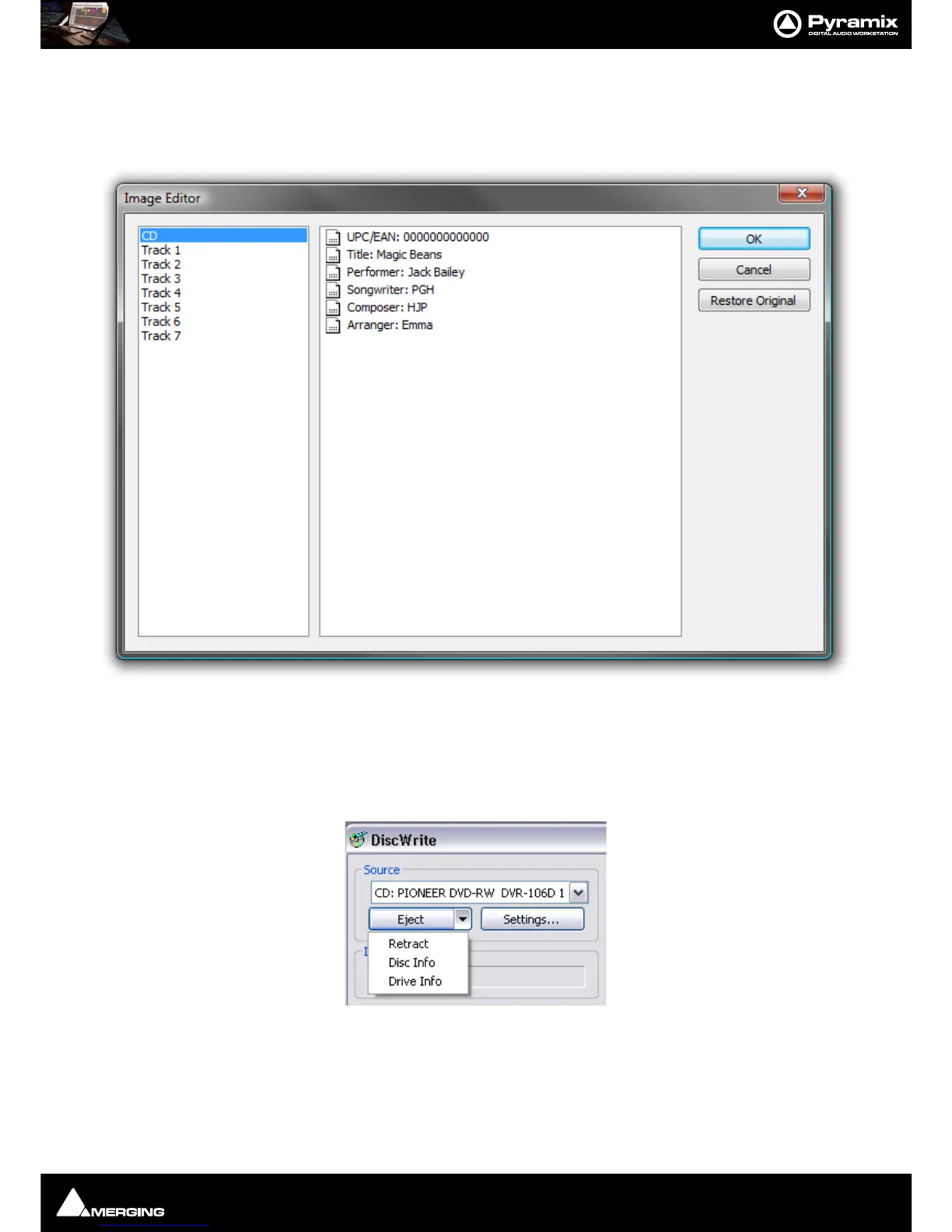
Clicking on the Edit... button opens the Image Editor dialog:
CD-Text can be edited freely.
Restore Original
Undoes any changes made since the dialog was opened.
Source - CD Drive
When the chosen Source is CD: ...., the left-hand button below the Source drop-down list will be Eject and the
right-hand one
Settings...
Eject
opens the loading tray of the selected optical disk drive (or ejects the disk if the drive is a slot-loader). Clicking on
the down arrow next to the Eject button drops down a list of other optical disk drive commands.



 To Next Page