CD/SACD Mastering and Album Production : Importing a U-Matic Tape
25 - 564
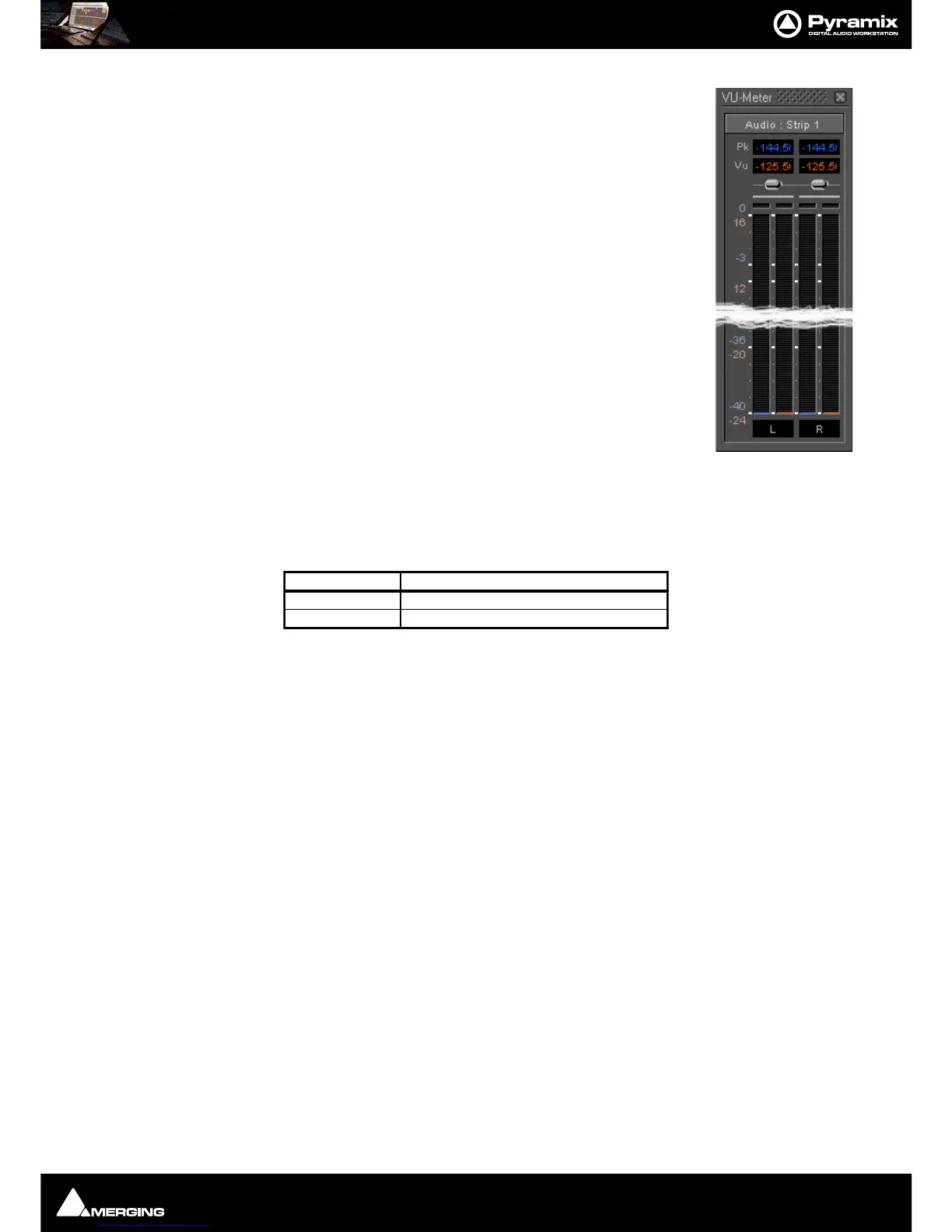
To check for an input signal, click on the down arrow adjacent to Read TOC and select
Show / Hide VU Meter to display a meter window.
12. If the TOC is as you expect, click on Save to read the TOC again and save the tape’s
contents in a
.pmi CD Image file.
Note: if you already know the contents of your tape you can click on Save
without reading the TOC first.
Once recorded, this .pmi CD image can be used in exactly the same way as any other standard CD image.
Probox 3 Format Converter Settings
For any users who already have an Audio Design Probox 3, SDIF to AES-EBU converter, here are the settings:



 To Next Page